A poster worthy of your outing.
Your best ride, run or hike deserves better than a screenshot. Adret makes it a poster: your track, your stats, your name on it, ready to post the same evening. No watermark, no account.


On a computer? Scan to open Adret on your phone.
Free to try. No account, no watermark.
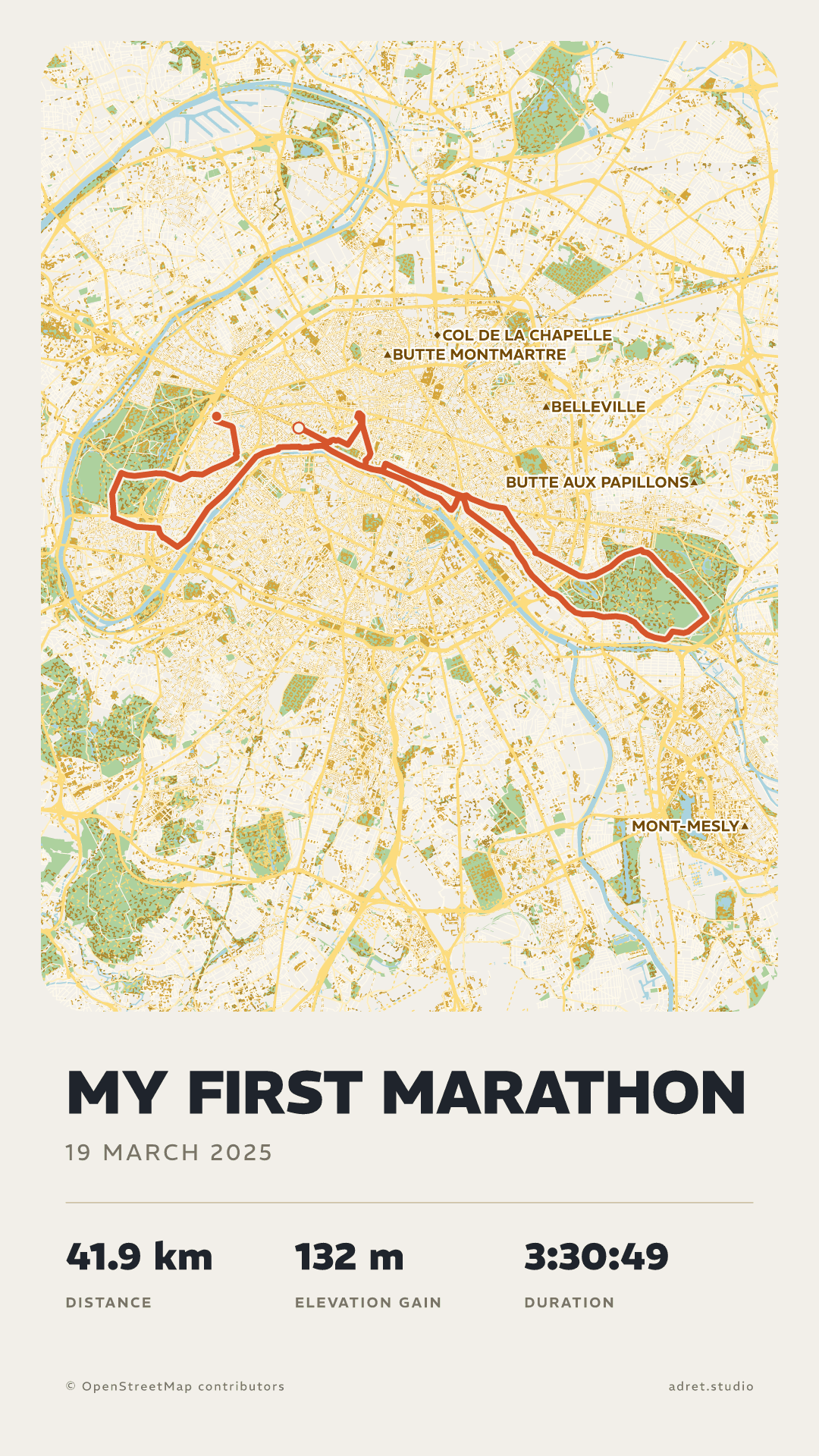
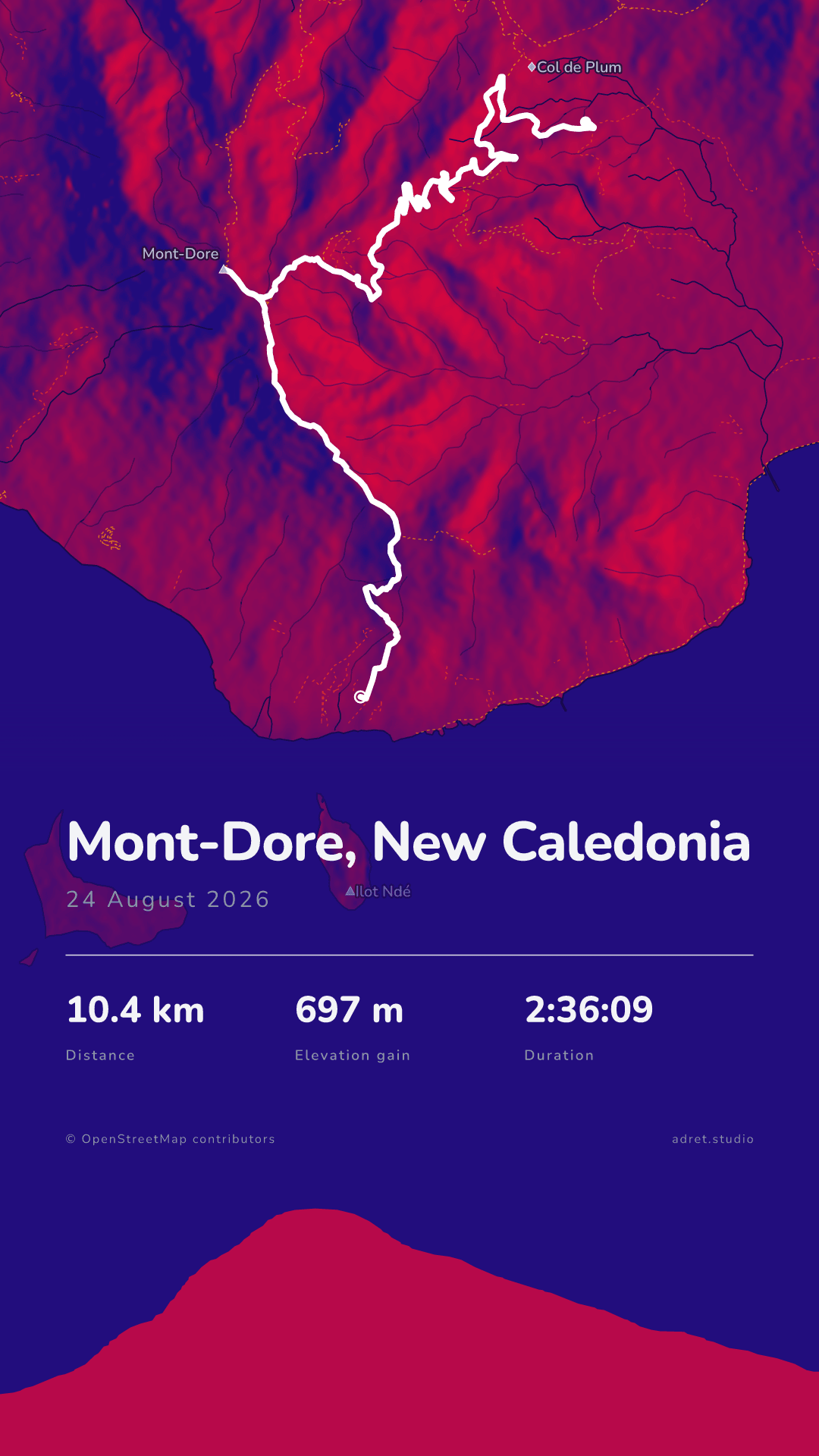
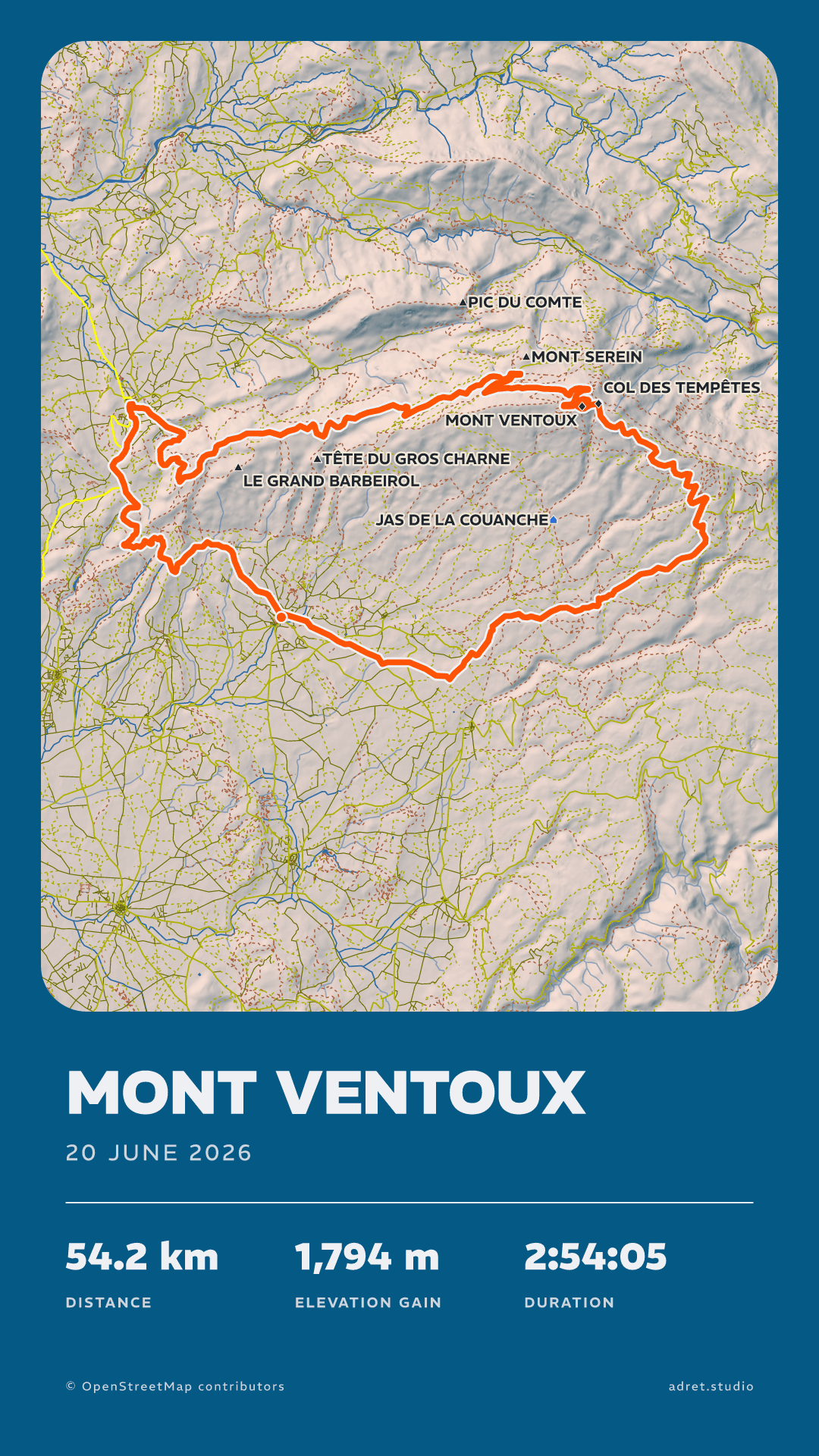
From any app
Garmin, Wahoo, Suunto, Coros, Polar, Strava, Komoot.
No account
A file, not a login. Nothing you have to connect, nothing to revoke.
No watermark
Nothing is laid over the map. The adret.studio line comes off with one switch, free.
Sized for social
A story, or a post in portrait or landscape, ready in seconds.
Yours won’t look like anyone else’s.
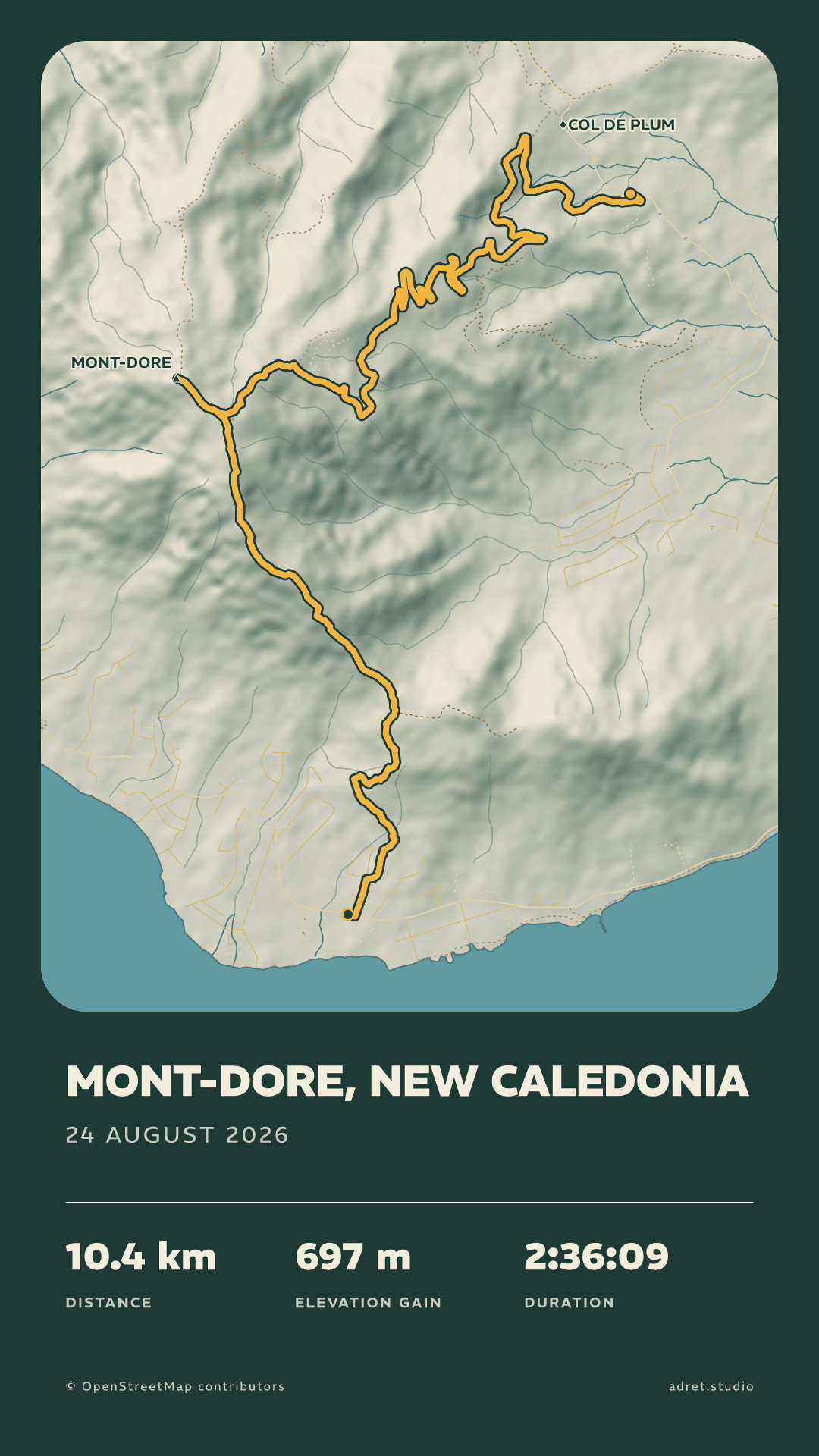
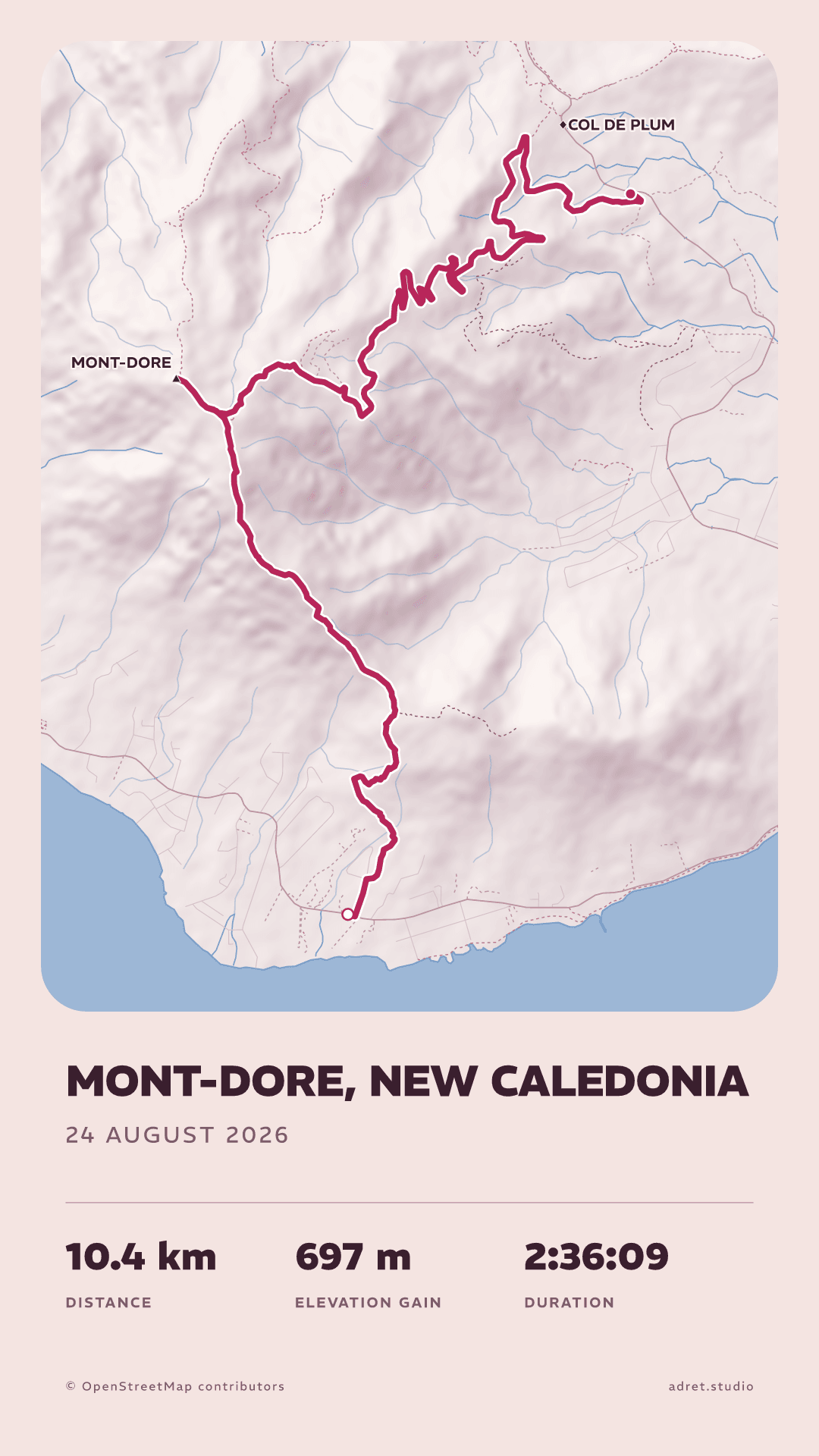
The screenshot from your sports app looks like everyone else’s. An Adret poster is drawn for your route: the mountains take on volume, the streets find their place, and the title is set for your track.
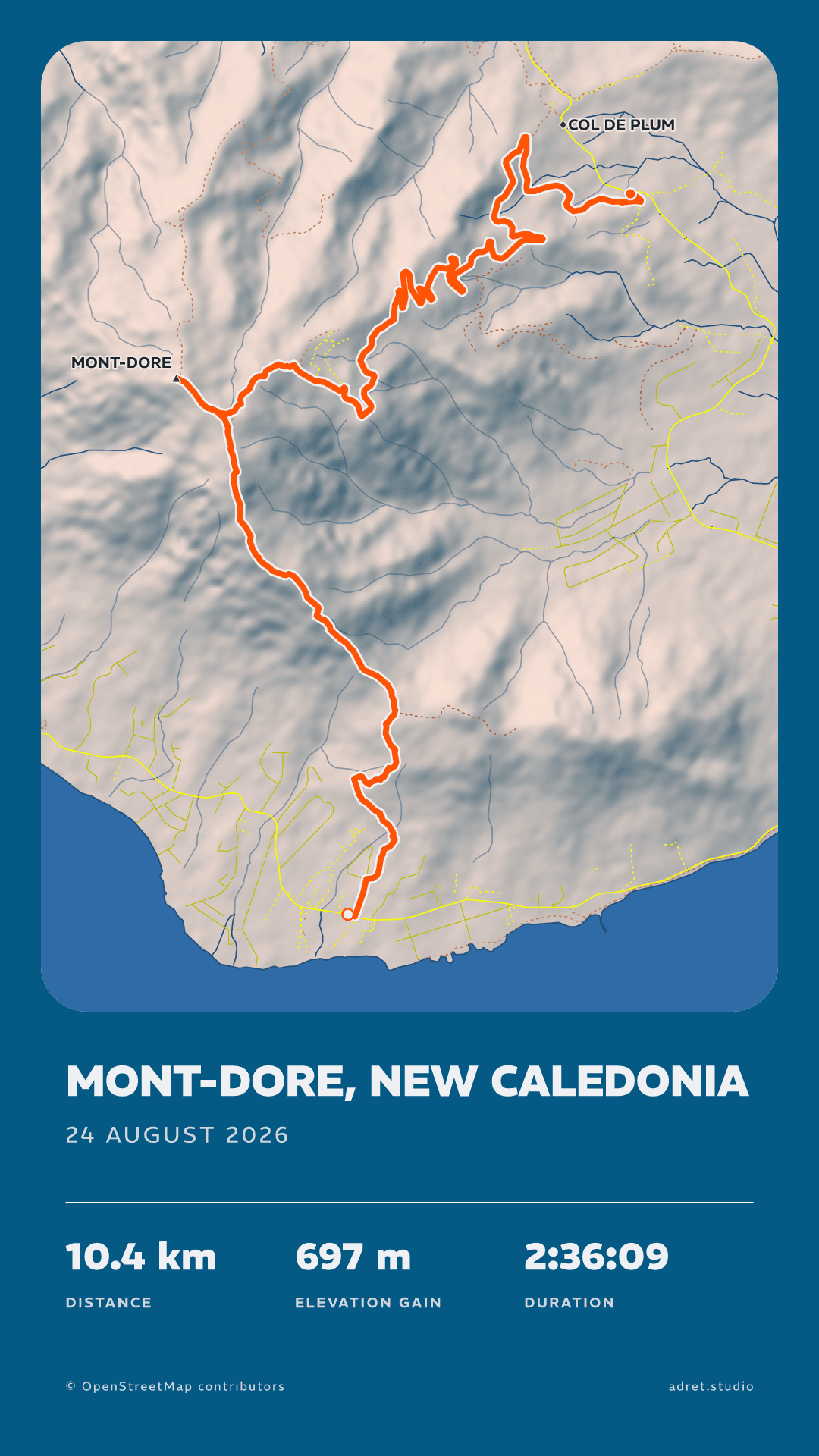
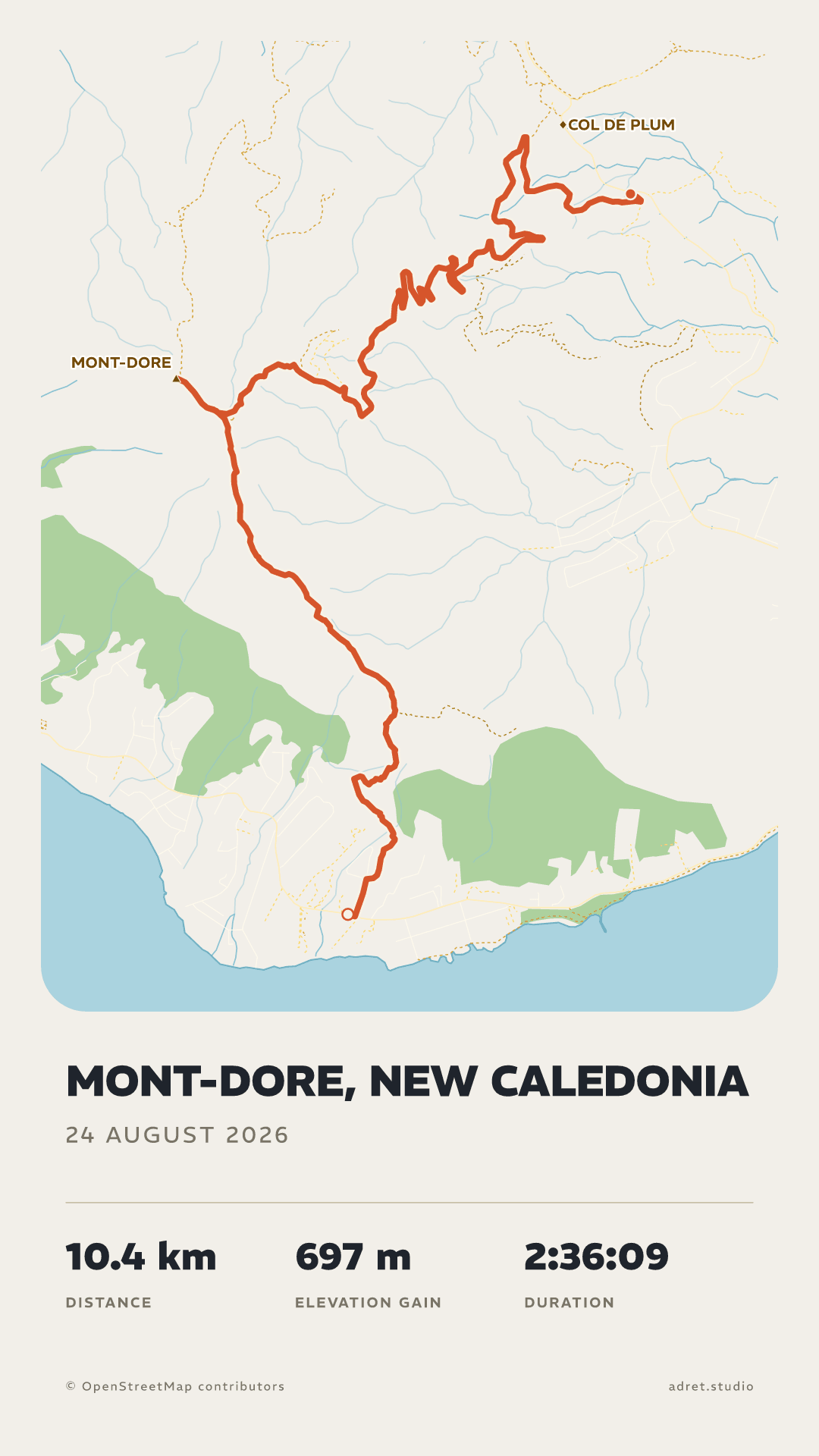
One walk, drawn in three styles. Adret and Classic are free. Neon comes with Adret Pro.
Three taps.
From the activity you already recorded to an image you would actually put on a wall.
- 01
Record it
Any watch, any head unit, any app. If it exports the activity, it works.
- 02
Upload the track
A file, not an account. No platform to connect, nothing that breaks the day one of them changes its mind.
- 03
Take the poster
Share it the same evening as a story or a post, with no watermark. Or, with Adret Pro, take the 300 dpi file to a printer.
Your track, your stats, your name on it.
Fully customisable. The style is yours: everything can be changed, and every change is kept as you make it.
Every colour, from the track down to the background, each with its own opacity.
For the next outing, Adret Pro moves the sun, opens every typeface, draws the route’s elevation and saves the style you built. And for the wall, the print file.
Fair questions.
- The four tabs along the bottom are what a poster is made of: Styles, Page, Map and Terrain. Above them, each tab has its own row of entries: tapping one opens its controls over the poster, and tapping it again puts them away.
- The poster itself is a way in: tap the title, the date or the stats and the panel that sets them opens.
- Nothing has to be saved. Every change is written as you make it, and Undo takes the last one back.
Your next outing, on a wall.
Adret is on iPhone and Android. Bring a track, leave with a poster: free to try, no account, no watermark.
On a computer? Scan to open Adret on your phone.