How to export a GPX from your app
Every watch, head unit and app records your outing, and each one hands over the file in its own place. Here they are one by one, then how to get the file onto your phone and into Adret.
What are GPX, FIT and TCX files?
Three ways of writing down the same thing: a list of points, each with a position, an altitude and a time. GPX is the plain-text one every GPS device and app can write; FIT is the compact one most head units record in before anything converts it; TCX is Garmin’s older format, which some apps still export. Adret reads all three, and one outing is usually 50 KB to a few hundred.
How do I export a GPX from Strava?
From the website, not the phone app: the app has no export.
- Open the activity on strava.com.
- From the three-dot menu beside it, choose “Export GPX”.
- If the activity was uploaded from a file rather than recorded in Strava, you will see “Export Original” instead: the file your device wrote, a .gpx or a .fit, and both work here.
How do I export a GPX from a Garmin?
From Garmin Connect in a browser: the phone app cannot export at all.
- Open the activity on connect.garmin.com.
- From the menu at the top right of it, the cog or the three dots depending on the version, choose “Export to GPX”.
How do I export a GPX from komoot?
From komoot.com or from the app.
- Open the Tour.
- Use its download option, the arrow or the “…” menu.
- Choose GPX.
How do I export a GPX from Visorando?
Two different files live on Visorando and only one of them is your outing.
- A published walk has a download on its page, “Télécharger la trace GPS”, which hands you the route as its author drew it, and it wants you signed in; a free account is enough.
- What you recorded yourself is elsewhere: open the outing in your own walks in the app, use its share or export control, and choose GPX.
How do I export a GPX from a Suunto?
From the phone app.
- Open the workout.
- Tap the “…” or share control.
- Choose Export, then GPX.
How do I export a GPX from a COROS?
From a browser rather than the phone app.
- Sign in at t.coros.com.
- Open the activity.
- From the three-dot menu at the top right, choose to export it as GPX.
How do I export a GPX from a Polar?
From Polar Flow in a browser.
- Open flow.polar.com.
- Go to the Diary and open the session.
- Use the Export menu at the top right and choose GPX.
How do I get a file off a Wahoo ELEMNT?
An ELEMNT records .fit, which Adret reads, so there is nothing to convert.
- Plug the head unit into a computer.
- The rides are in its storage as .fit files, newest last.
How do I export a GPX from WorkOutDoors?
WorkOutDoors writes GPX itself, which makes it one of the easiest.
- Open the workout in the iPhone app.
- Use its export control, then choose GPX.
How do I export a GPX from Apple Health?
On an iPhone you do not have to: the Adret app reads Health directly.
- Tap +, then choose Apple Health.
- Allow it when iOS asks.
- Pick the workout: there is no file and no export in the middle of it.
My app is not on this list.
Almost anything that records a route can write a GPX, a FIT or a TCX, and it is usually called Export, Share or Download on the activity itself. Any of the three works here. If you cannot find it, write to us and we will work it out, and add it here.
The file is on my computer. How do I get it onto my phone?
Any way you would send yourself a photo:
- AirDrop, from a Mac to an iPhone.
- An email to yourself, with the file attached.
- A cloud drive: iCloud Drive, Google Drive, Dropbox.
Then, the poster.
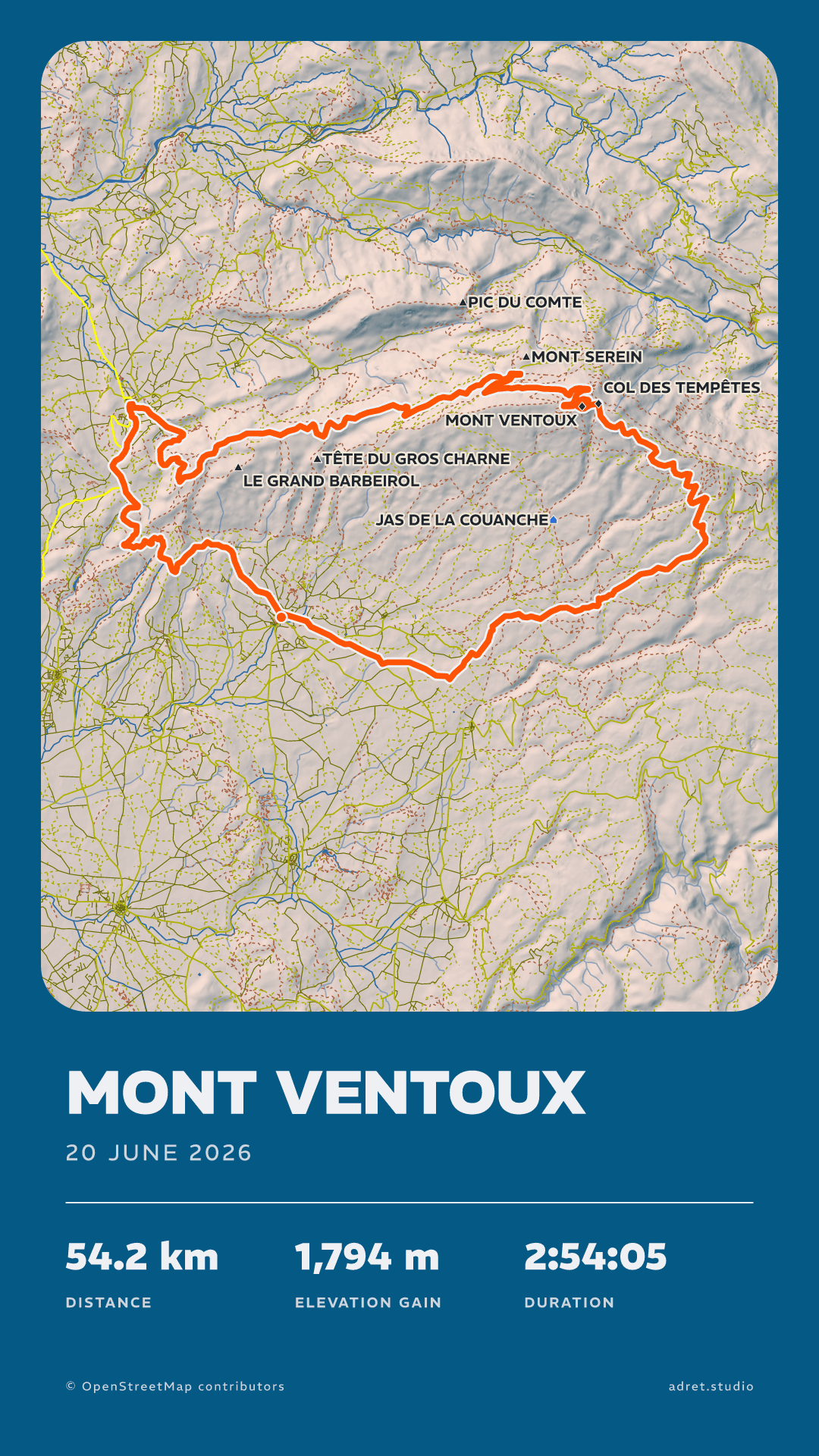
Open the file in Adret and your outing becomes a poster: your track, your stats, your name on it. Free to try, no account, no watermark.


On a computer? Scan to open Adret on your phone.