Post a poster for free. Keep its style for the next one.
Posting one costs nothing and carries no watermark. Adret Pro is for the outing after it: move the sun, choose the type and the layout, and keep your style from one poster to the next.
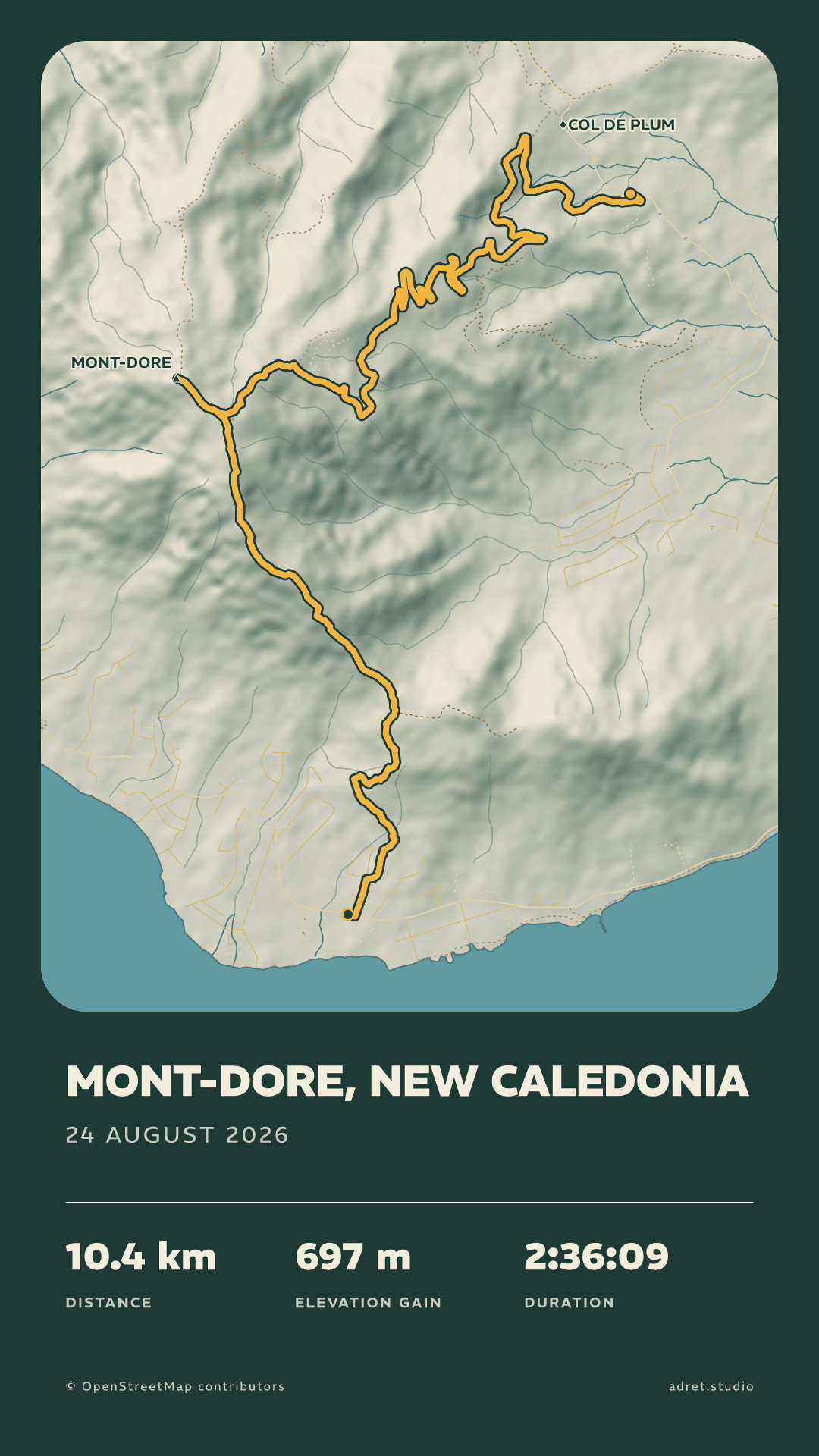
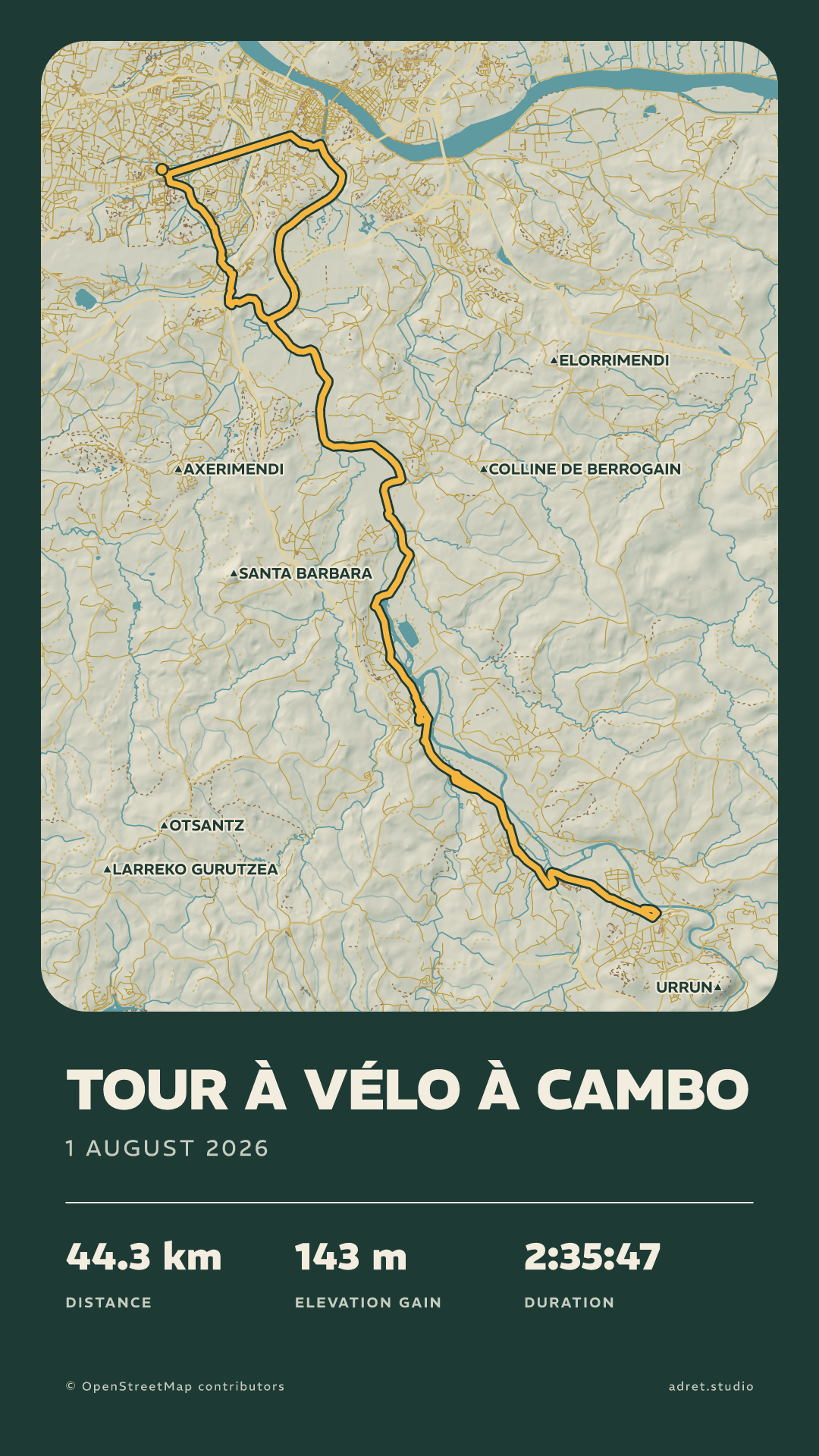
Free
Everything you need to post one.
€0
No account, no payment.
On every poster:
- A story, or a post in portrait or landscape
- No watermark
- Mountain, town or both, and the shaded relief
- Every colour, from the track down to the background
- The title and the outing’s stats
- Transparent background, for a Story
- A photo of the day under the poster
Adret Pro
Everything you need to make a series.
€29.99/ year
That is €2.50 a month, billed once a year. The first 7 days are free.
€4.99/ month
Billed every month. Cancel whenever you like.
Everything in Free, plus:
- Save a look and put it on any poster
- The Neon style: a red and violet relief on a dark sheet
- Every typeface, in every weight
- Print files at 300 dpi: A3, or 30×40 cm
- A 9-second film of your route drawing itself, for a story or a post
- Every layout, the map over the whole sheet included
- Move the sun: eight bearings, three heights
- The route’s elevation, drawn under the map
- Long and multi-day routes
- Many more posters a day
If you stop, nothing you made is taken away: every poster keeps its look, and your saved styles stay where they are.
Before you subscribe.
- Cancel at least 24 hours before the period ends, and it does not renew.
- Adret Pro stays on until the end of the period already paid for.
- Deleting your Adret account does not cancel it, so cancel first.
- If you signed in on the old phone: install Adret on the new one, tap the person icon above your library, then “Sign in to Adret”, and use the same Apple, Google or email sign-in as before.
- If you never signed in: install Adret on the new phone, with the same Apple ID or Google account, tap the person icon above your library, then “Restore purchases”. Adret Pro moves across, and the old phone goes back to free.
Bought in the app
Adret Pro is bought inside the app, through the App Store or Google Play, at the price your own storefront shows; the figures above are the French ones. It renews by itself, monthly or yearly, until you cancel it in your phone’s subscription settings, and the yearly plan starts with 7 days free. No account is needed to subscribe: “Restore purchases” brings Adret Pro back after a reinstall, and signing in, whenever you like, is what carries it to another phone. The terms of use say the rest.


On a computer? Scan to open Adret on your phone.