Adret in your browser: draw the poster where the file already is
By Nicolas ·
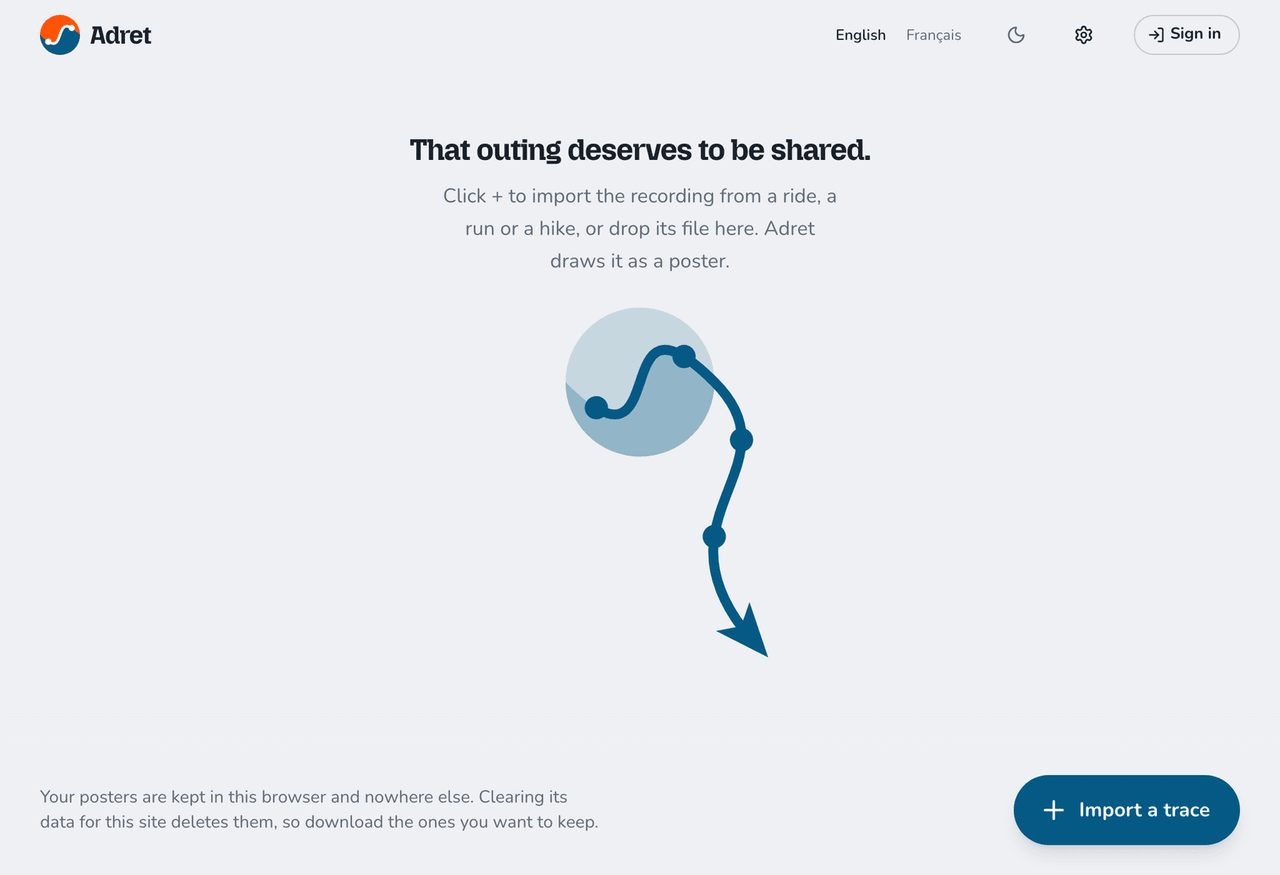
The file is on your computer? So is the poster.
From today, Adret also works in a browser, at app.adret.studio. Nothing to install, no account to make: open the page, drop your file on it, and the poster draws itself.
The long way round
I made Adret for the phone, because that is where a poster gets shared. The trouble is that the file from an outing usually comes off a website: Strava, Garmin Connect, Komoot. The GPX guide sends you there itself. So the odds are you reach Adret sitting at a computer, with the file in Downloads.
That is where it got awkward. The file on the computer, the app on the phone: you email the file to yourself, open the email on your phone, tap the attachment, choose Adret. Four steps for a file that was already there (and one more email to yourself, which your inbox appreciates).
Now the file stays put. Drop it on the page, or click + to choose it.
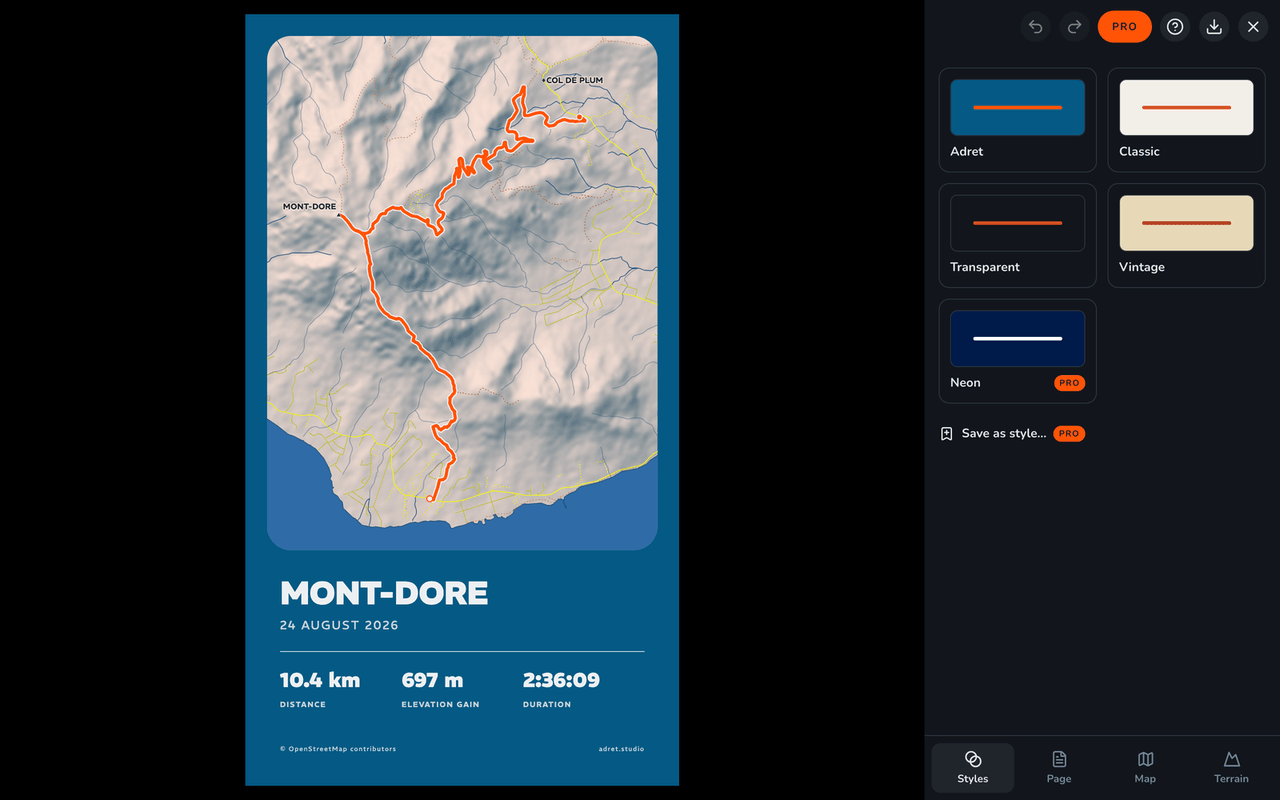
The same Adret
This is not a lite version. It is the same editor, with the same tabs (Styles, Page, Map and Terrain), the same styles and the same controls, from the colour of the route to the stats. Above all it is the same drawing engine as the app: the poster is drawn in your browser, on your computer, and it is the same poster your phone would make.
Your track stays on your computer, except in the cases the privacy page spells out: a route covering more ground than a browser fetches, ground we hold no map data for, a poster your browser could not draw, or a print file.
What is free is the same too. A story or a post downloads as a PNG with no watermark, and the small adret.studio signature comes off for free, as it does on the phone.
What stays in the browser
Your tracks and your posters are kept in this browser and nowhere else: not on our server, not on another computer. Clearing the site’s data deletes them, and Safari clears them by itself after seven days of browsing without a visit. In short: a poster you care about, you download.
And Adret Pro
Adret Pro is bought in the app, through the App Store or Google Play. To have it in the browser, sign in with the email address of your Adret account: a code or a link lands in your inbox, and whatever was locked opens. If you have never signed in on the app, start there: the person icon above your library, then "Sign in to Adret".
The 300 dpi print file downloads like the image. The 9-second film takes a minute or two, and downloads by itself when it is ready, as long as the tab stays open.
What is not there
- Strava: in the browser you start from the file, which the GPX guide helps you export.
- Buying Adret Pro, which happens in the app.
- Signing in with Apple or Google: the browser signs in by email.
- A default style, the one used for new imports.
In short
- The address: app.adret.studio, in English and in French.
- What you need: a recent browser on a computer. Nothing to install, no account.
- What is the same: the editor, the styles, the formats, and the poster itself.
- What stays with you: the track and the poster, in this browser.
- Adret Pro: bought in the app, opened in the browser by signing in.
- On the site: on a computer, an "Open in your browser" button now stands beside the App Store and Google Play ones.
So, which folder are your GPX files sleeping in?
Nicolas