Share as a film: your route draws itself in 9 seconds
By Nicolas ·
Made for me first, then for you.
From version 1.2, the menu of a story or a post has one more row: Share as a film. Your route draws itself, the map arrives under it, the poster lands, and you have 9 seconds ready to post as they are. It is part of Adret Pro.
I did not make this film for the app. It started out as mine.
A film for the promo
Adret has an Instagram account and a TikTok account. On Instagram, a poster goes up as it is: the story is already the right size. TikTok runs on video.
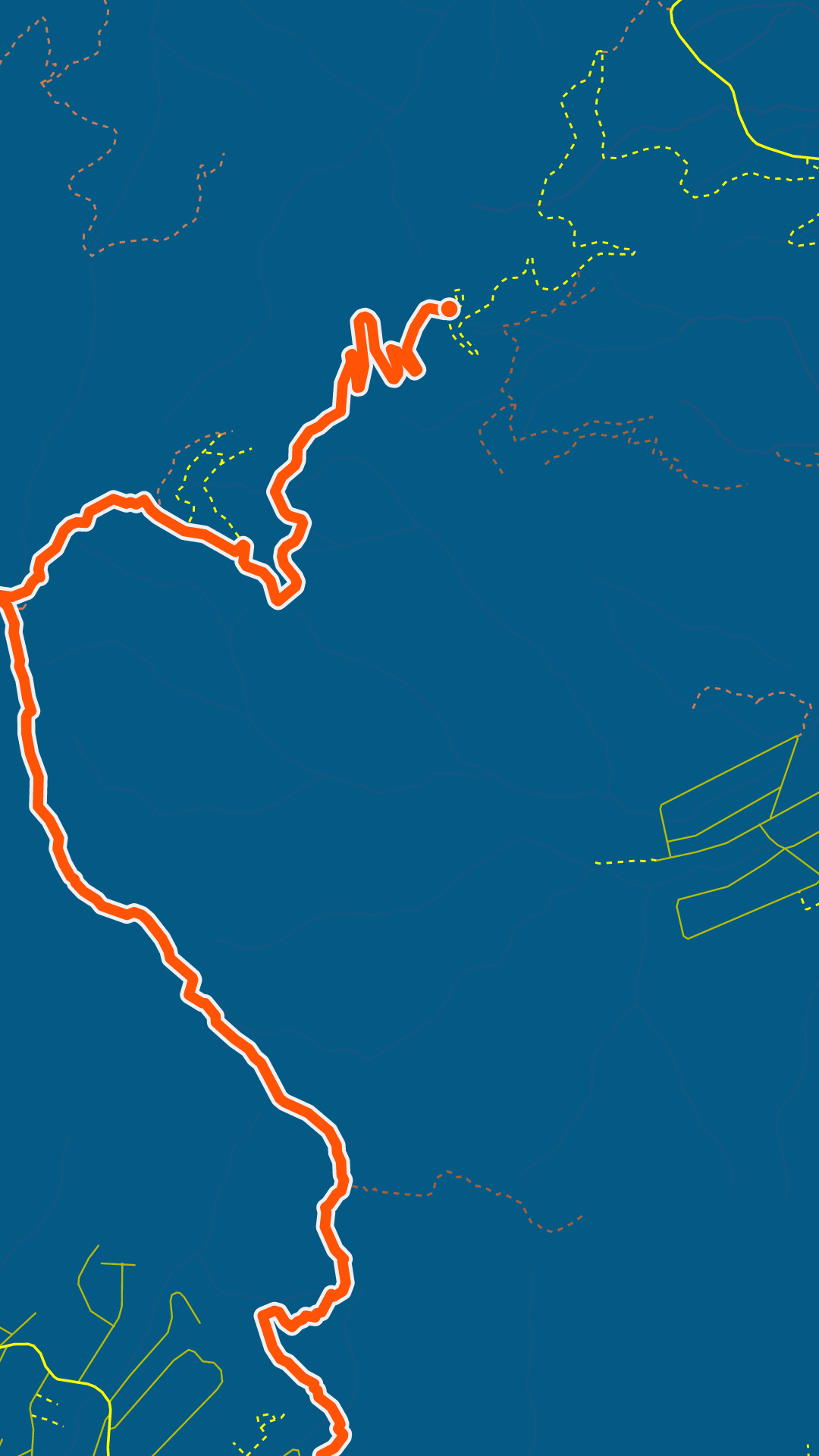
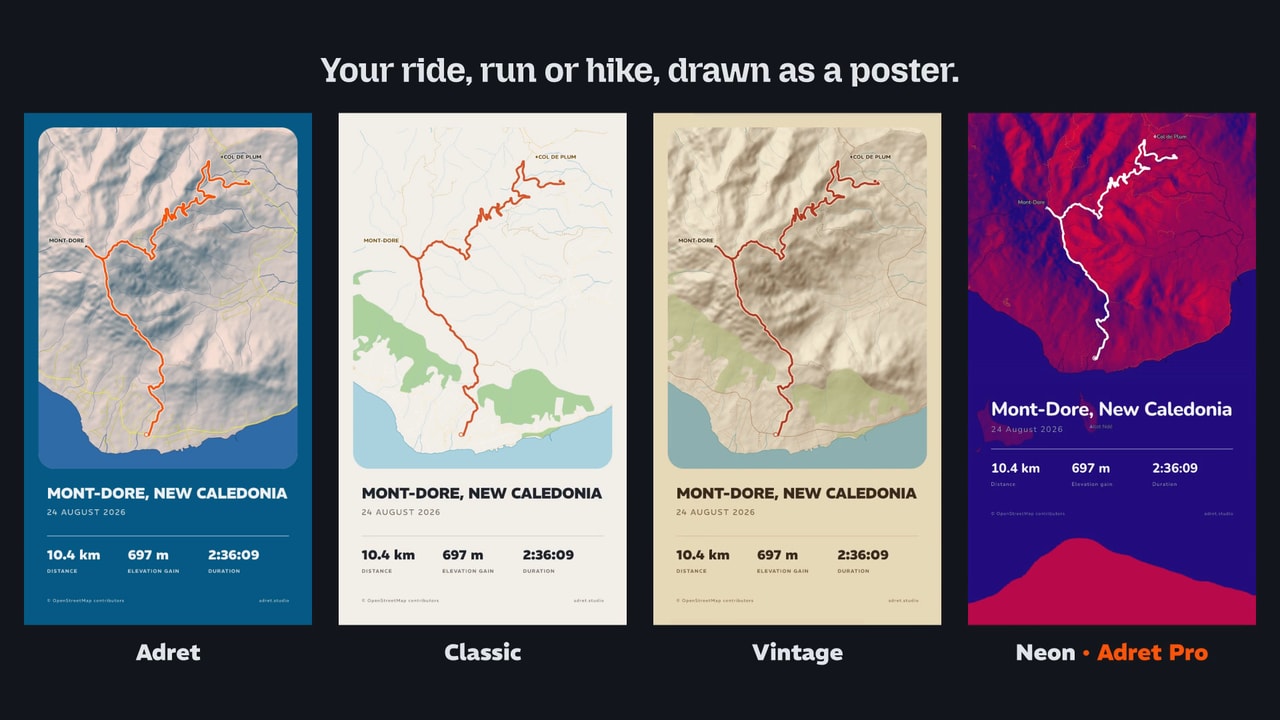
So I write a small program that draws one, frame by frame. Adret’s logo fills the screen, its S curve unbends into the Mont-Dore route, the camera follows the line while the map appears, then pulls back to the whole poster. Then come the other styles, Classic, Vintage and Neon, Adret’s promise and the site’s address.
A first version, then fourteen changes the same day. The blue spilling out in waves, without drops. The logo’s orange fading away. The S unbending when the blue is halfway out, then as soon as it starts to spread. The camera pulling back more slowly. And the styles arriving 0.3 seconds sooner. Nobody will ever see the difference. I do.
Then for everybody
So I had a film that promoted Adret, and that was all it did. Which seemed a waste: a route drawing itself is exactly what you want to show when you get home from an outing.
The film’s engine moves to Adret’s server, and the promo has been drawn with the same code as your film ever since. What was left was to make it for one poster, yours, without the other styles or the promise: your route, your poster, and the address at the end.
Why Adret Pro? Because your poster is drawn on your phone, but the film is drawn on Adret’s server: 540 frames, one at a time, for 9 seconds. A poster takes a few seconds of work; a film, a minute or two.
How it works
In the menu of a story or a post, tap Share as a film.
- A minute or two to make it. The poster’s card shows how far along it is, with a Cancel button, and the rest of the app stays usable: you can finish another poster while you wait.
- A notification says when it is ready, if you allow it (it is the only one the app sends). Tap it and the share sheet opens.
- Your poster as you see it: your colours, your title, and your photo under it if you added one.
- A signed ending, on the logo and adret.studio. If you switched off Signature adret.studio, under Details, it ends on your poster with nothing after it.
A city takes longer than a mountain: all those streets to draw, frame after frame. On the server, Mont Ventoux draws itself in 58 seconds, the Paris marathon in 3 minutes 40.
And the server keeps the film only until your phone comes to fetch it, an hour at most.
Mont-Dore in 9 seconds
This is what the app hands you, with the sample route in the Adret style:
In short
- Adret Pro, from version 1.2, on iPhone, iPad and Android.
- In the menu of a story or a post: Share as a film.
- 9 seconds, ready to post as they are.
- A minute or two to make it, more for a city, and a notification when it is ready.
- Without the signature, it ends on your poster.
- An hour at most on the server, then it is deleted.
And Adret’s own promo? Still drawn with it. It just no longer has it to itself.
So, which outing deserves its 9 seconds?
Nicolas