Pro
Your GPX track as a video, for a story, a Reel or a TikTok.
Nine seconds of your route drawing itself: the camera follows the line, the map arrives beneath it, then the whole poster settles. With Adret Pro, a story or a post becomes an MP4 to post as it is.


Three steps.
- 01
Compose the poster
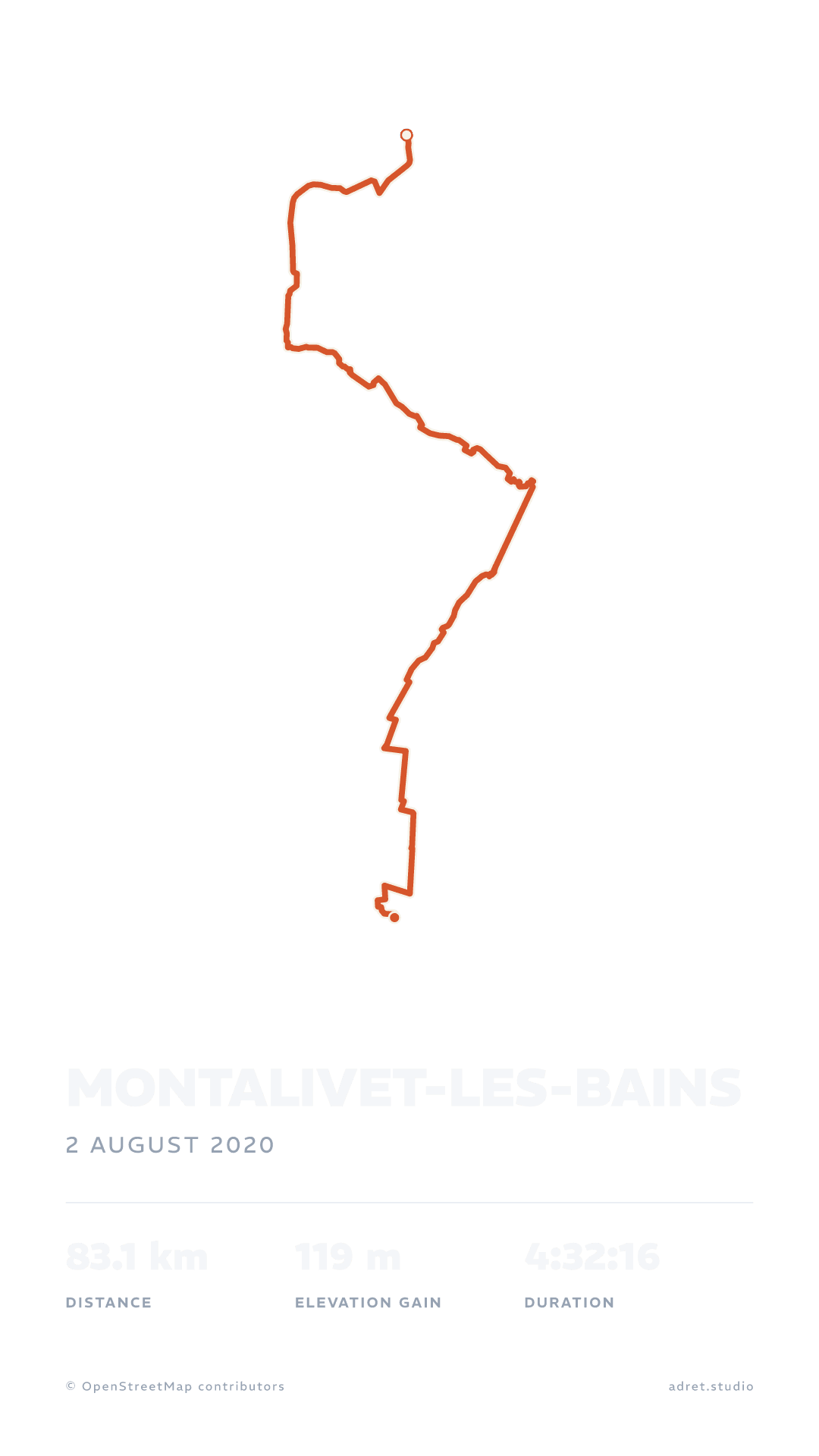
Import the track (the guide says where to find it), pick a style, and choose the story format, at 1080×1920: the size of a story, a Reel or a TikTok.
- 02
Share it as a film
In the poster’s share menu, tap “Share as a film”. It is drawn on our server in a minute or two, a little longer for a city, and the app stays usable while you wait.
- 03
Post it
A notification tells you when it is ready, if you allowed them: tap it, and the share sheet sends it to Instagram, TikTok or your photo library. In the browser it downloads by itself, as long as the tab stays open.
Nine seconds, frame by frame.
The film
The line draws itself, then the whole poster.
Adret’s logo unfolds into your track, the camera follows it close to the line while the map arrives layer by layer, then pulls back to the poster, title and stats included. It ends on adret.studio, or on your poster if you took the signature off.
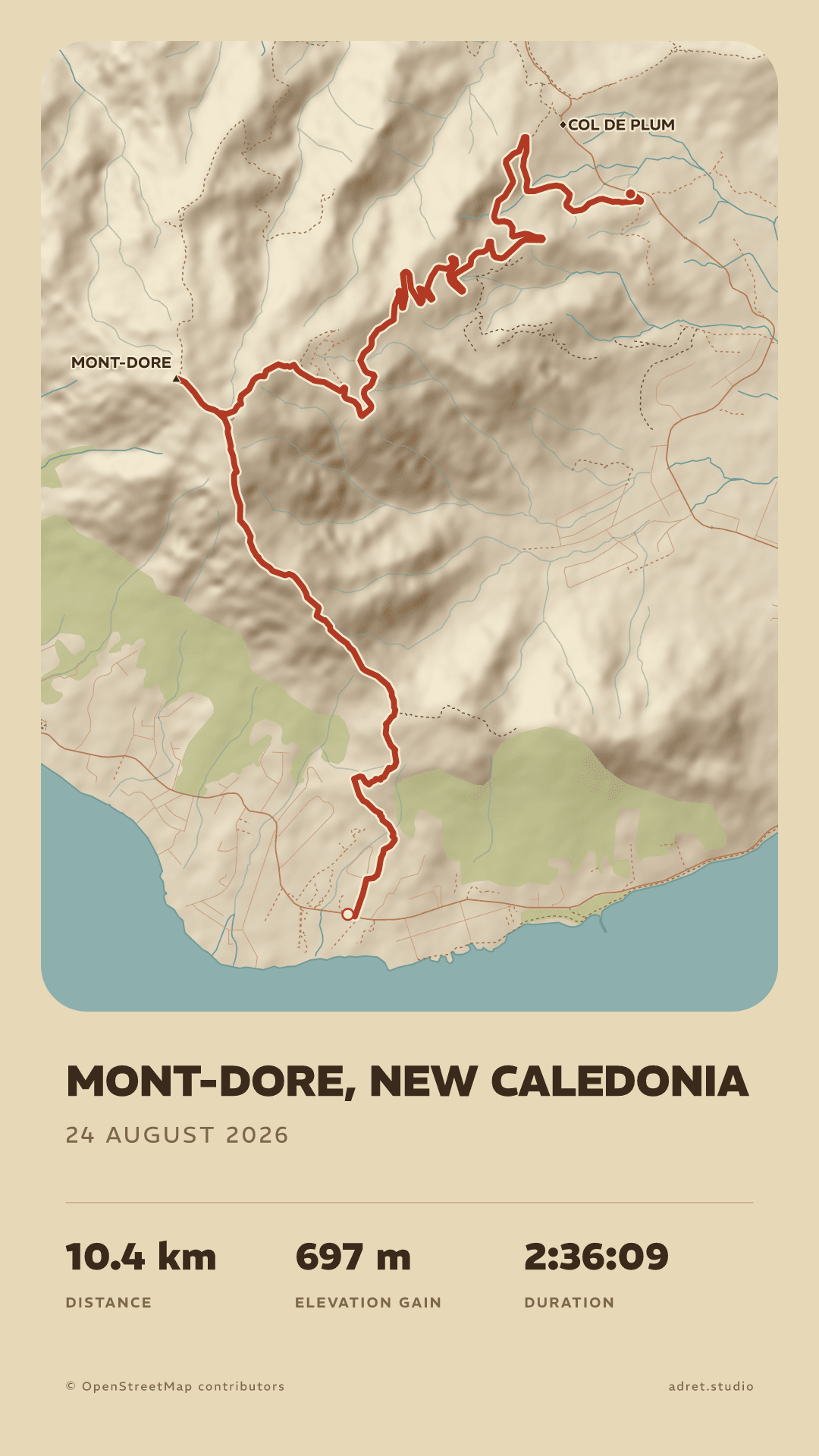
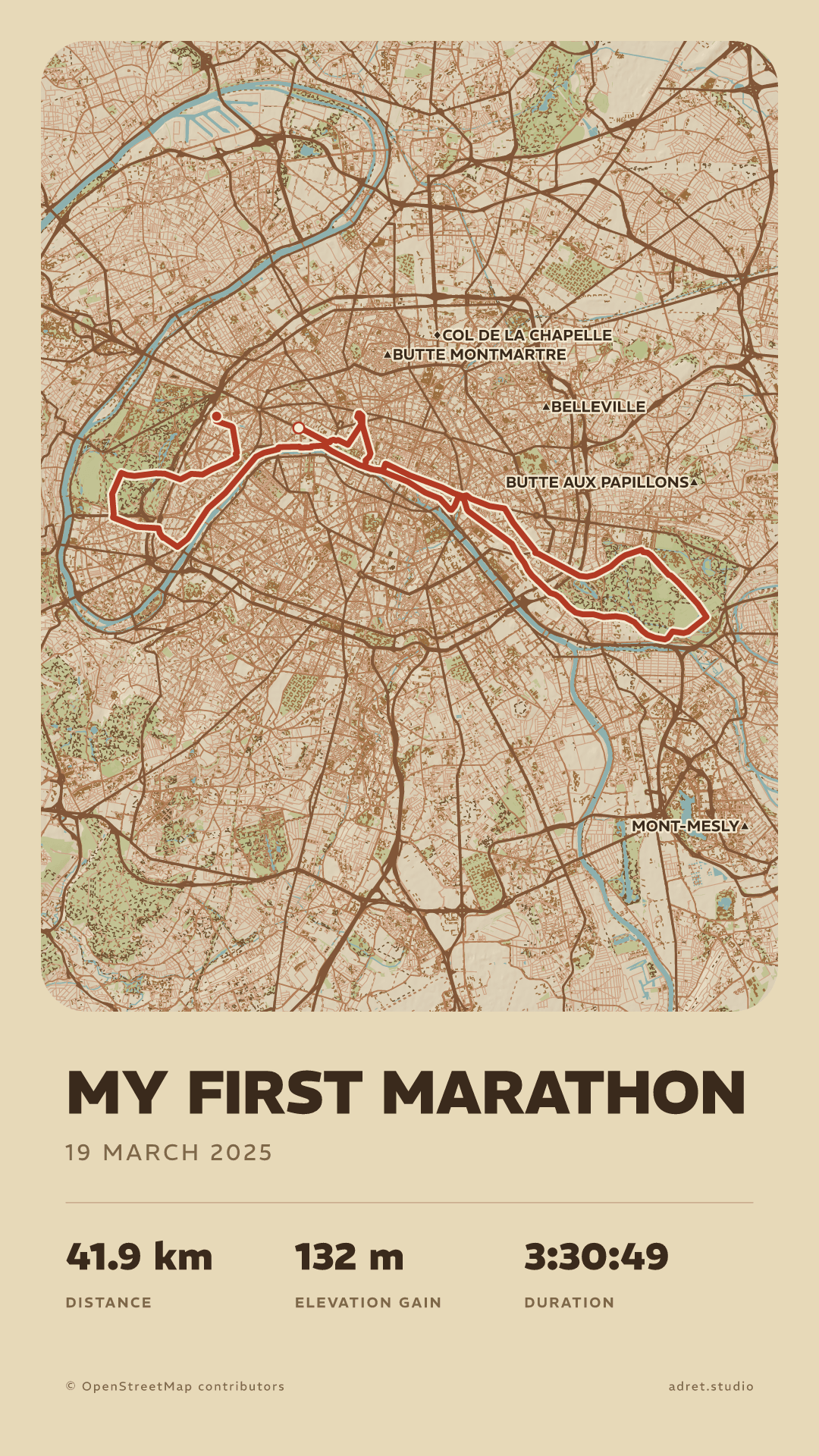
The format
The size of a story, a Reel or a TikTok.
A story gives a film at 1080×1920, the size of a story, a Reel or a TikTok; a post gives one at its own size, portrait or landscape. It is a silent MP4: the music is yours to add in the app you post it to.
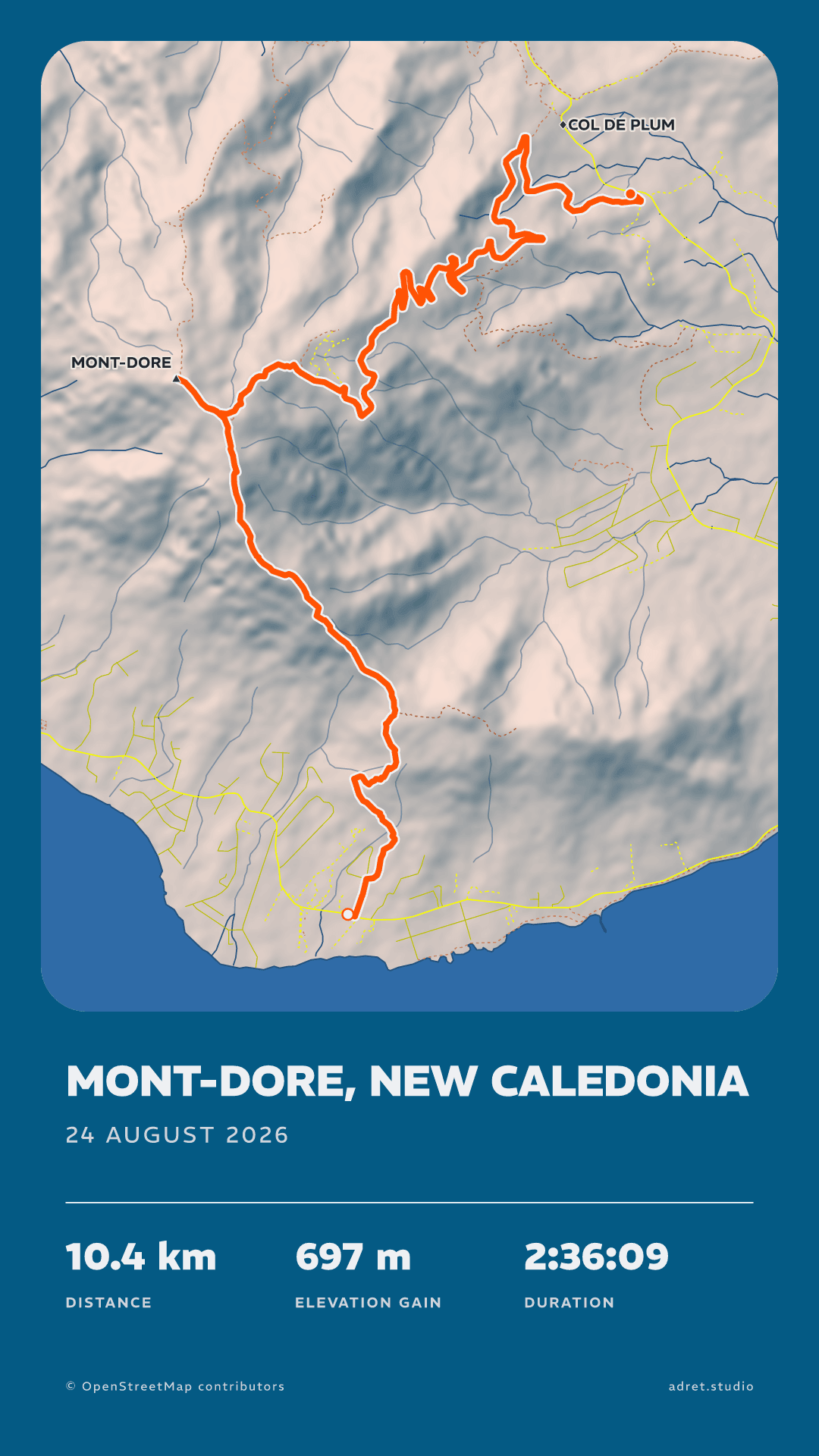
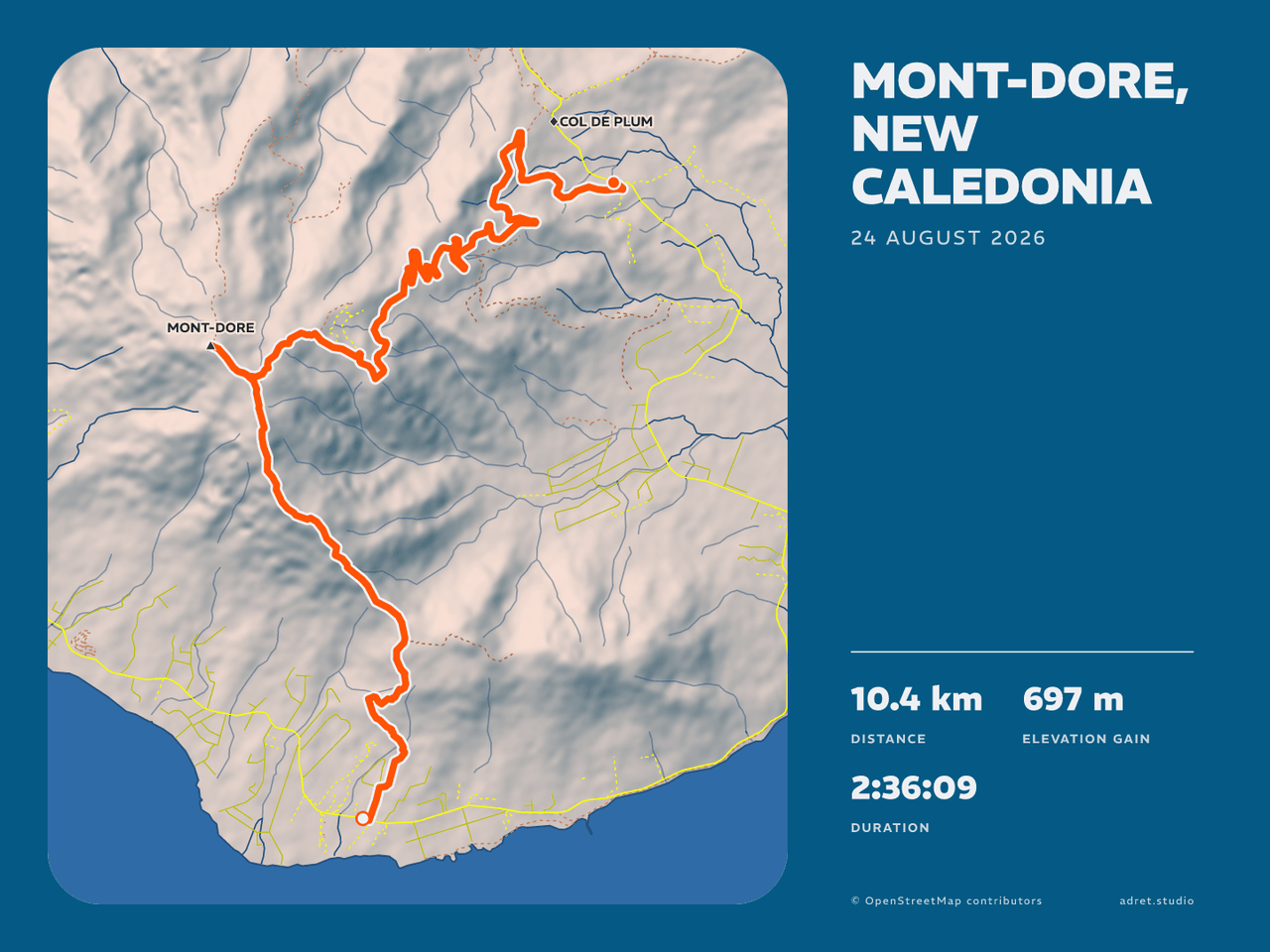
Your poster
Your poster, exactly as you see it.
Your colours, your style, your title, and your photo underneath if you put one there: the film draws the poster you composed and nothing else. Our server keeps it only until your phone fetches it, an hour at most.
Fair questions.
Which outing deserves its nine seconds?
Adret is on iPhone, iPad and Android. The poster is free; the film comes with Adret Pro.