Pro
Print your GPX track as a poster, A3 or 30×40 cm.
Six months of training, one poster. With Adret Pro, yours becomes a file to print at 300 dpi, drawn again at paper size, for the photo lab down the road or any online printer you like. Adret does not print or deliver anything itself: the file is yours.


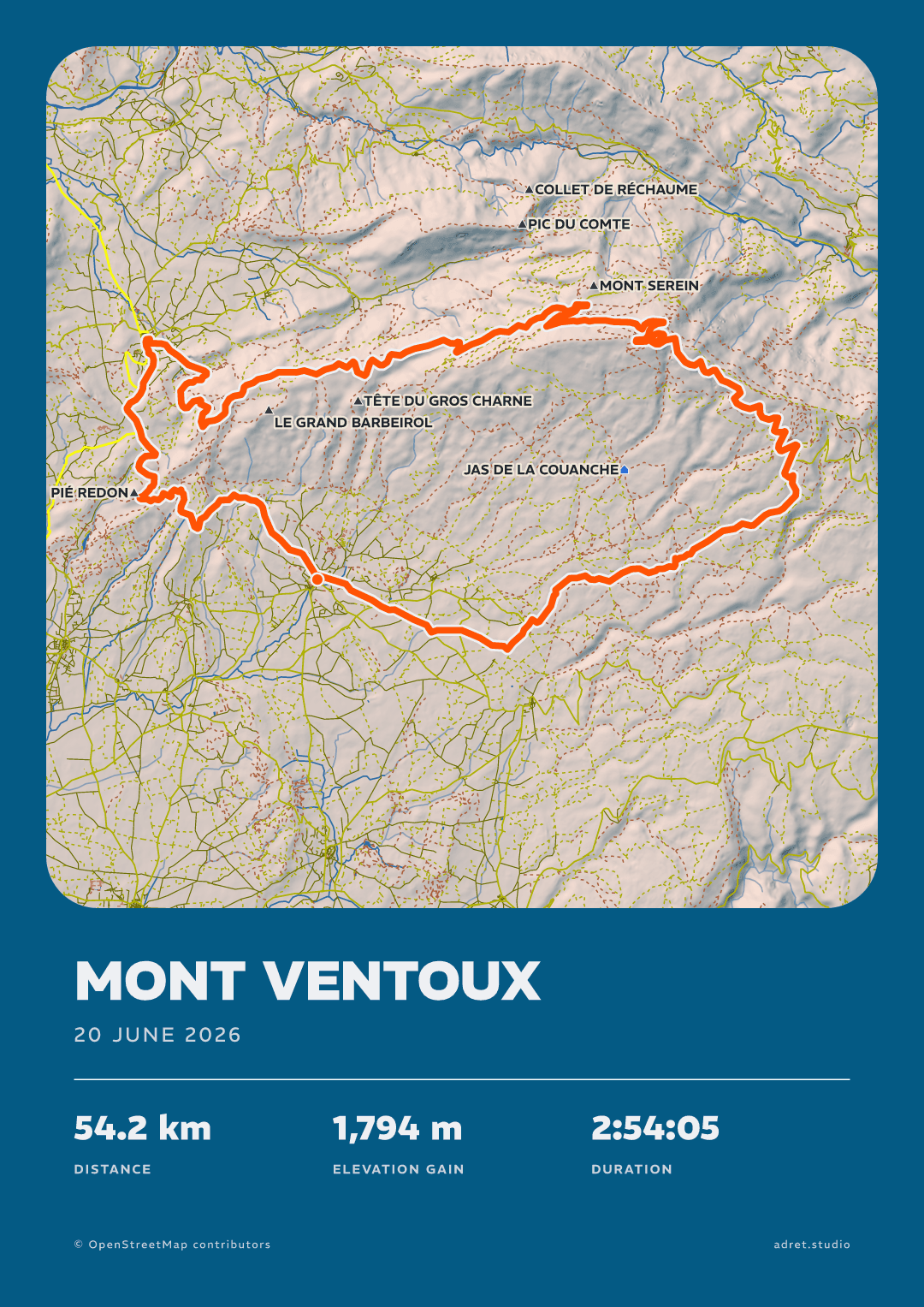
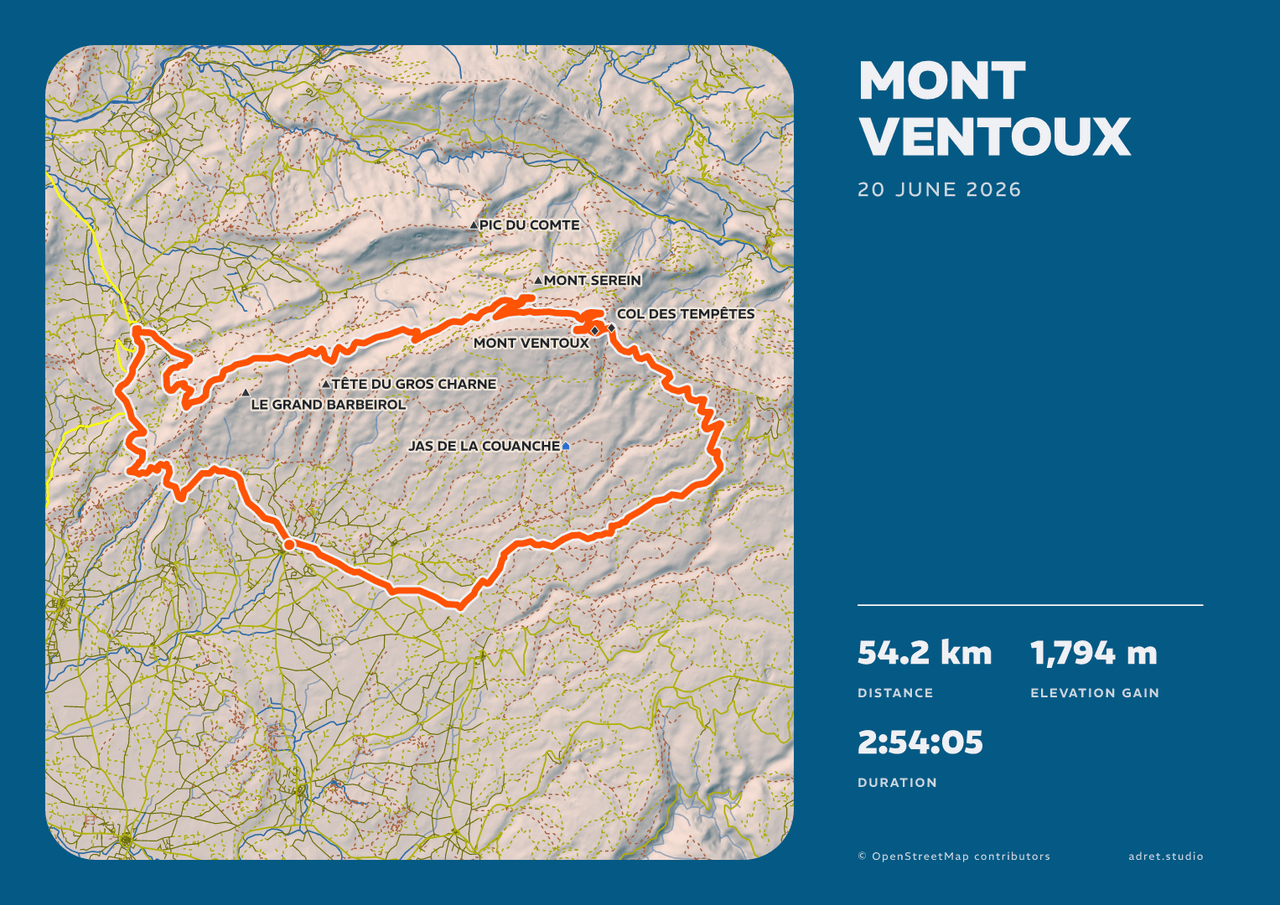
Three steps.
- 01
Compose the poster
Import the track (the guide says where to find it), pick a style, write the race’s name, then set the date and the stats to show.
- 02
Choose the paper
Under Page, then Format, give it A3 or 30×40 cm, portrait or landscape. Its menu then offers the file to print, a PNG at 300 dpi: give it a moment, as it is drawn again at paper size.
- 03
Get it printed
At a photo lab, a copy shop or an online printer: ask for the file’s own size, with no resizing and no border added, on a matte or satin paper. Then all it needs is a frame.
A poster for the wall.
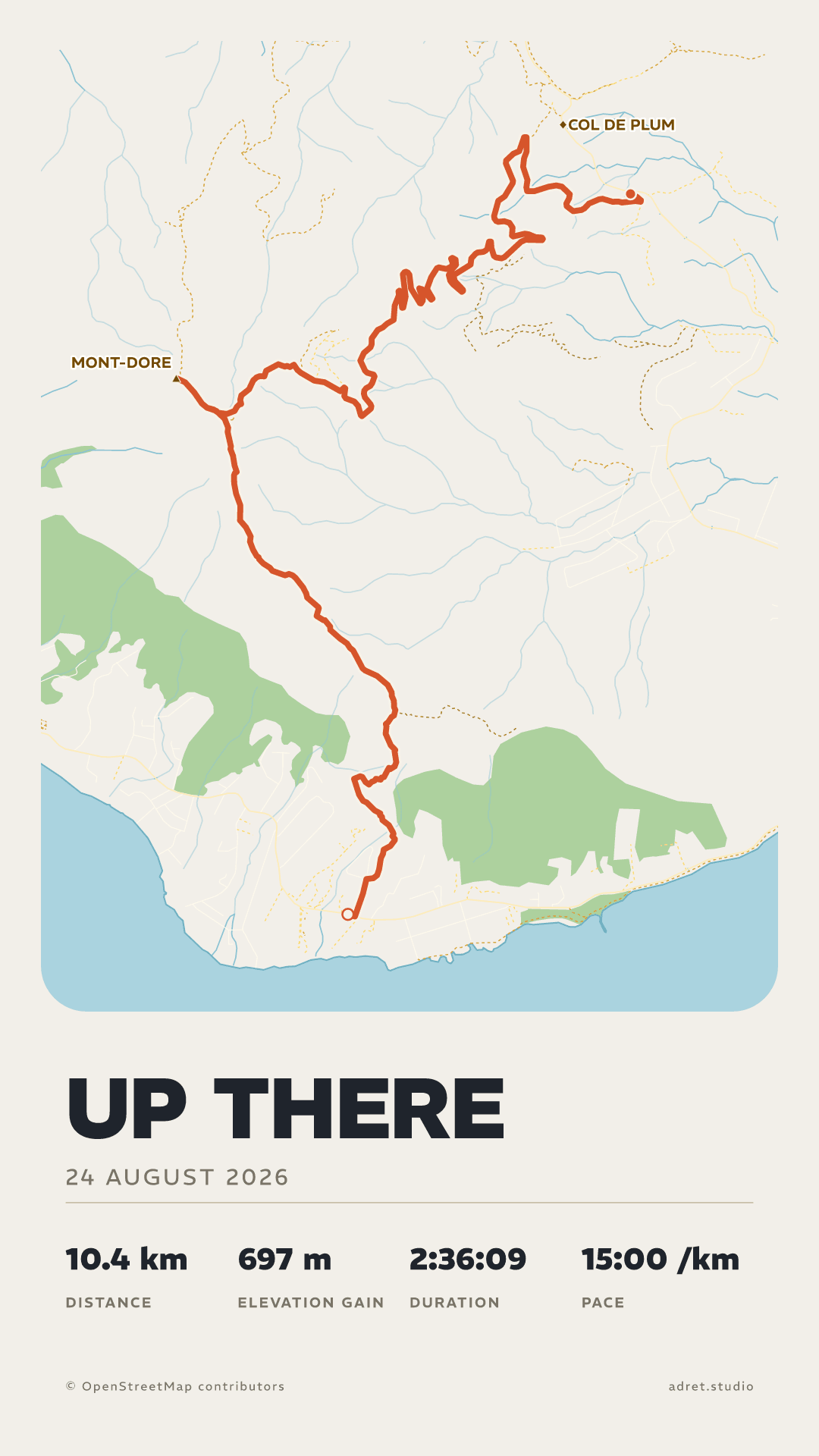
Text
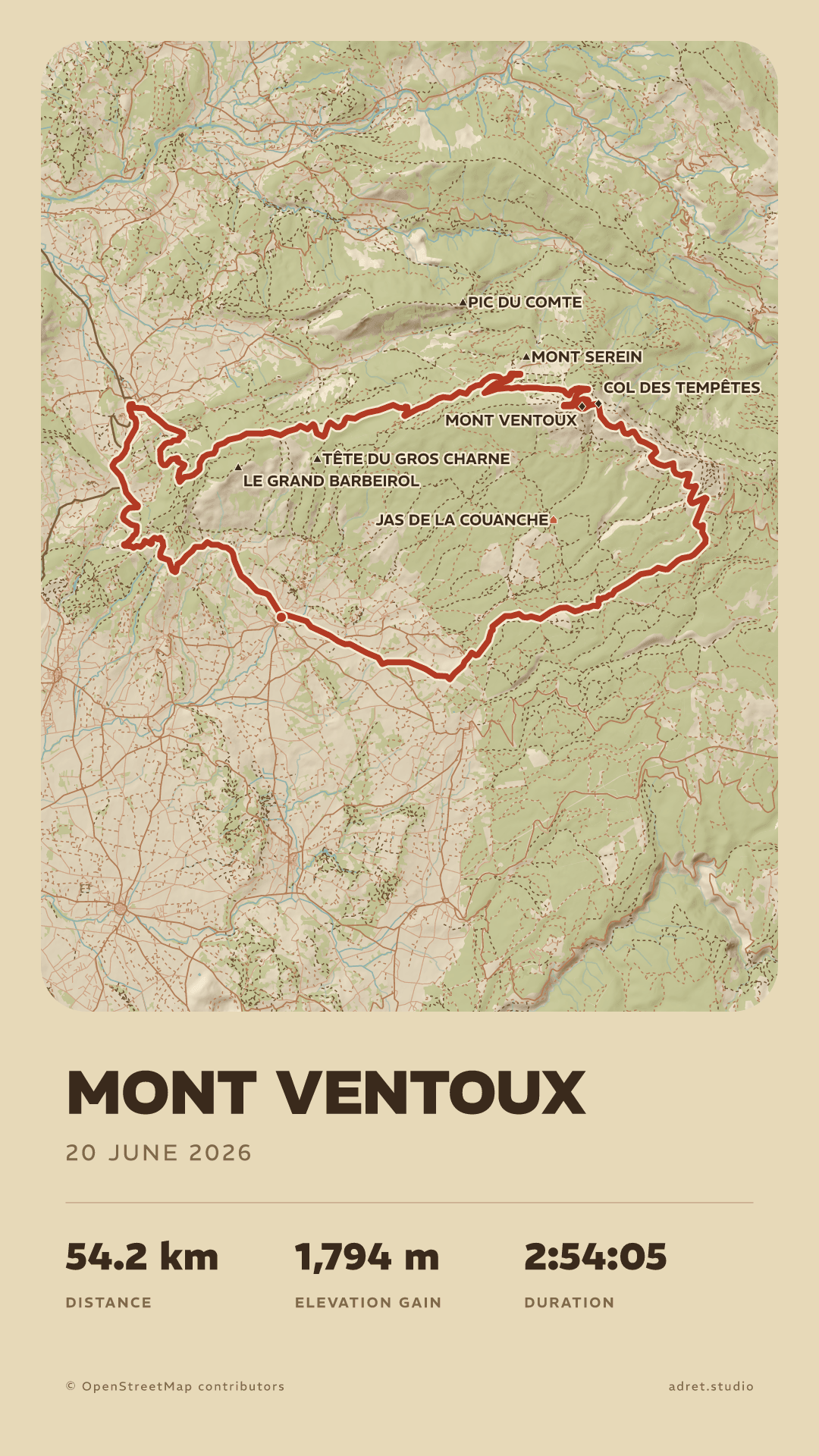
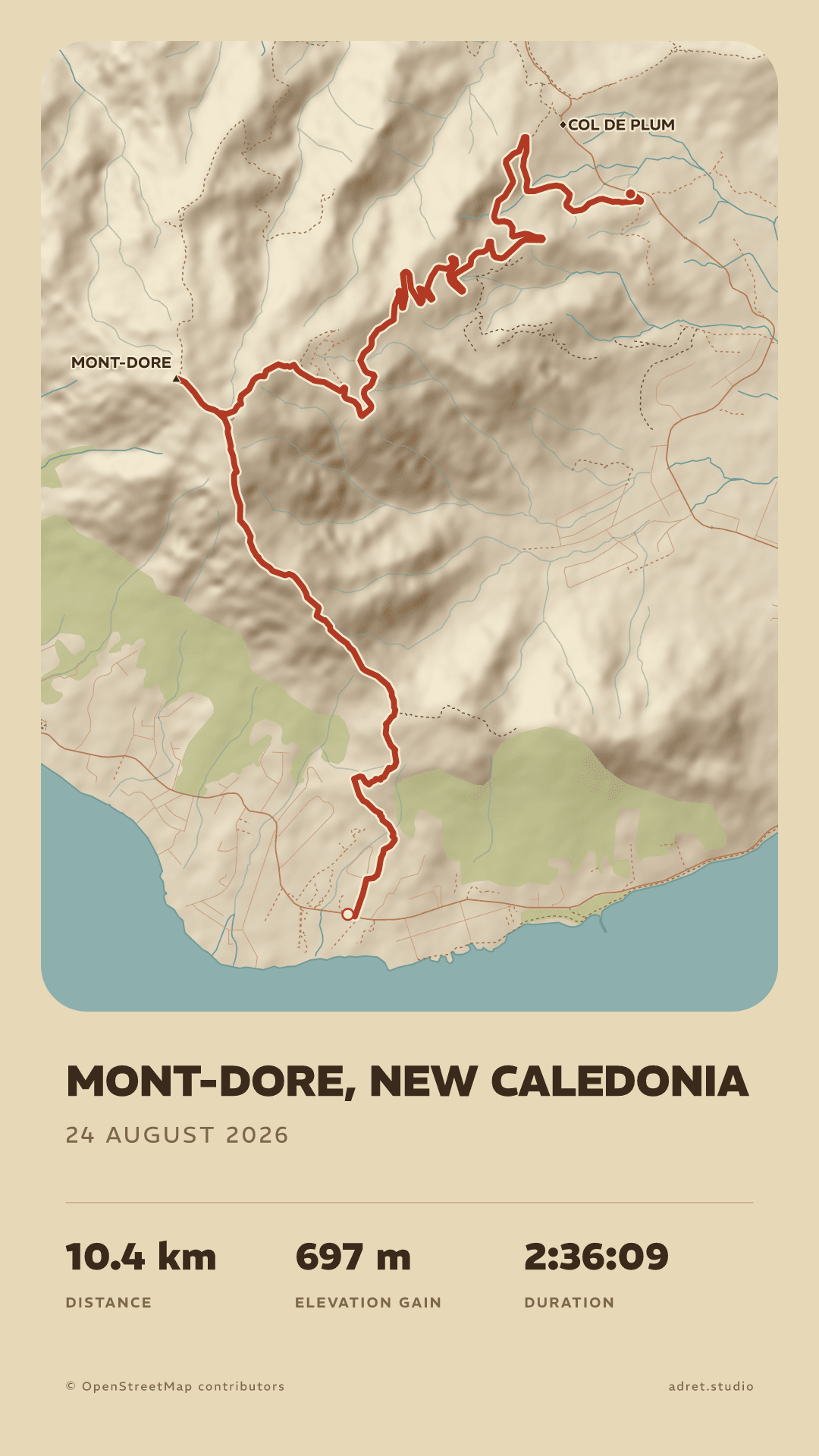
The race’s name, your time, the date.
Write the title as you like, with up to four stats beside it: distance, climb, moving or total time, pace, average speed. All of that is free; only the print file needs Adret Pro.
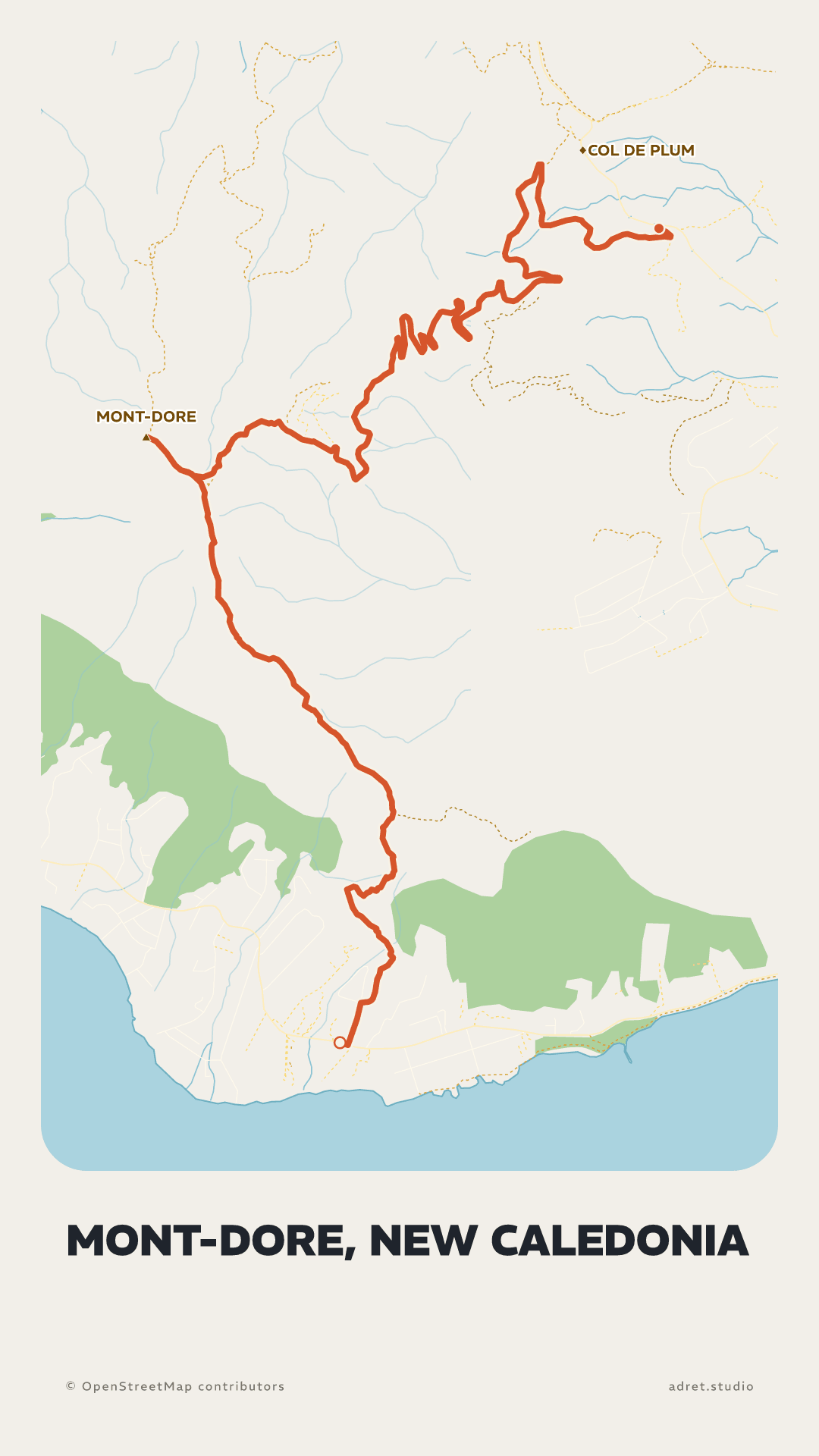
ElevationPro
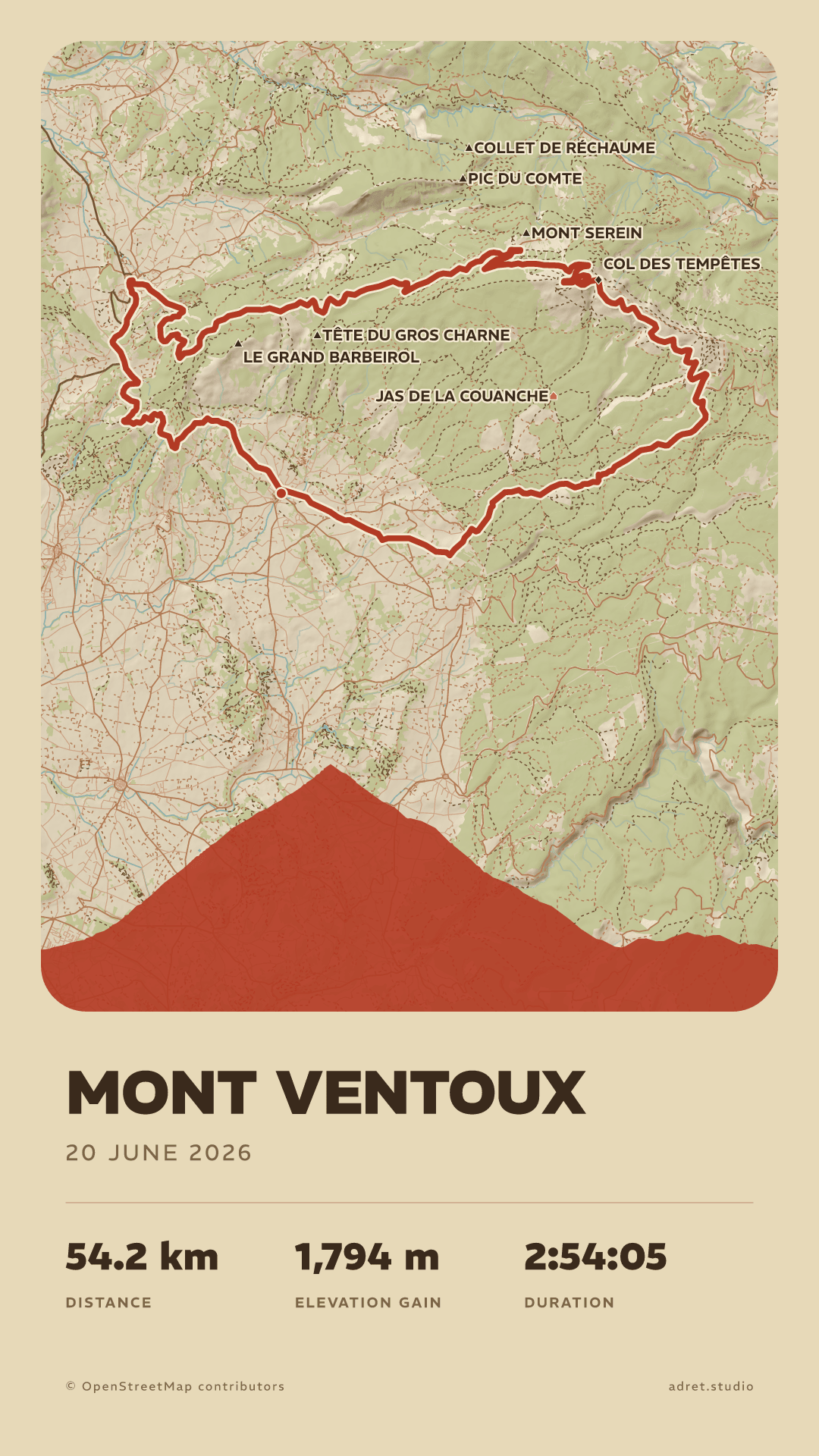
The route’s elevation, under the map.
Every climb and every descent as one silhouette at the foot of the poster, the one anybody who has ridden it knows at a glance.
LayoutPro
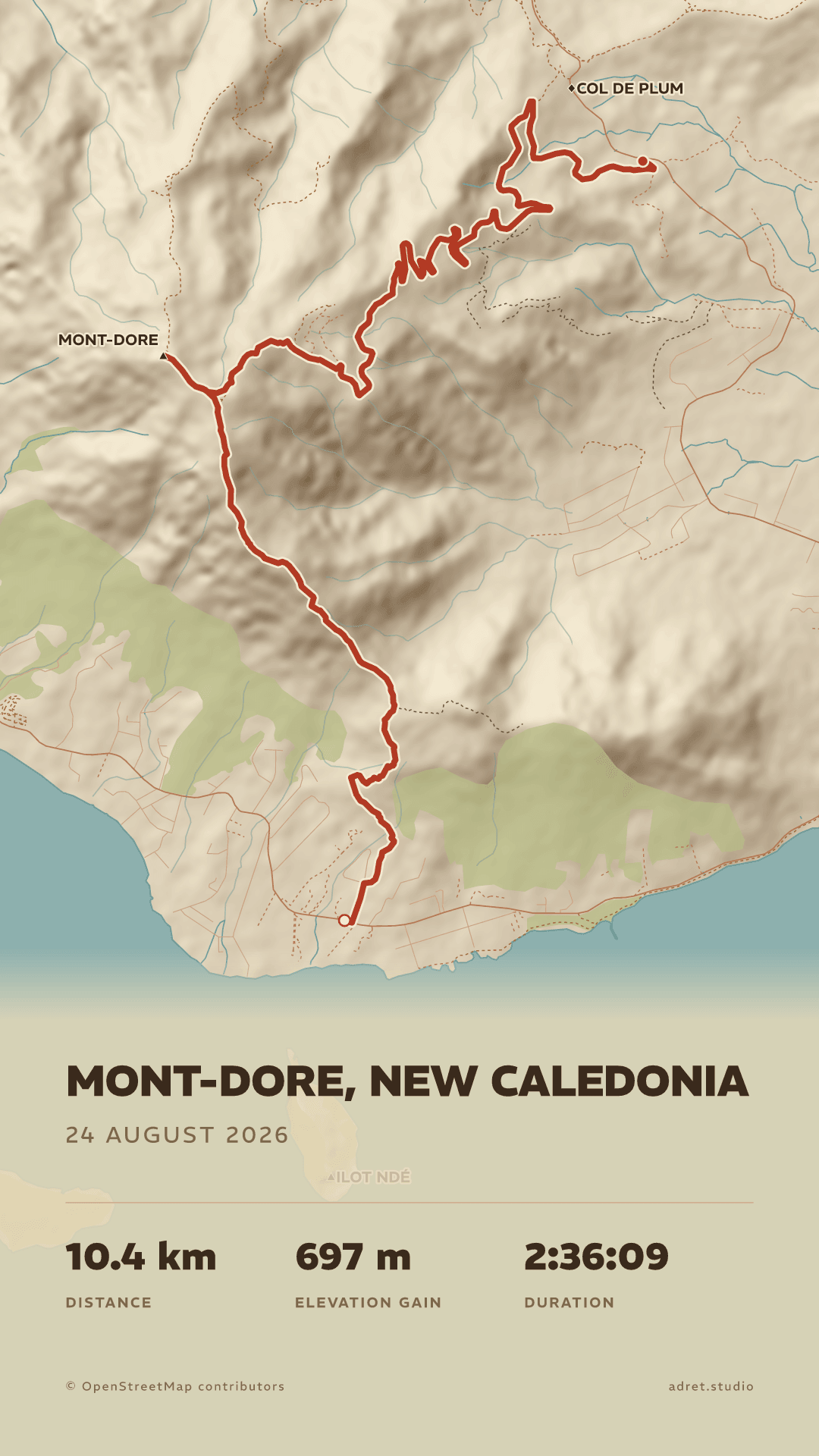
The map across the whole sheet.
The Cover layout takes the map from edge to edge and sets the title on the drawing. With every typeface and the sun wherever you want it, that is what Adret Pro adds for the wall: everything Adret Pro adds.
Fair questions.
- A3 has the shape of every A size: it prints just as well at A4 or A2, and fits a 50×70 cm frame.
- 30×40 cm is 3:4, and prints at 60×80 cm as well.
- A photo lab or a copy shop near you: bring the file on your phone, or email it to them first, and leave with the print.
- An online printer: upload the file, choose the paper, and the print comes by post. Some will frame it too.
- The size of the file, with no resizing: A3 (29.7×42 cm) or 30×40 cm. The file carries its own dimensions, so it opens at the right size. For another size, keep the shape: A4 or A2 from the A3 file, 60×80 cm from the 30×40.
- No white border added: the poster already has its margins.
- A matte or satin paper, heavy enough to hang flat, around 200 g/m². Gloss catches the light, and the dark styles suffer most.
You did it. Now keep it.
Adret is on iPhone, iPad and Android. Making the poster is free; the print file comes with Adret Pro.