Your Strava activity as an Instagram story, drawn like a poster.
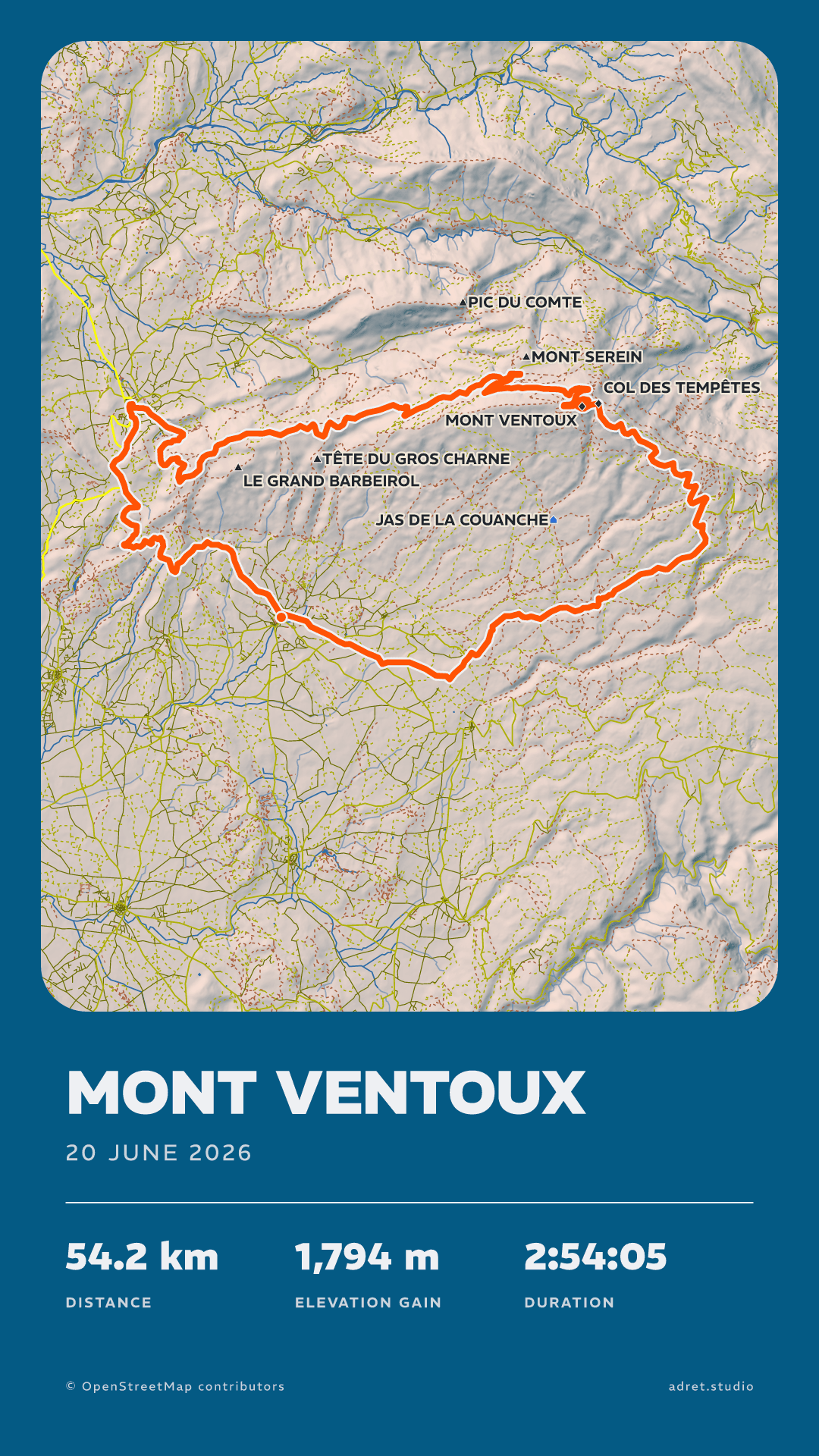
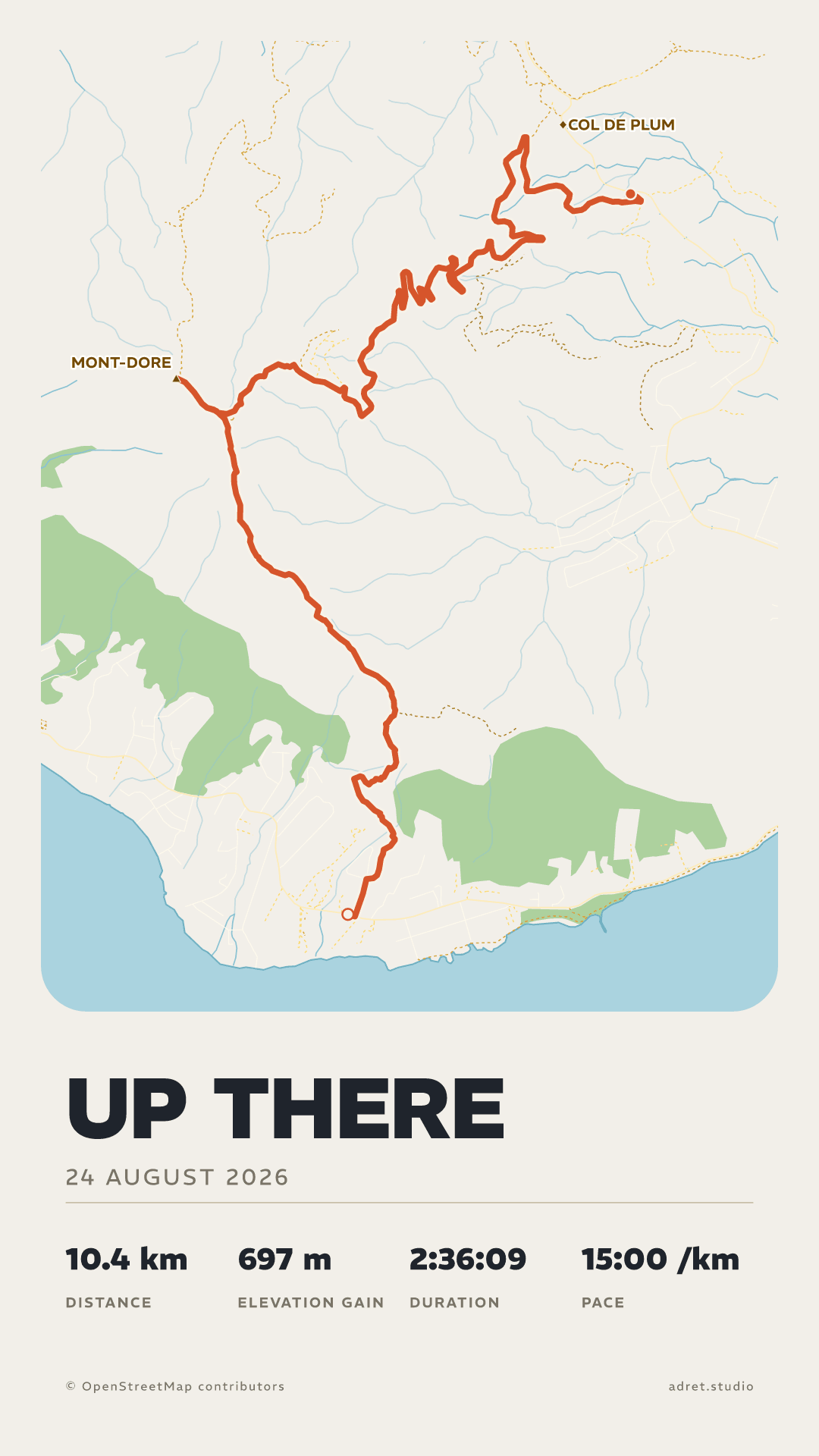
The picture your sports app shares is the same for everyone. Adret draws a story for your route: the map, the relief, your title and the stats you want to show, sized for Instagram and with no watermark.


Three steps.
- 01
Import the activity
In the app, connect Strava and pick the activity from the list. Or export its GPX from strava.com: the guide shows where, and a plain file is enough.
- 02
Compose the story
Pick a style, then under Page, then Format, choose the story, at 1080×1920. Tap the title to write it, then the stats to keep the ones that count.
- 03
Share it to Instagram
Share the poster: your phone’s share sheet sends it to Instagram like any photo, as a PNG with no watermark.
A story of your own.
The drawing
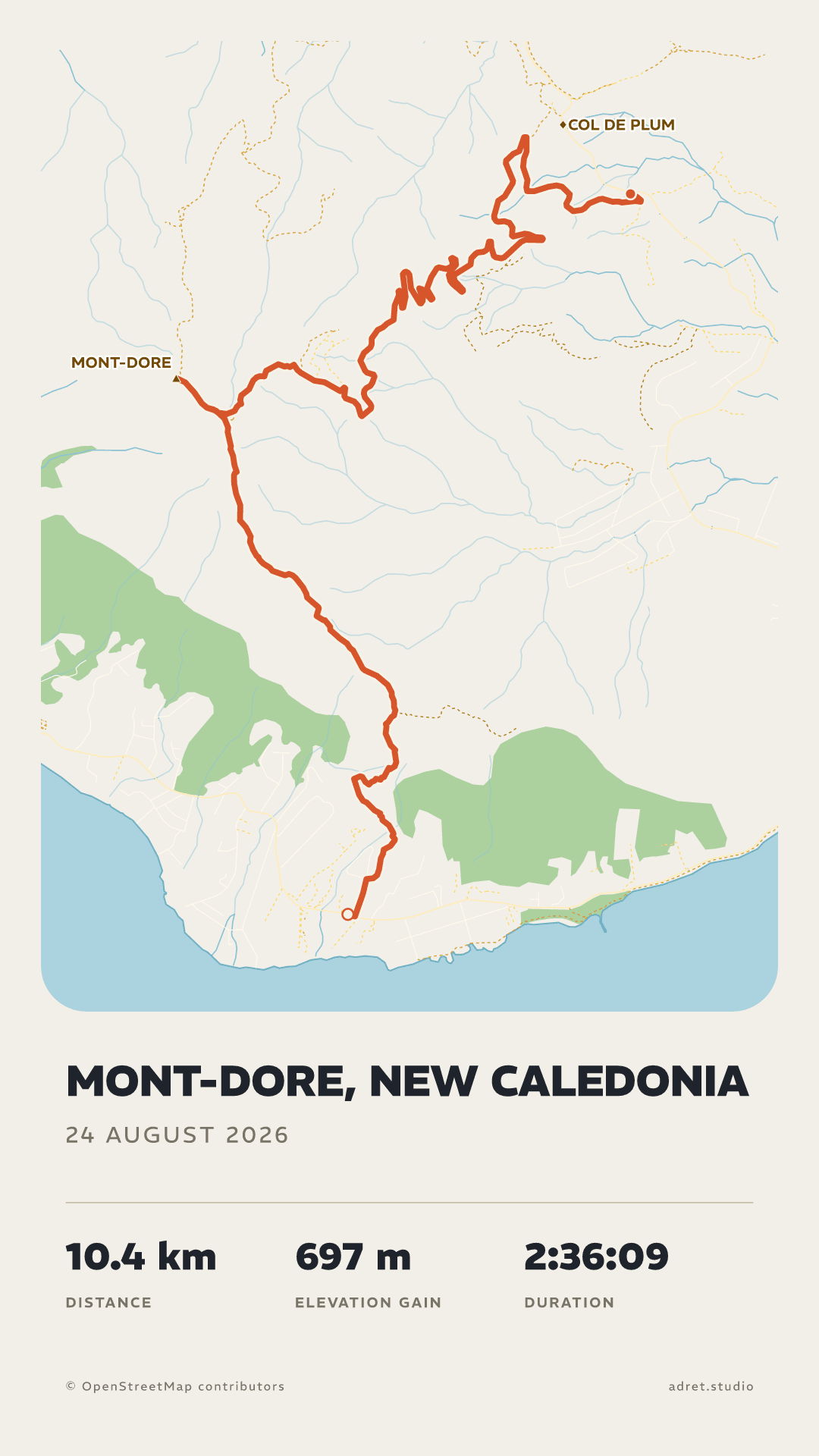
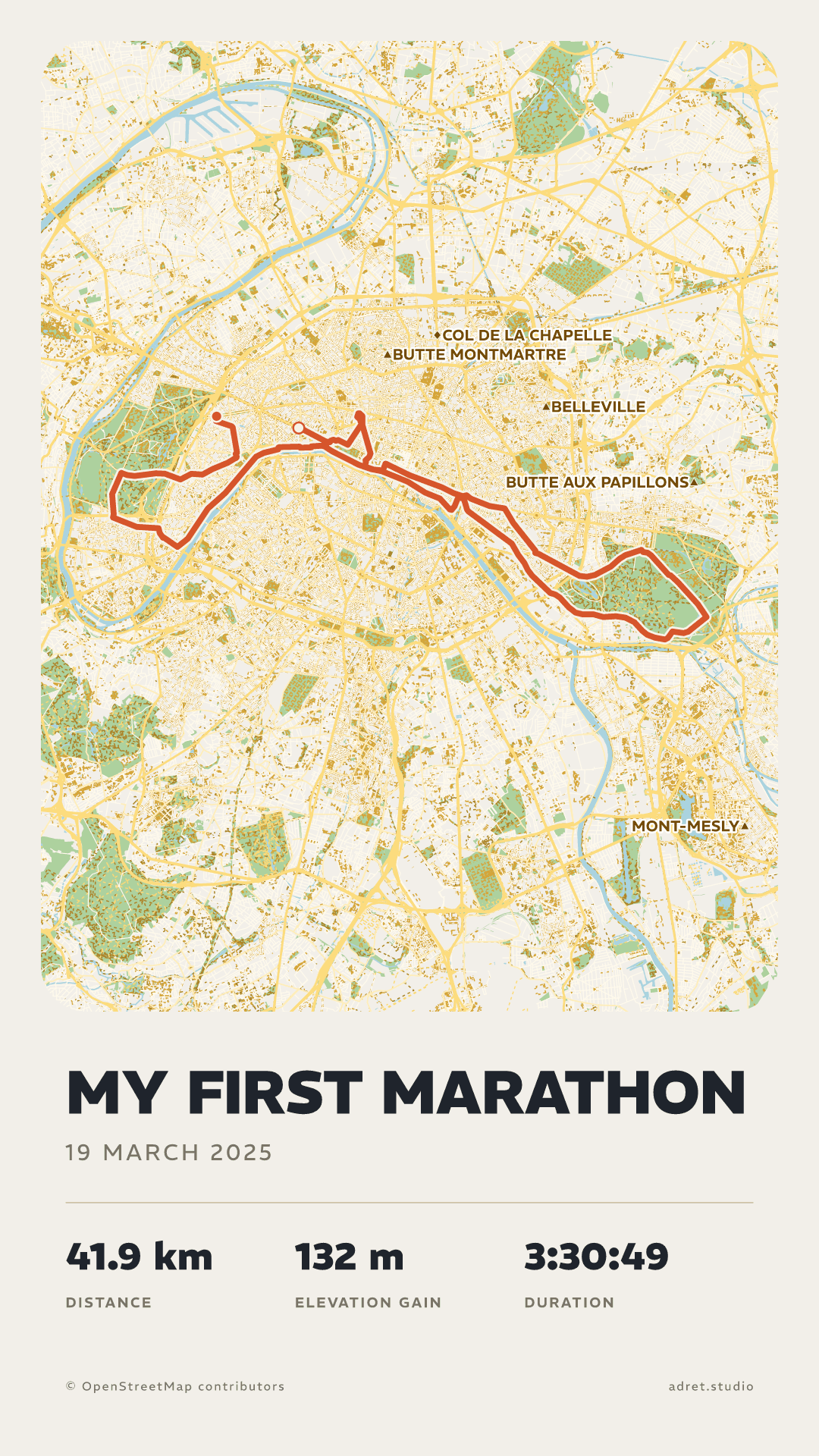
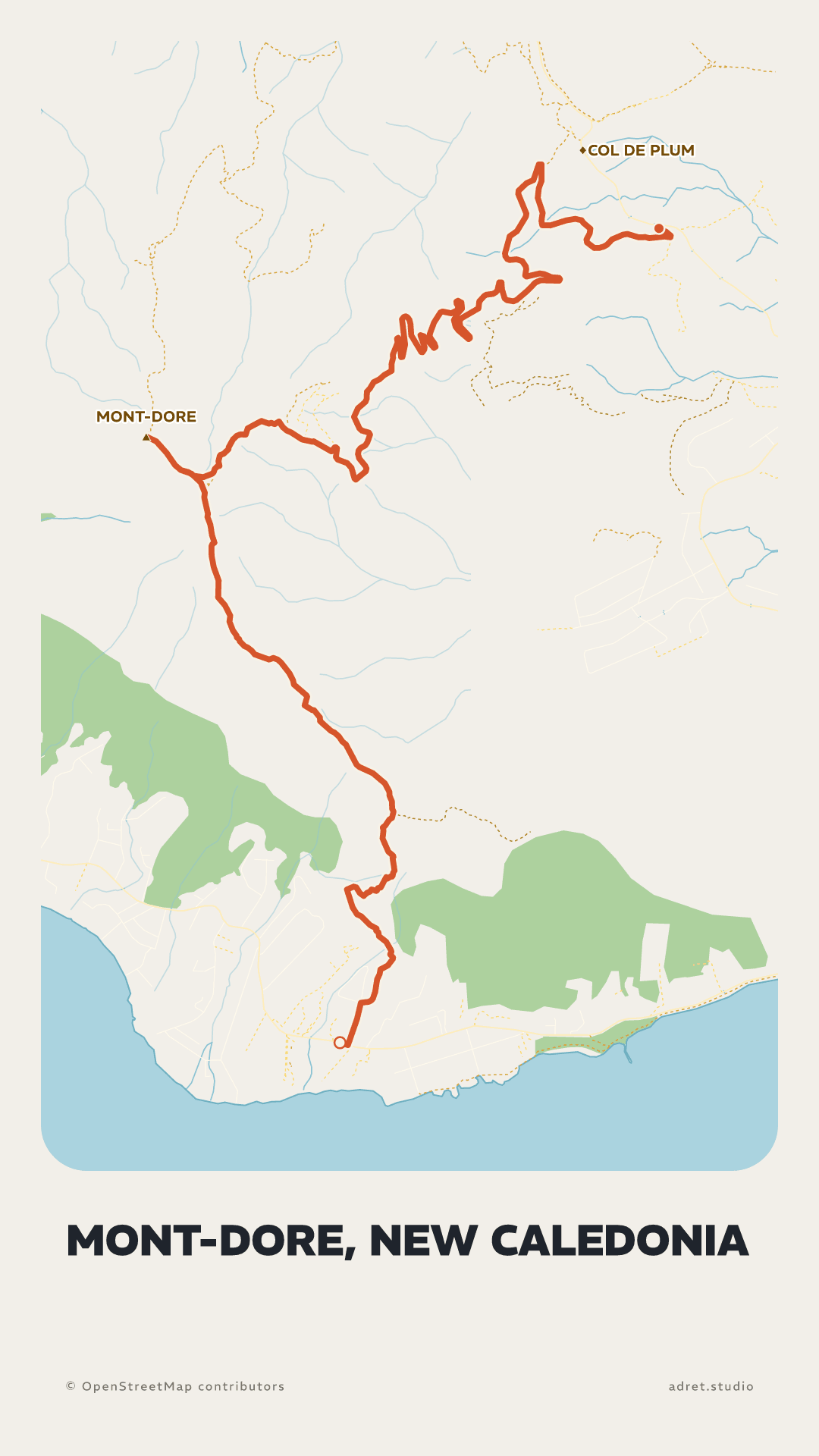
The map of your outing, not a ready-made one.
The relief lit by a sun, cols and summits by name, streets in their place: every story is drawn for its own route, in the style you pick.
The photo
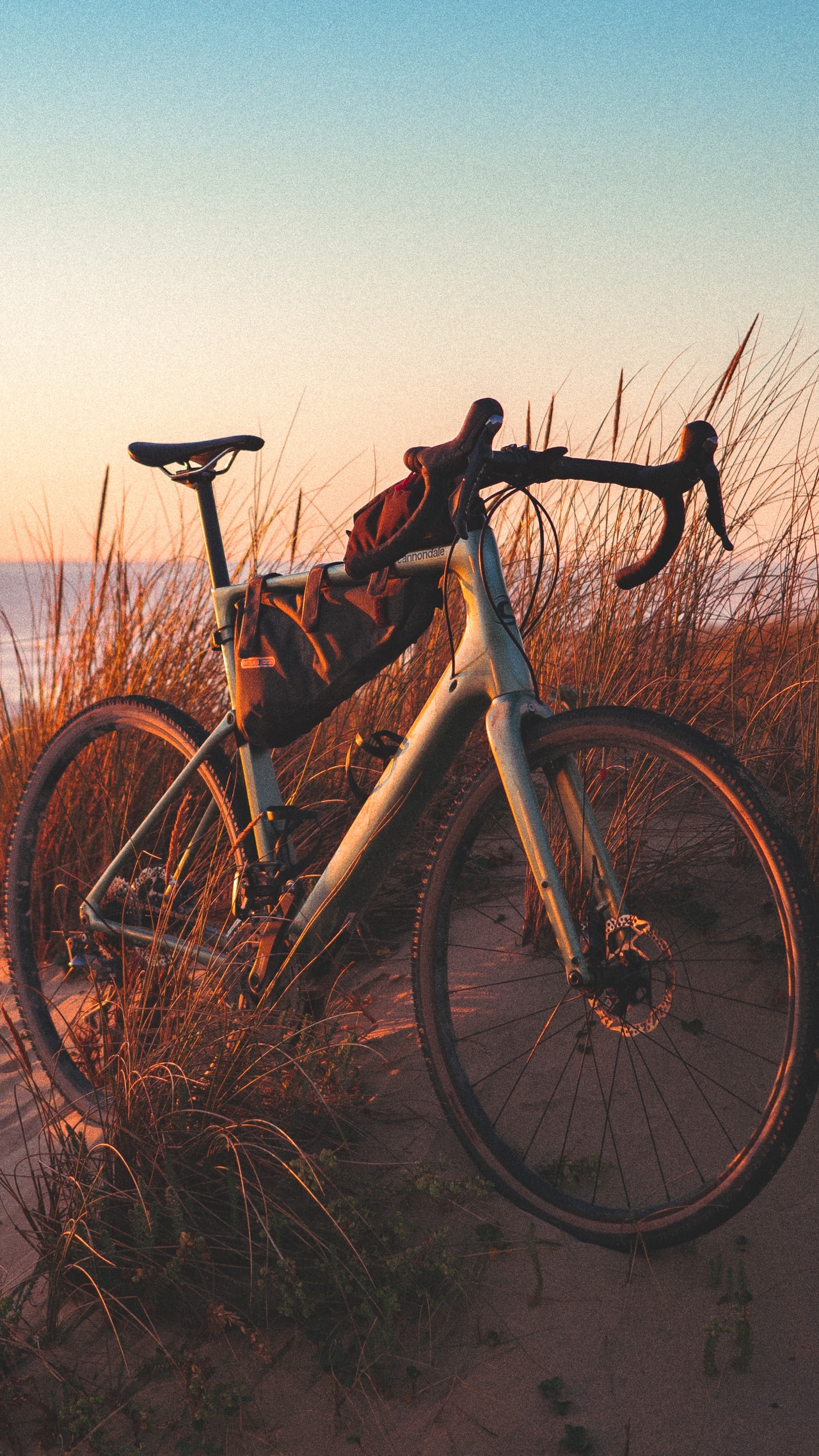
Over the photo you took that day.
Lay the poster over one of your photos right in Adret, or give it a transparent background and add it to your story as a sticker, over a photo or a video. The map, the title and the stats keep their colours.
Your stats
What you show, and what you keep to yourself.
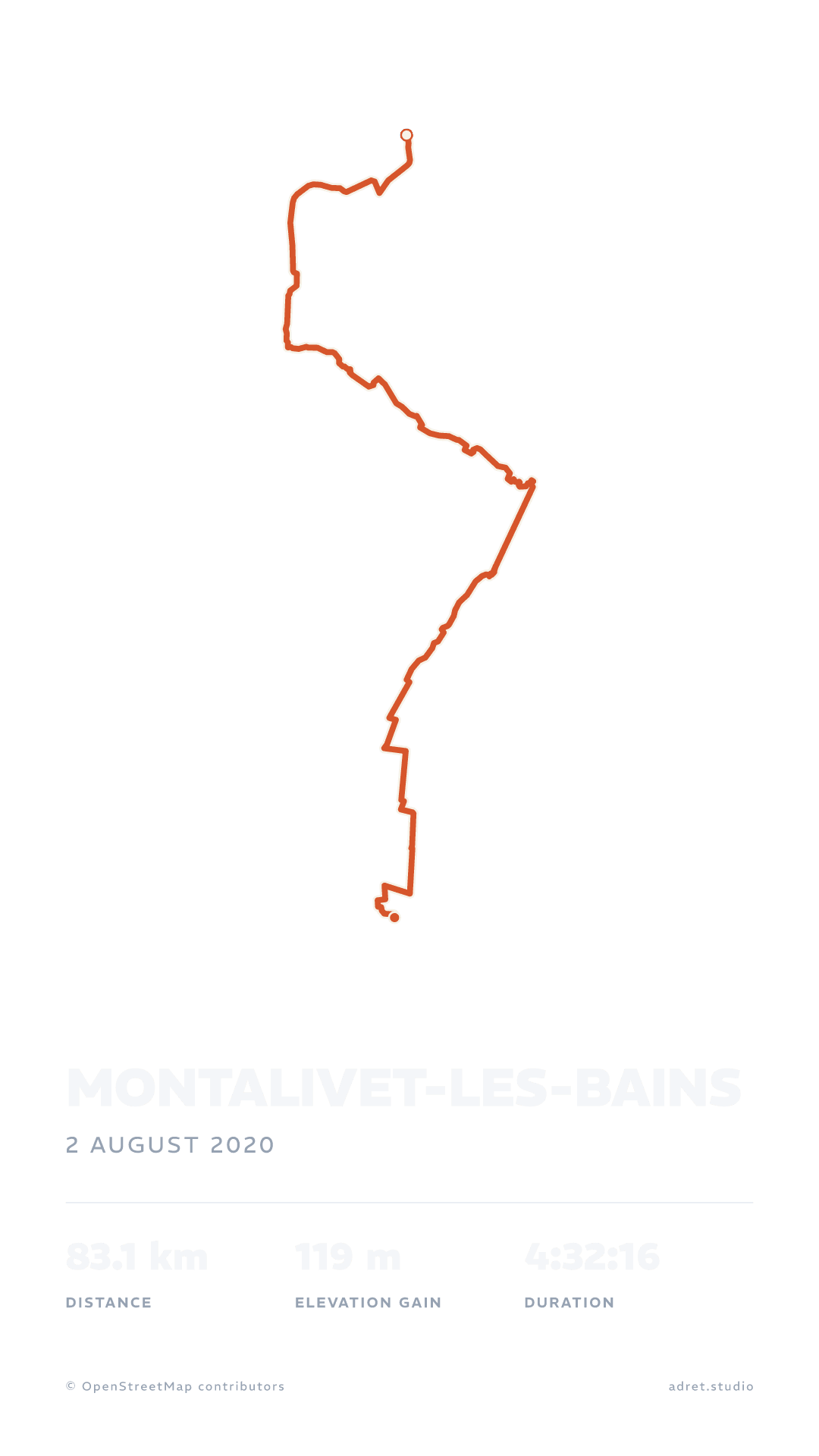
Distance, climb, moving time, pace: up to four stats, the ones you want. And if the outing starts from your door, the start and the end can be hidden, within 200 m, before the story goes out.
Fair questions.
- In Adret itself: under Page, tap Background, then Photo, and choose it. The poster you share is already laid over it.
- In Instagram, which also works over a video: give the poster a transparent background, export it, and add the PNG to your story as a sticker.
- On one poster: under Map, then Trace, switch on “Hide the start”, “Hide the end”, or both. The line is taken off the map within 200 m of where you set off and where you arrived.
- On every new poster: in My account, switch on “Start and end hidden”, and each recording you import is drawn that way. You can still change it poster by poster.
Tonight, post your outing, not the same map as everyone else.
Adret is on iPhone, iPad and Android. Free to try, no account, no watermark.