Pro
Your GPX as a poster, from Claude or ChatGPT.
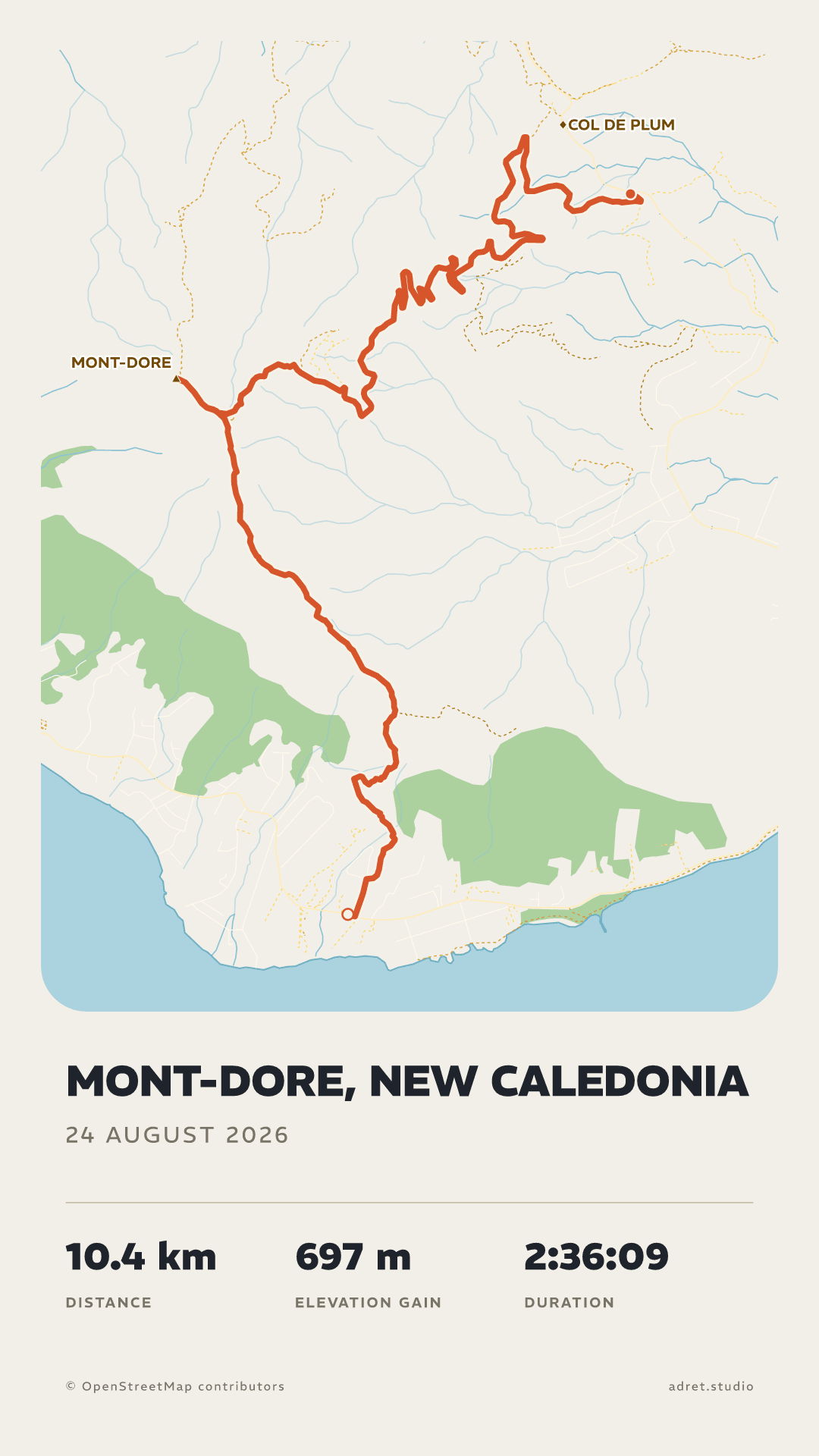
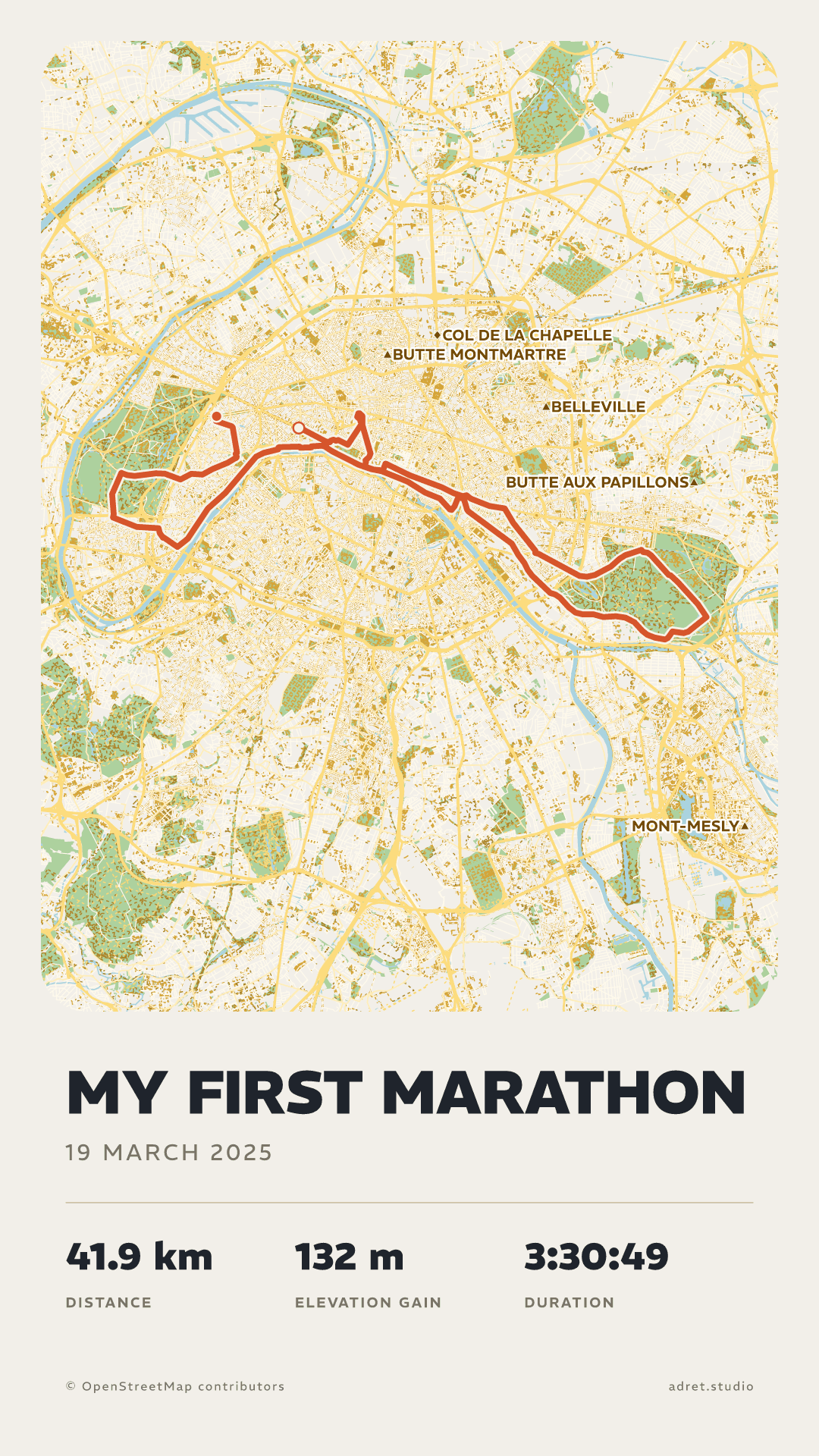
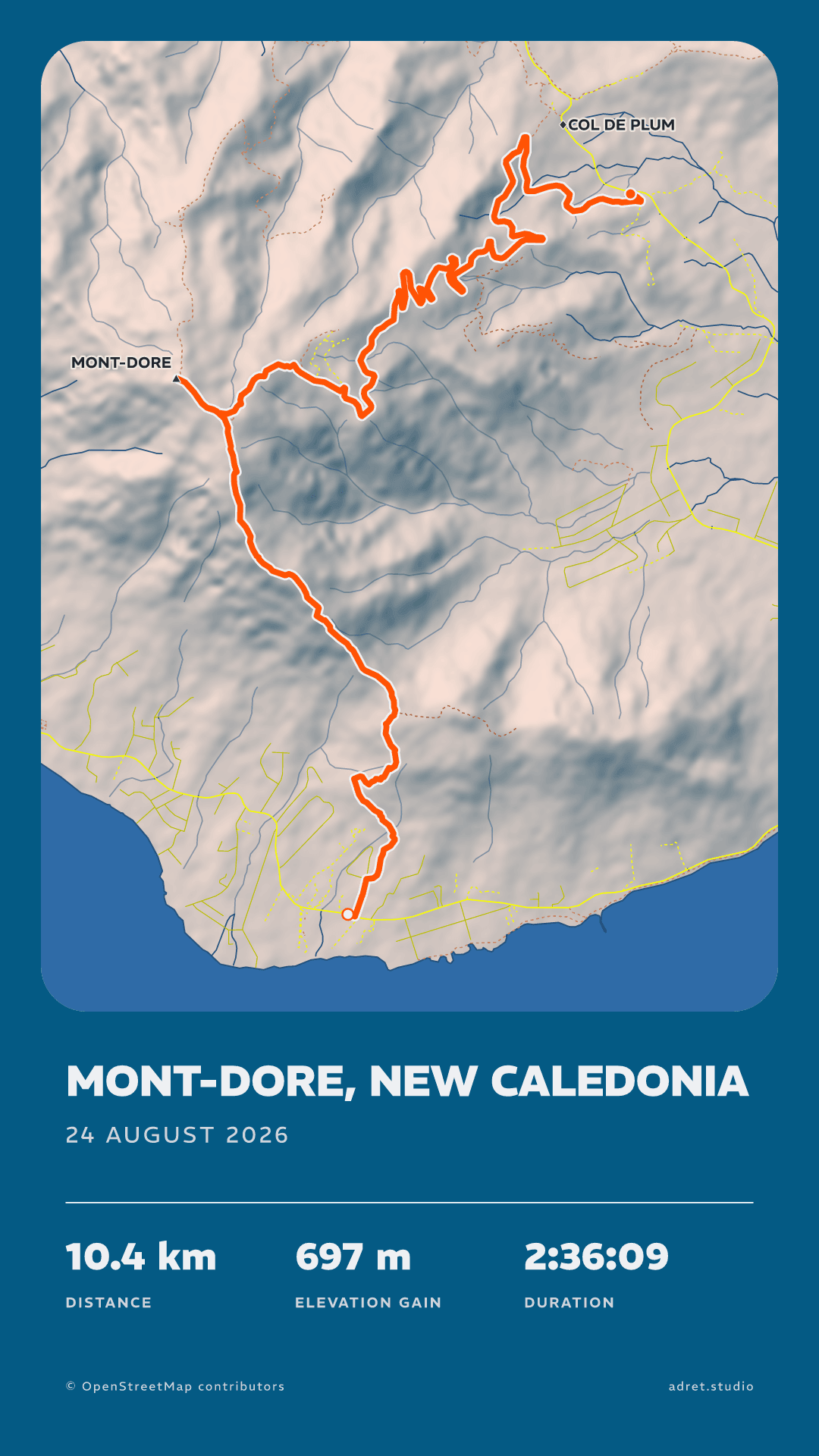
Ask your assistant for a poster of your outing, in your own words, and Adret draws it: the same styles as in the app, the map and the relief of the ground you covered, your title and your stats. The assistant passes on what you asked for; the drawing is Adret’s, not an AI’s. With Adret Pro, on your Adret account.

Three steps.
- 01
Add Adret to your assistant
In Claude, under Settings, then Connectors, choose “Add custom connector” and give it this address:
https://app.adret.studio/api/mcp. Or open that dialog already filled in. In ChatGPT, on the web, add the same address as a custom MCP server, if your plan offers them. - 02
Sign in to your account
A page opens: the email address of your Adret account, the six-digit code sent to it, then Allow. The account needs Adret Pro, and is made in the app, under My account.
- 03
Ask for the poster
Where the assistant can show it, Adret opens a panel in the conversation: drop your GPX, FIT or TCX there (the guide says where to find it), and the poster comes back in it. Elsewhere, the assistant gives you a link to a page to drop it on.
What to ask for.
A poster
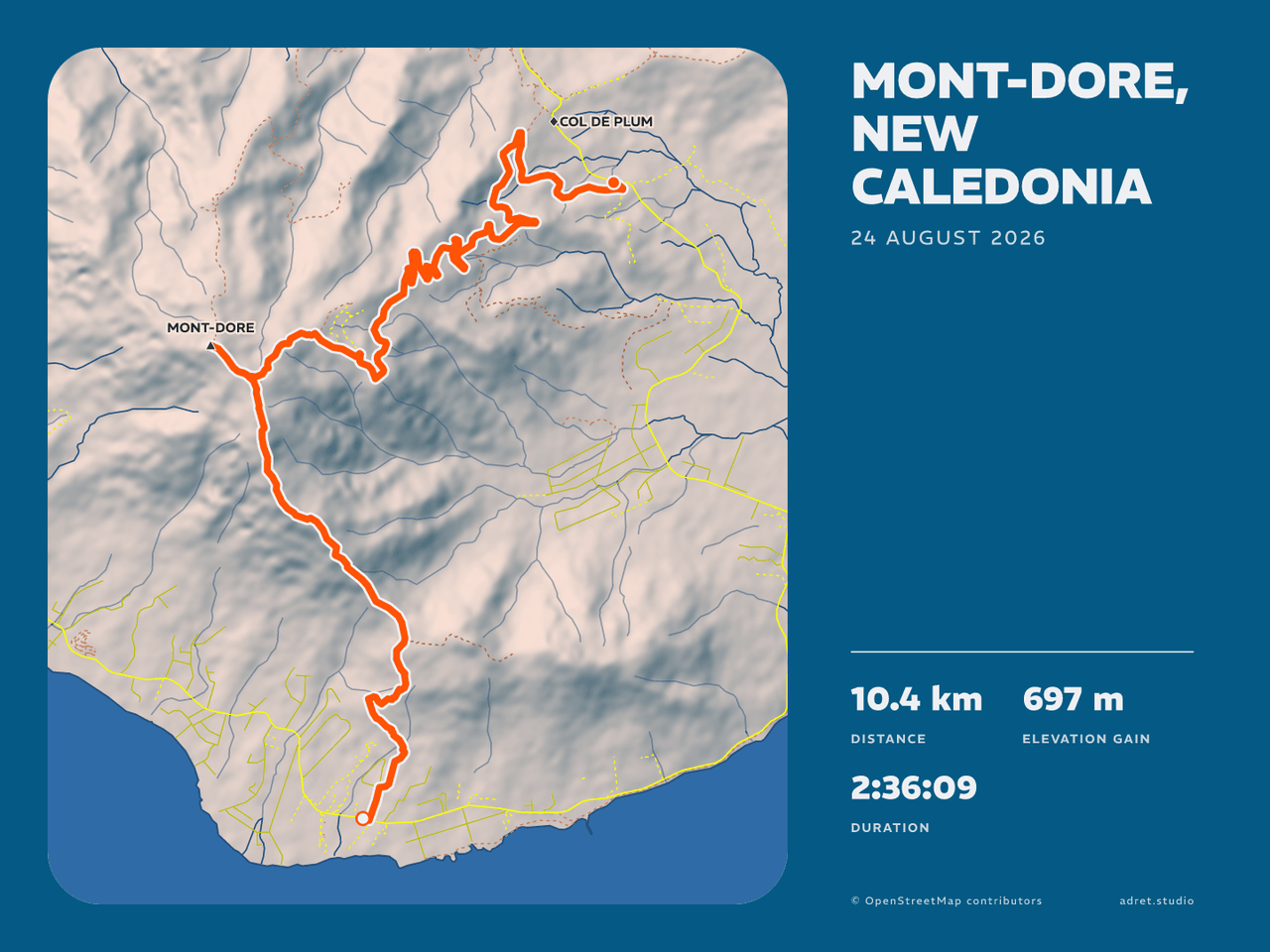
“Make an Adret poster of my ride from Sunday.”
The assistant opens Adret’s panel for the file, or gives you a link: drop it there, and the poster comes back, as a story or a post, in any of the five styles or in one you saved, by its name. Then change it the way you would say it: “Again, in French, titled Tour du Mont-Dore, without the map.” One recording can be drawn again and again for an hour.
A print file
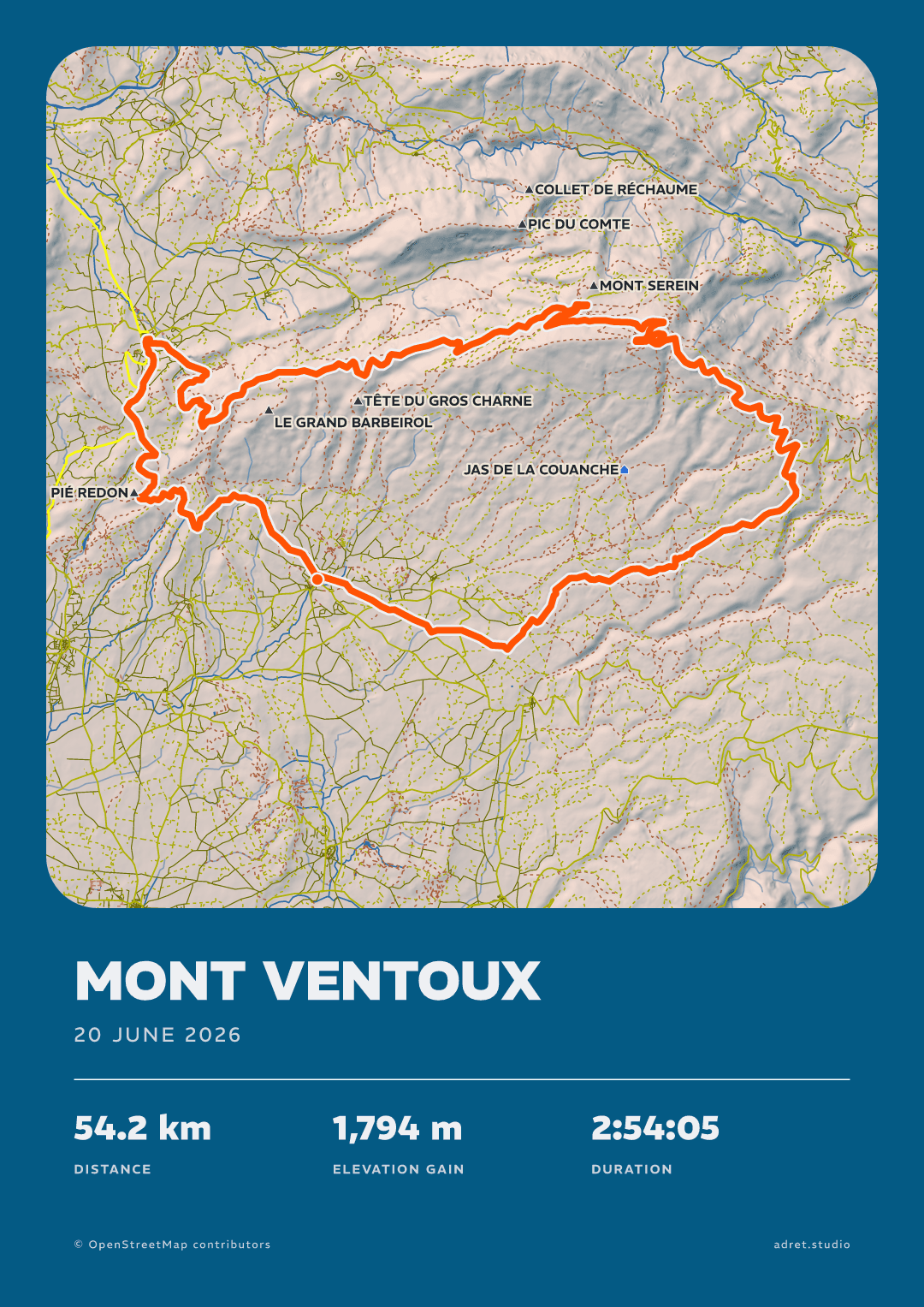
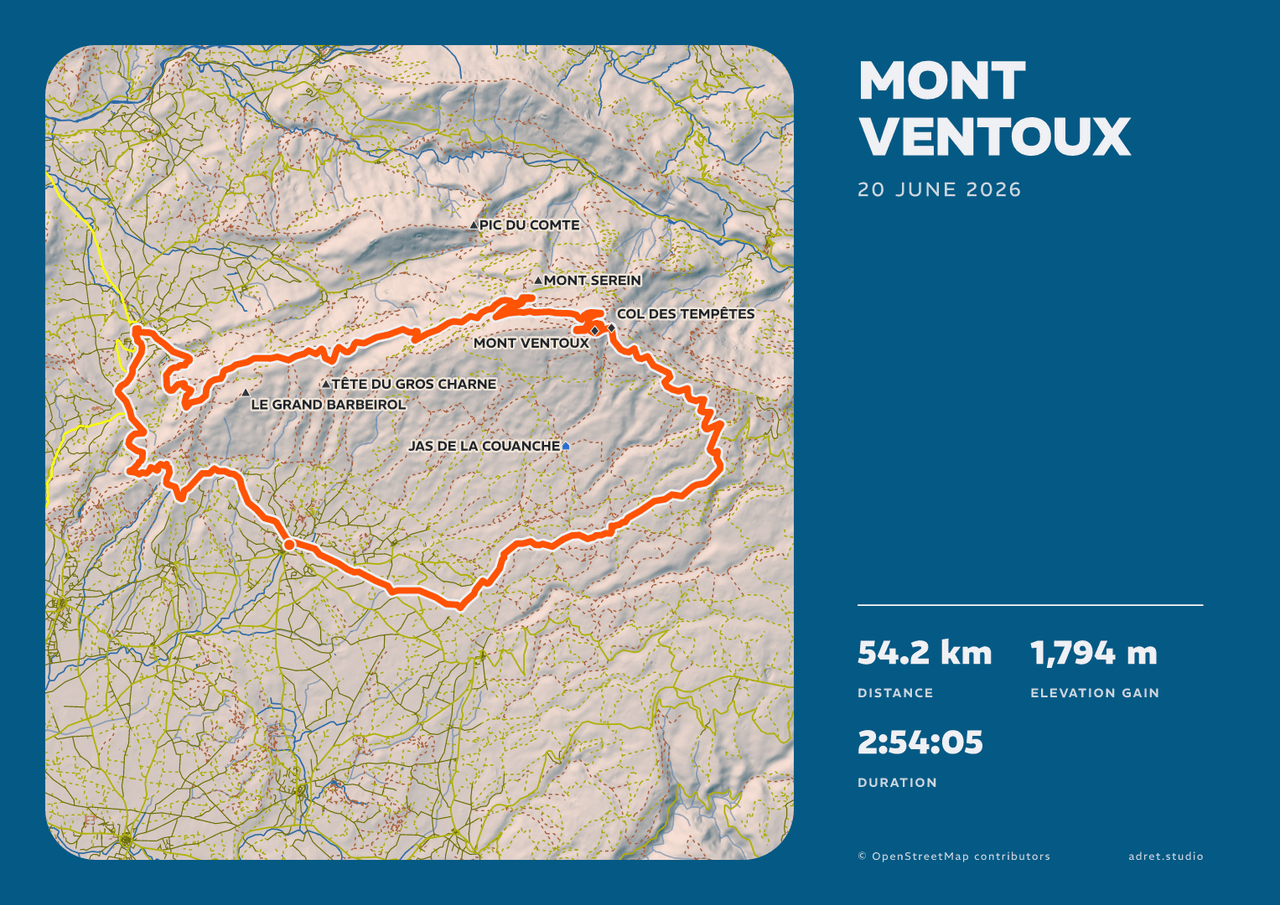
“Make it an A3 print file, landscape.”
The same poster drawn again at 300 dpi, A3 or 30×40 cm, portrait or landscape. Too large for a conversation, it comes as a link, to download within the hour. Adret prints nothing itself: take the file to whichever printer you like.
A film
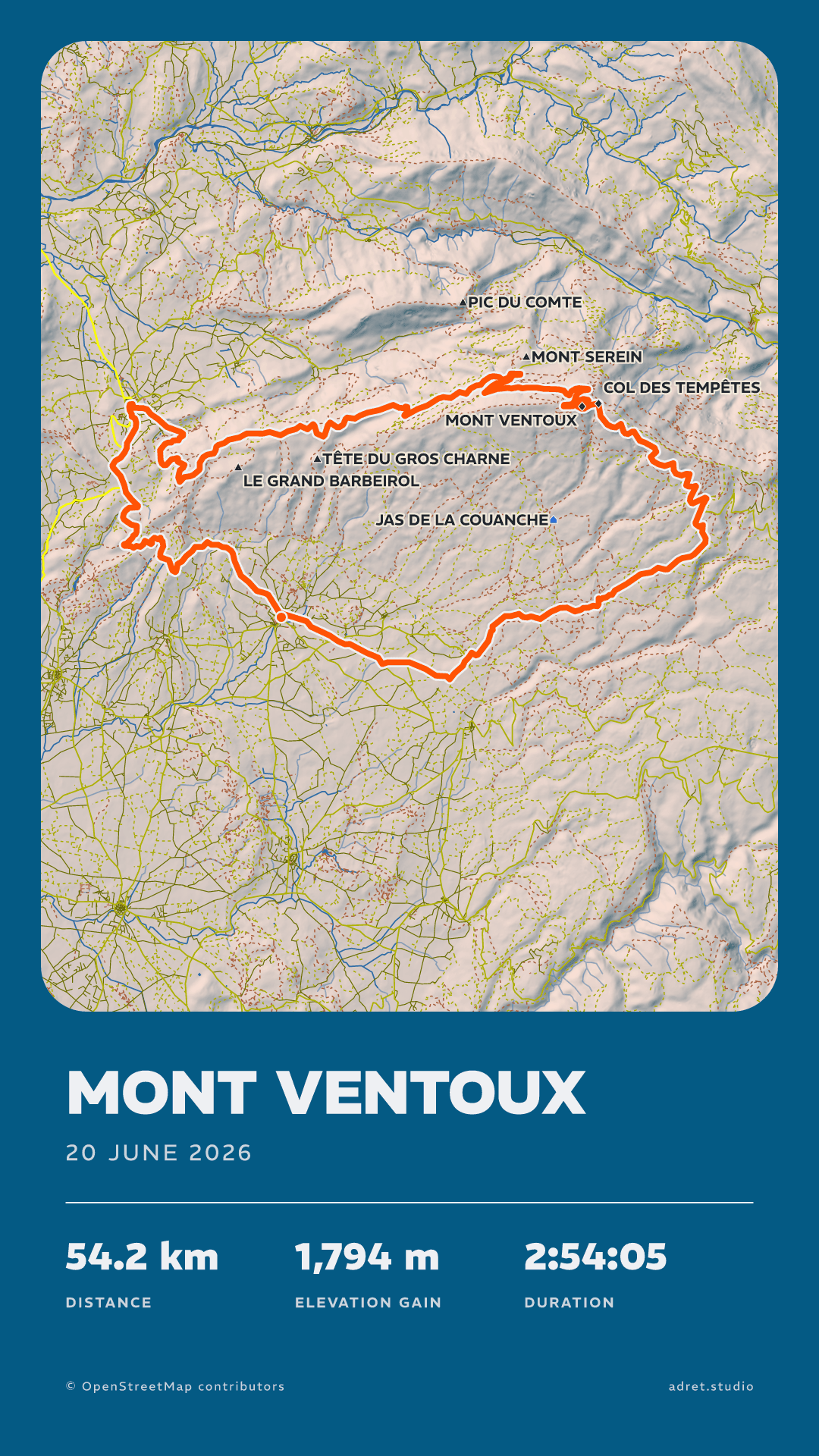
“Make a film of the route drawing itself, for an Instagram story.”
Nine seconds of your route drawing itself, then the whole poster: an MP4 for a story, a Reel or a TikTok, or upright or on its side for a post. It takes a minute or two, longer for a city, and the assistant shows it, or gives you its link, once it is ready.
Fair questions.
Which outing will you ask for first?
Your account is made in the Adret app, on iPhone, iPad or Android, and Adret Pro is bought there. Then your assistant uses both, and so does Adret in your browser.