A month of Adret Pro, free, with the code ADRETLAUNCH
Skip to content
Adret

Pro

Your GPX as a poster, from Claude or ChatGPT.

Ask your assistant for a poster of your outing, in your own words, and Adret draws it: the same styles as in the app, the map and the relief of the ground you covered, your title and your stats. The assistant passes on what you asked for; the drawing is Adret’s, not an AI’s. With Adret Pro, on your Adret account.


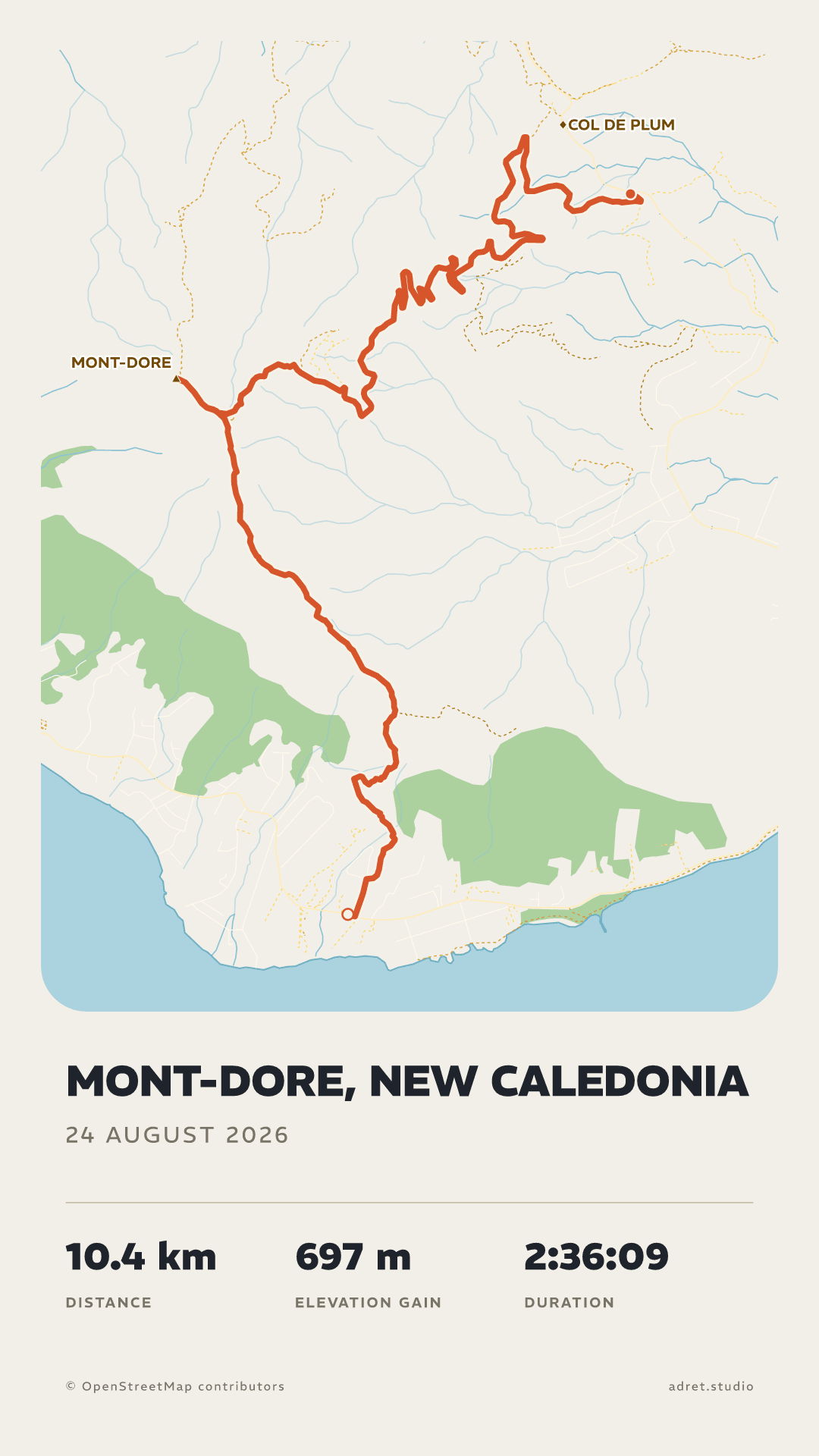
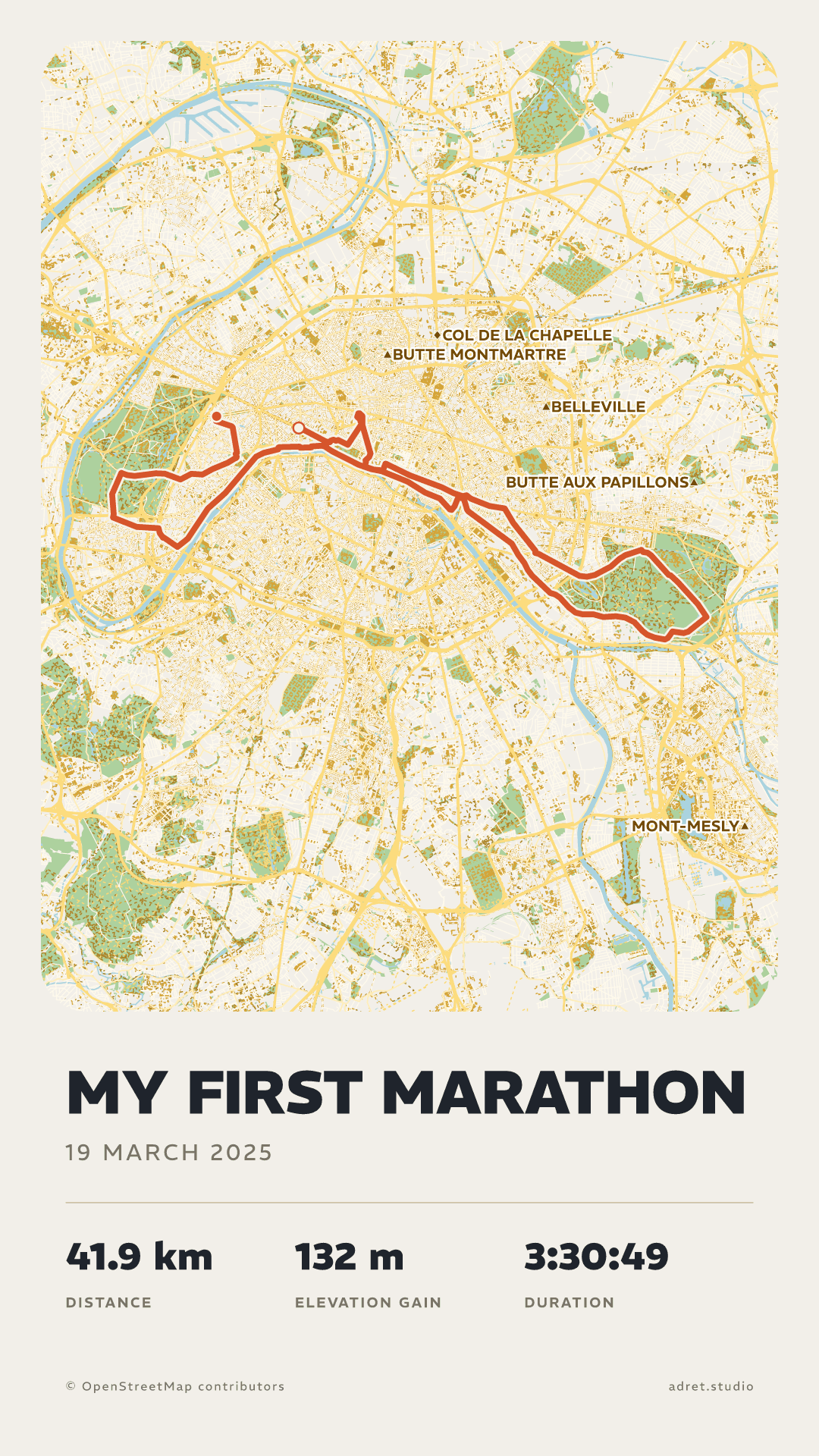
The Classic style on two outings, a hike at Mont-Dore and a marathon in Paris: a flat map on light paper, the route in orange-red

Three steps.

  1. 01

    Add Adret to your assistant

    In Claude, under Settings, then Connectors, choose “Add custom connector” and give it this address: https://app.adret.studio/api/mcp. Or open that dialog already filled in. In ChatGPT, on the web, add the same address as a custom MCP server, if your plan offers them.

  2. 02

    Sign in to your account

    A page opens: the email address of your Adret account, the six-digit code sent to it, then Allow. The account needs Adret Pro, and is made in the app, under My account.

  3. 03

    Ask for the poster

    Where the assistant can show it, Adret opens a panel in the conversation: drop your GPX, FIT or TCX there (the guide says where to find it), and the poster comes back in it. Elsewhere, the assistant gives you a link to a page to drop it on.

What to ask for.

  • A poster

    “Make an Adret poster of my ride from Sunday.”

    The assistant opens Adret’s panel for the file, or gives you a link: drop it there, and the poster comes back, as a story or a post, in any of the five styles or in one you saved, by its name. Then change it the way you would say it: “Again, in French, titled Tour du Mont-Dore, without the map.” One recording can be drawn again and again for an hour.
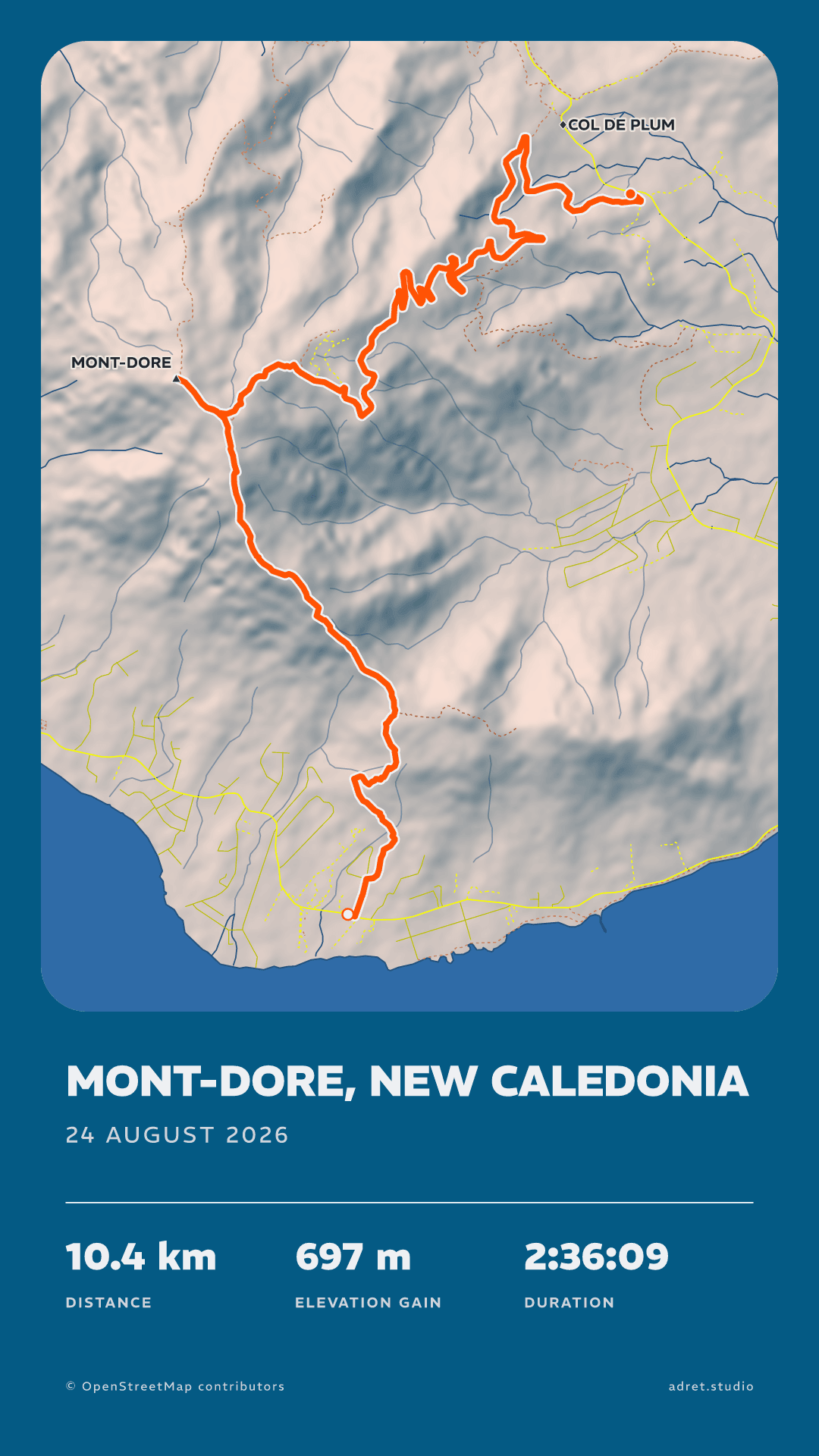
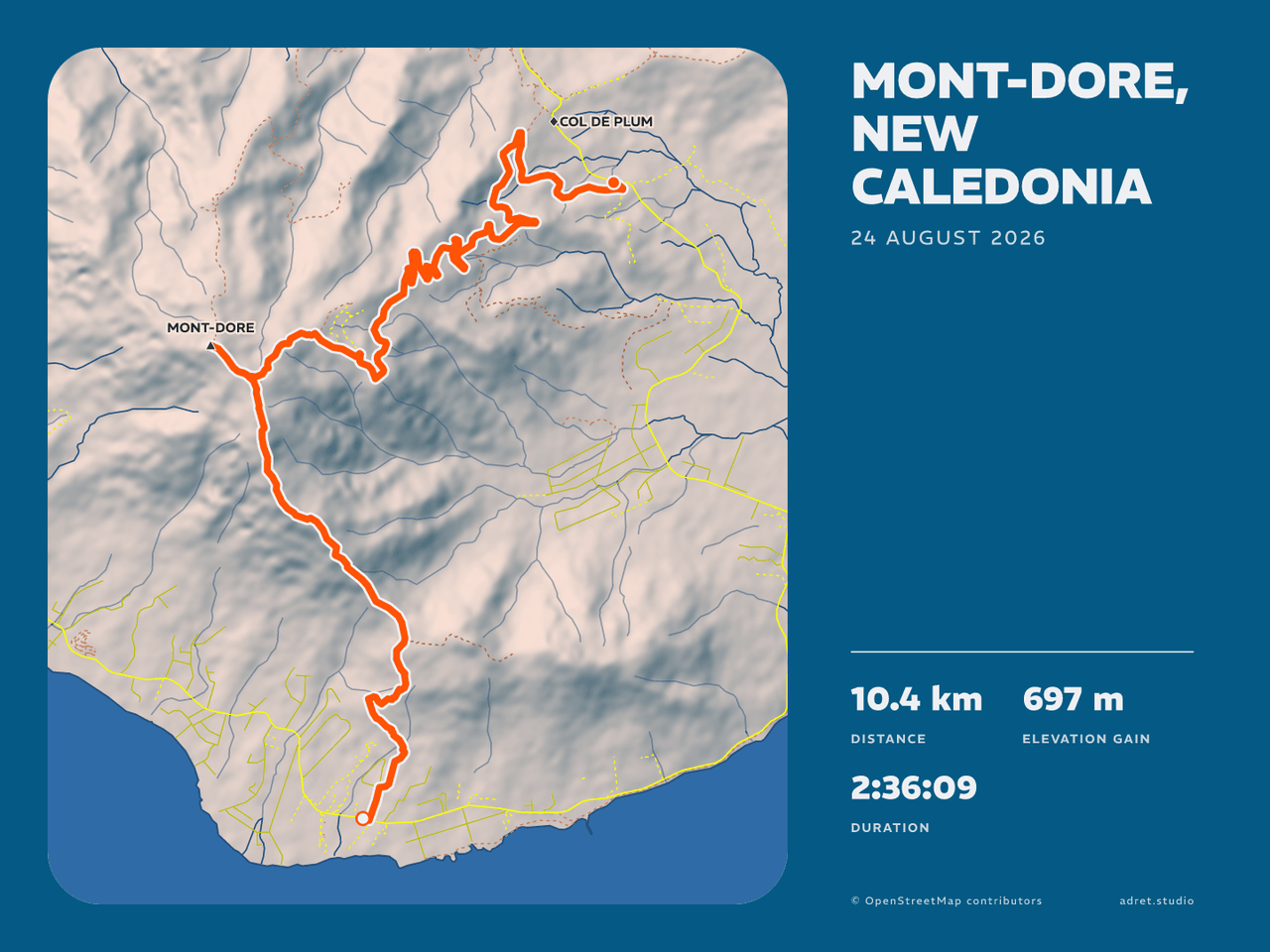
    The same hike in the Adret style twice: as a story, in portrait, then as a post in landscape, the map on the left and the title and stats in a column to its right
  • A print file

    “Make it an A3 print file, landscape.”

    The same poster drawn again at 300 dpi, A3 or 30×40 cm, portrait or landscape. Too large for a conversation, it comes as a link, to download within the hour. Adret prints nothing itself: take the file to whichever printer you like.
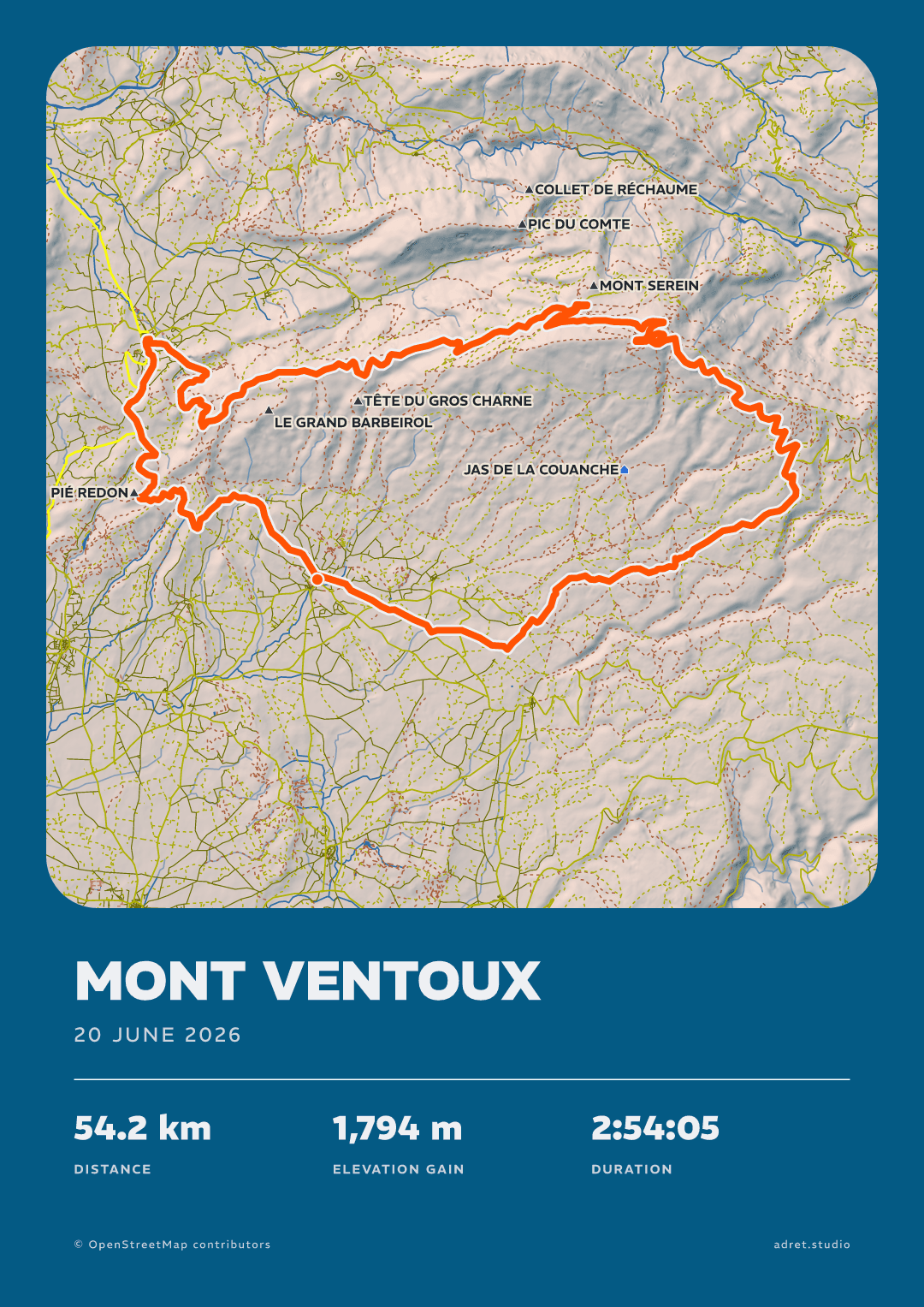
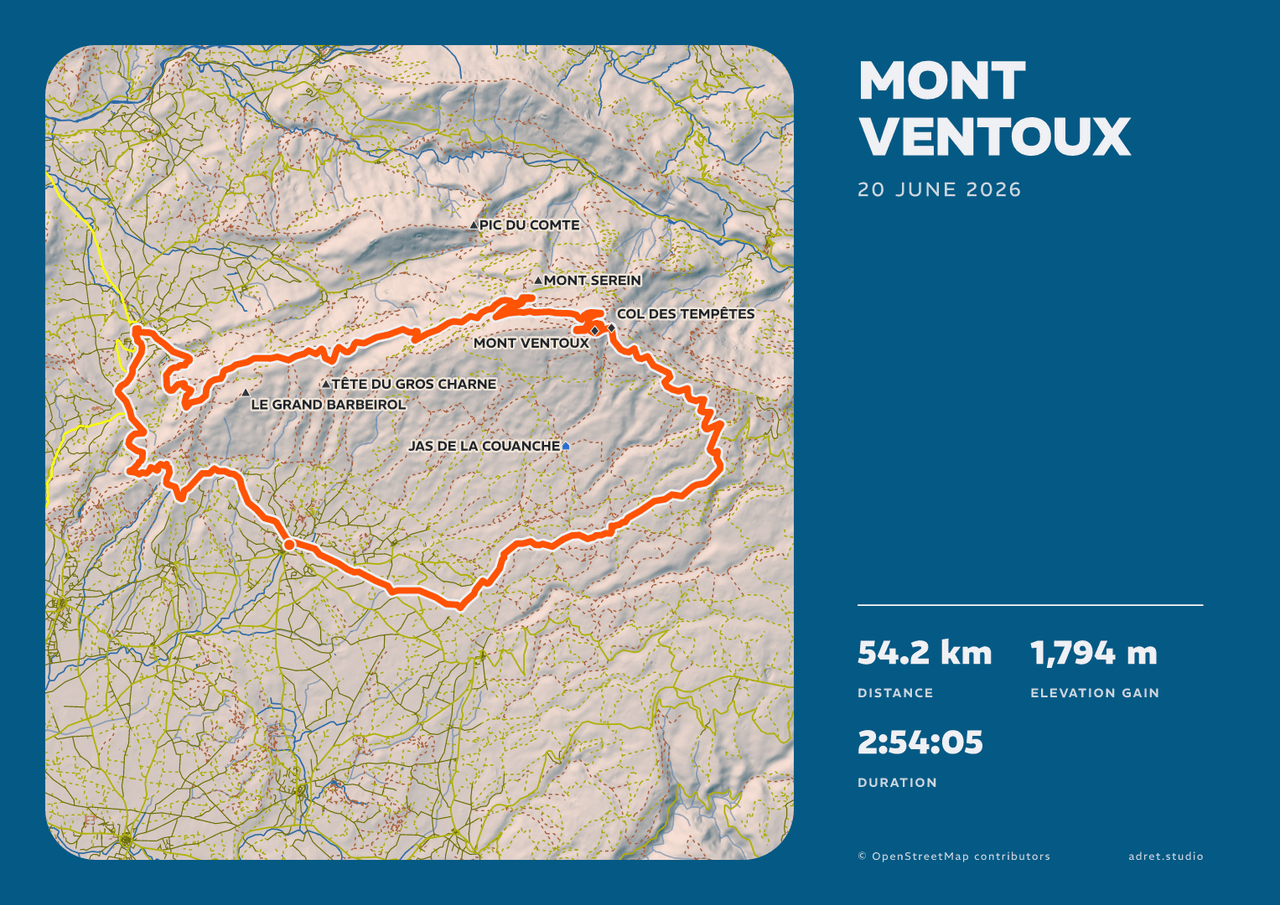
    The same ride over Mont Ventoux in the Adret style as an A3 print, twice: in portrait, then in landscape, the map on the left and the title and stats in a column to its right
  • A film

    “Make a film of the route drawing itself, for an Instagram story.”

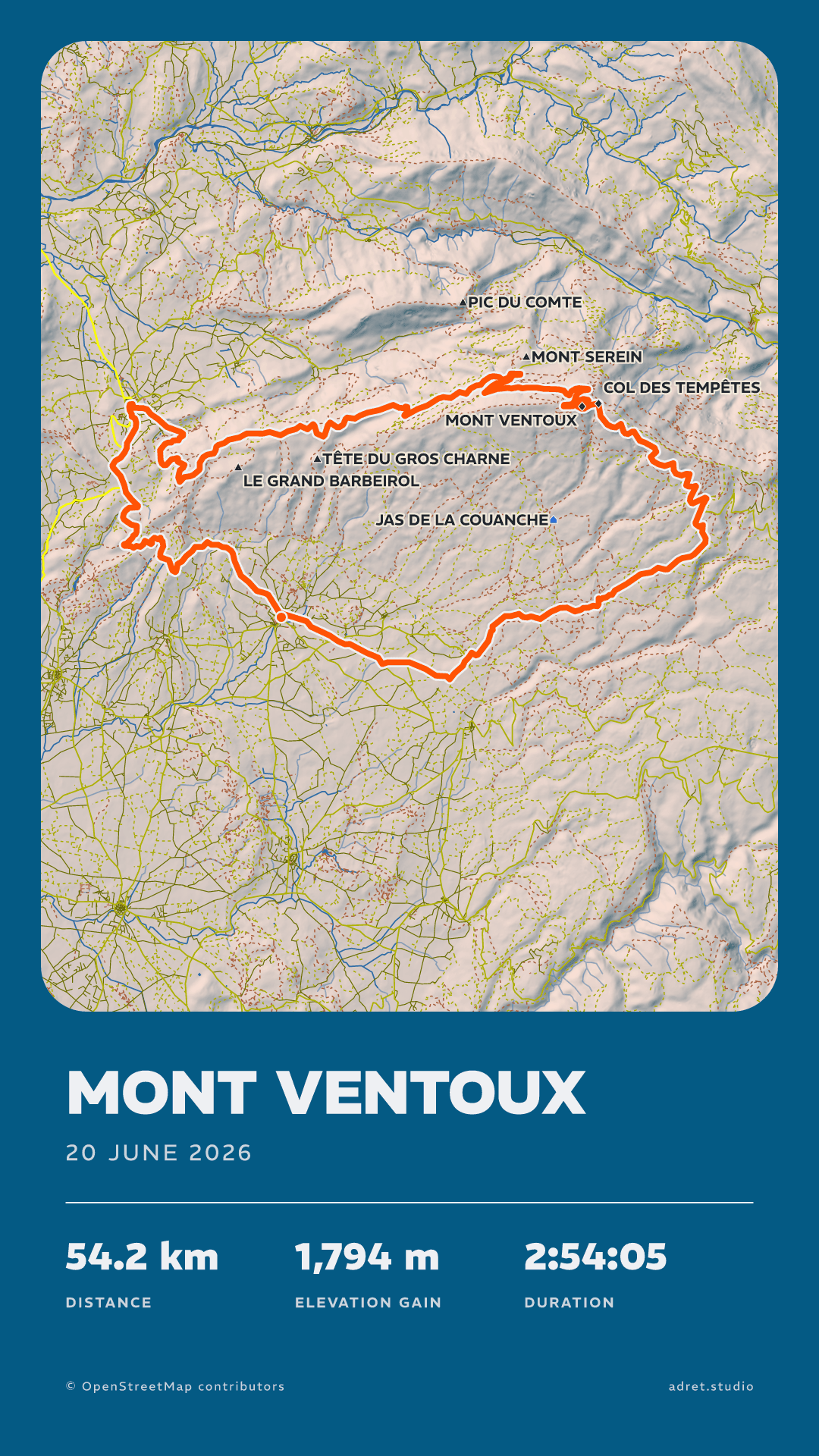
    Nine seconds of your route drawing itself, then the whole poster: an MP4 for a story, a Reel or a TikTok, or upright or on its side for a post. It takes a minute or two, longer for a city, and the assistant shows it, or gives you its link, once it is ready.
Fair questions.

No. The assistant understands what you ask and passes it on to Adret, which draws the poster, the print file and the film exactly as the app does: from your recording, OpenStreetMap and elevation data. The map is the ground your route crossed, and nothing on the poster is invented.

In Adret’s panel, where the assistant shows one in the conversation: drop the GPX, FIT or TCX there, and it goes straight from your device to Adret. Otherwise the assistant gives you a link to a page where you drop it. A file attached to your message stays with the assistant, which by default cannot pass it on: drop it in the panel instead. Adret keeps it for an hour, time enough to draw it again and again.

It goes to the email address of your Adret account and can take a minute: look in the spam folder too, then ask for a new one. If you made the account with Apple or Google, use the address shown under My account in the app. If the page says no account uses the address, the account is still to be made: in the app, under My account.

The connection learns about Adret Pro when it renews its sign-in, which it does at least once an hour. Just after subscribing, wait a little, or remove Adret from the assistant and add it again. If it still says so, check that you signed in with the account that holds Adret Pro.

An upload link waits fifteen minutes for its file. Once the file is in, Adret keeps the recording for an hour, and each poster or film for an hour after it was made, then deletes them and their links stop working (sooner when we update the server). Within the hour, ask again and the assistant draws from the same recording; after it, ask for a new link and drop the file again.

Adret draws the map from OpenStreetMap data it prepares in advance, region by region. Where it holds none yet for the ground you covered, or could not read it, the poster shows your route over the relief alone, and the assistant tells you so. If that happens on ground you think Adret should know, write to us and say which region.

All the questions

Which outing will you ask for first?

Your account is made in the Adret app, on iPhone, iPad or Android, and Adret Pro is bought there. Then your assistant uses both, and so does Adret in your browser.