Adret in Claude and ChatGPT: ask for the poster in your own words
By Nicolas ·
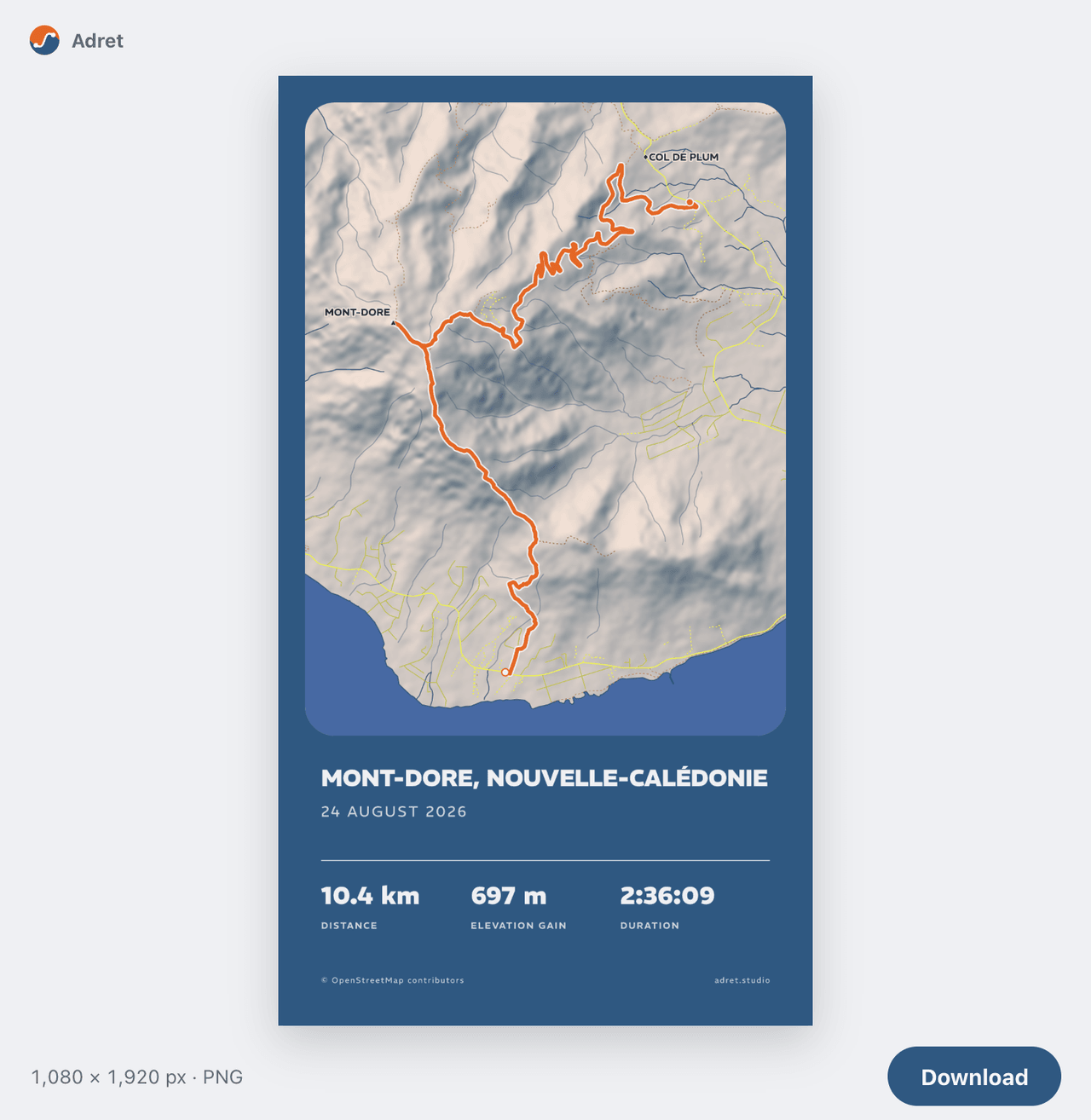
You ask, Adret draws.
From today, with Adret Pro, you can ask Claude or ChatGPT for a poster of your outing. Add Adret to your assistant, tell it what you want in your own words, drop the recording in the conversation, and the poster comes back there. The how-to is three steps, on the assistants page.
Truth be told, Adret has been able to draw for an assistant since 10 October. I kept quiet about it, because one step was still awkward: handing over the file.
The file that would not go through
The first instinct is to attach the GPX to your message, like a photo. Except an attached file stays with the assistant, which by default cannot pass it on. 10 October, first try with Claude: turned away at the door. Fine.
The next idea: ask the assistant to send it over itself. Except that meant opening a door it keeps shut by default, and for good reasons. Dropped.
Which left a page. The assistant gives you a link, you open it in your browser, drop the file, go back to the conversation and type "done". On a computer, that works. On a phone, you leave the assistant’s app, open the browser, go and find the file, come back, and work out where you were (if you can remember). For a conversation, that is a lot of coming and going.
A panel in the conversation
Now Adret opens a panel in the conversation, wherever the assistant can show one: Claude on the web, on computers and on phones, and ChatGPT. Drop your GPX, FIT or TCX on it, or pick it from your files, and the conversation carries on by itself: the panel tells the assistant the file has arrived.
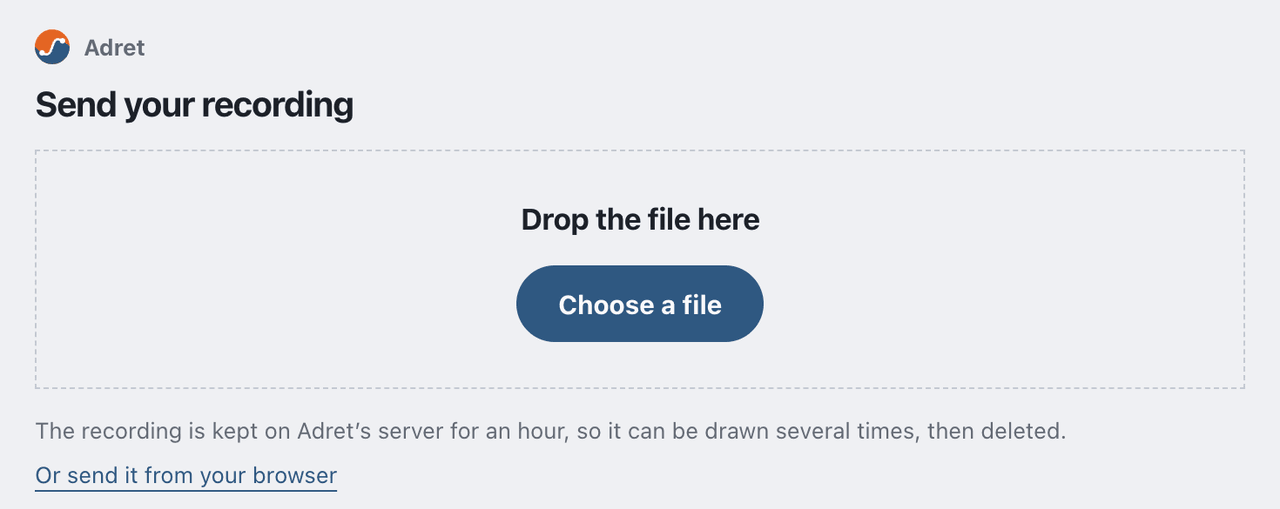
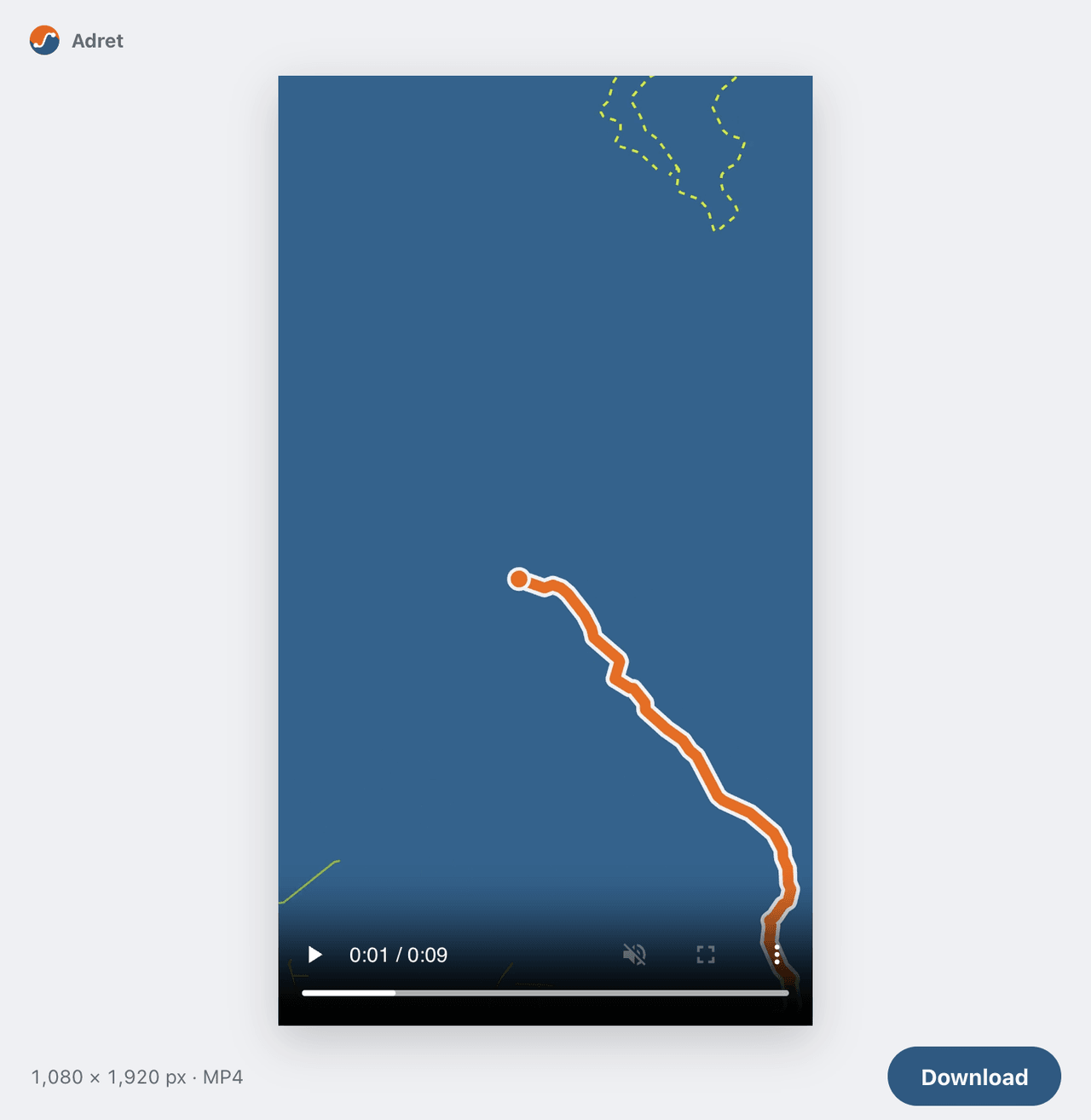
The poster comes back in a panel too, at the width of the conversation, with a button to get it. The film plays there. And an assistant that cannot show the panel still gives you the page’s link.
Seven seconds, or under one
Before writing that panel, I built a throwaway one to see what each assistant lets it do. Once dropped, the file has two ways to reach Adret. Through the assistant: the panel cuts it into pieces, and the assistant relays them one by one. Or straight: the panel sends it itself, from your device to Adret.
I tried it on eight screens: Claude in Chrome, Safari and Firefox, the Claude app on a Mac, Claude on an iPhone and on a Galaxy S10, ChatGPT on the web and on an iPhone. Both ways got through on every one. ChatGPT on Android, I have not tried yet.
Then the stopwatch. With the UTMB’s GPX (2.26 MB), in Claude on a computer, the file takes 7.0 to 7.4 seconds through the assistant, in seven pieces, and 0.53 to 0.61 seconds straight. No contest: over ten times faster! And size has nothing to do with it: each piece costs a round trip of just over a second, big or small. In two big pieces instead of seven, the assistant gets down to 2.5 seconds, and no further.
Going straight has another advantage: the file never passes through the assistant’s servers. It goes from your phone or your computer to Adret, as it does from the page. Straight it is.
What to ask for
The same styles as in the app, your saved ones included.
- A poster: "Make an Adret poster of my ride from Sunday." As a story or a post, in any of the five styles, or in one you saved, by its name.
- A change: "Again, in French, titled Tour du Mont-Dore, without the map." One recording can be drawn again and again for an hour.
- A print file: "Make it an A3 print file, landscape." At 300 dpi, A3 or 30×40 cm, as a link to download within the hour. Adret prints nothing itself.
- A film: "Make a film of the route drawing itself, for an Instagram story." Adret Pro’s 9 seconds, ready in a minute or two, longer for a city.
It is not an AI drawing
The assistant understands what you ask and passes it on. The poster is drawn by Adret, with the same engine as the app and your browser, from your recording, OpenStreetMap and elevation data. The map is the ground you covered, and nothing on the poster is invented. In short: the assistant takes the order, and Adret does the cooking.
What you need
- Adret Pro, on an Adret account. The account is made in the app, under My account, and Adret Pro is bought there. Here the account is not optional: Adret has to know whom it is drawing for.
- Adret added to your assistant, at this address:
https://app.adret.studio/api/mcp. In Claude, as a custom connector; in ChatGPT, on the web, as a custom MCP server, if your plan offers them. - Signing in: the email address of your account, the six-digit code sent to it, then Allow.
What is kept, and for how long
An upload link waits fifteen minutes for its file. Once it is in, the recording stays on Adret’s server for an hour, time enough to draw it again and again, and each poster or film for an hour after it was drawn. Then all of it is deleted. What you say to the assistant, and the posters it gets back, are handled by the company that makes it, under its own privacy policy. The privacy page has the rest.
What is not there
- Strava: from an assistant you start from the file, which the GPX guide helps you export.
- Buying Adret Pro, which happens in the app.
- A file attached to your message: it stays with the assistant. Drop it in the panel instead.
In short
- With Adret Pro, on your Adret account.
- In Claude, on the web, on computers and on phones, and in ChatGPT, if your plan takes custom MCP servers.
- In your own words: a poster, a change, a print file, a film.
- The recording goes in the panel, or on a page where the assistant cannot show one.
- Drawn by Adret, with the same engine as the app.
- An hour on the server, then it is deleted.
So, do you say please to your assistant?
Nicolas