Pro
A bikepacking route poster, drawn from the trip you rode.
Several days on the bike, a tent, and a recording for each day. Adret draws a poster from each one: the day’s line, its distance, its climb and its time under the name you give it, laid over the photo you took that day, so that the days read as one series. You make them yourself, on your phone or in a browser, with no account and no watermark. A short day is free to draw. A long day, the whole trip on one sheet and the print file are part of Adret Pro, whose yearly plan starts with a free trial. Adret does not print or deliver anything itself: for the wall, the page about printing says what to ask a print shop for.


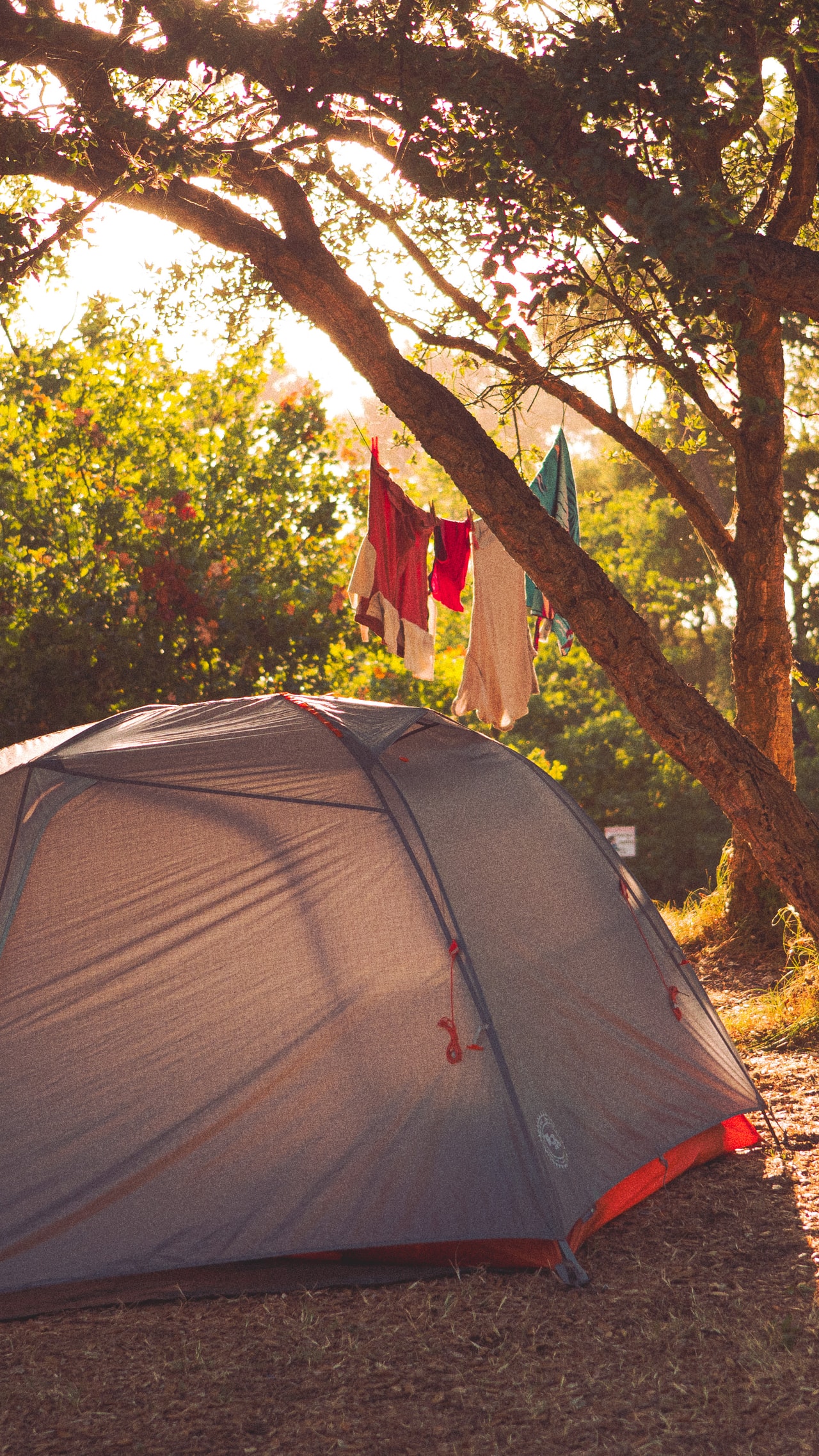
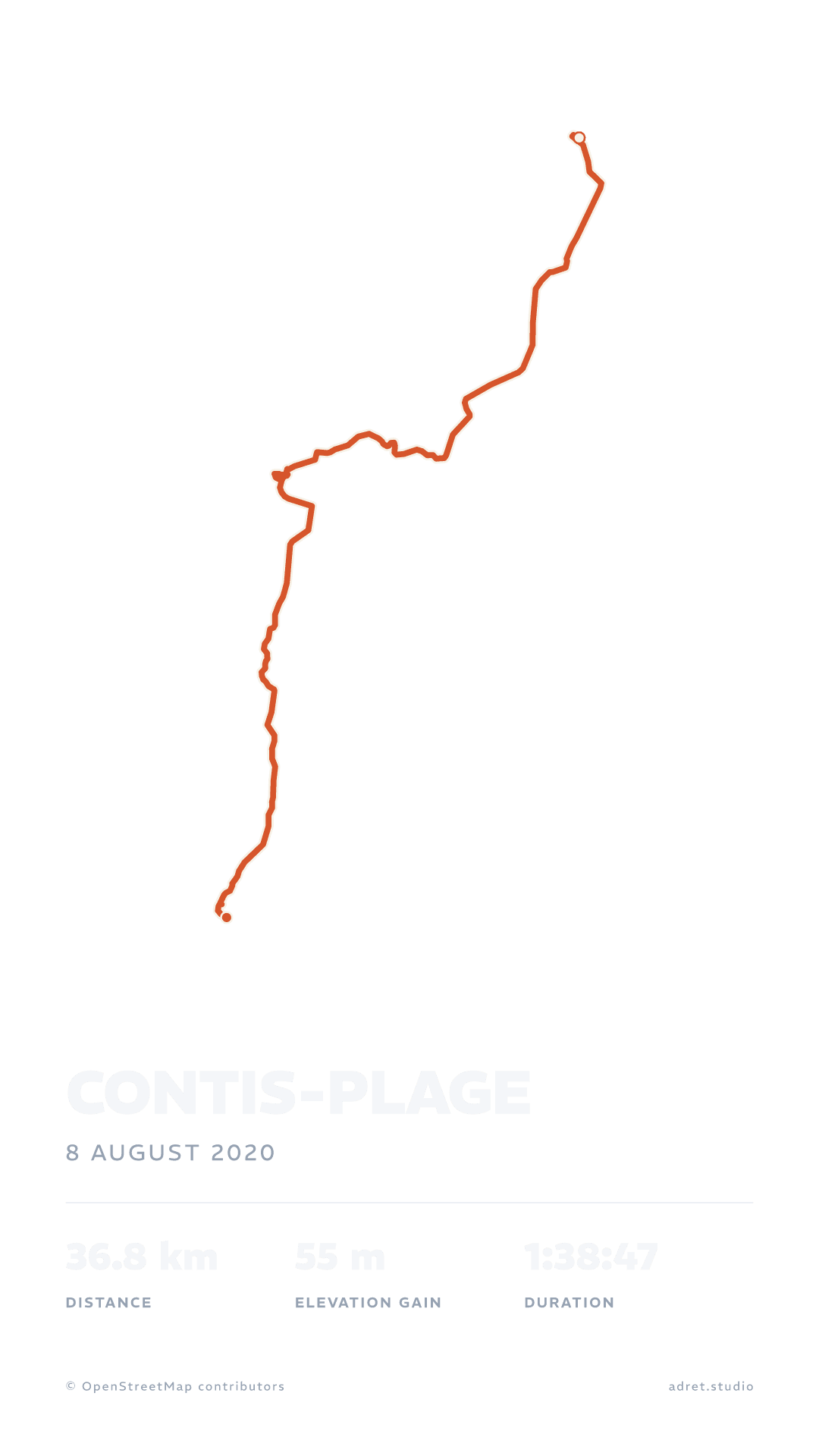
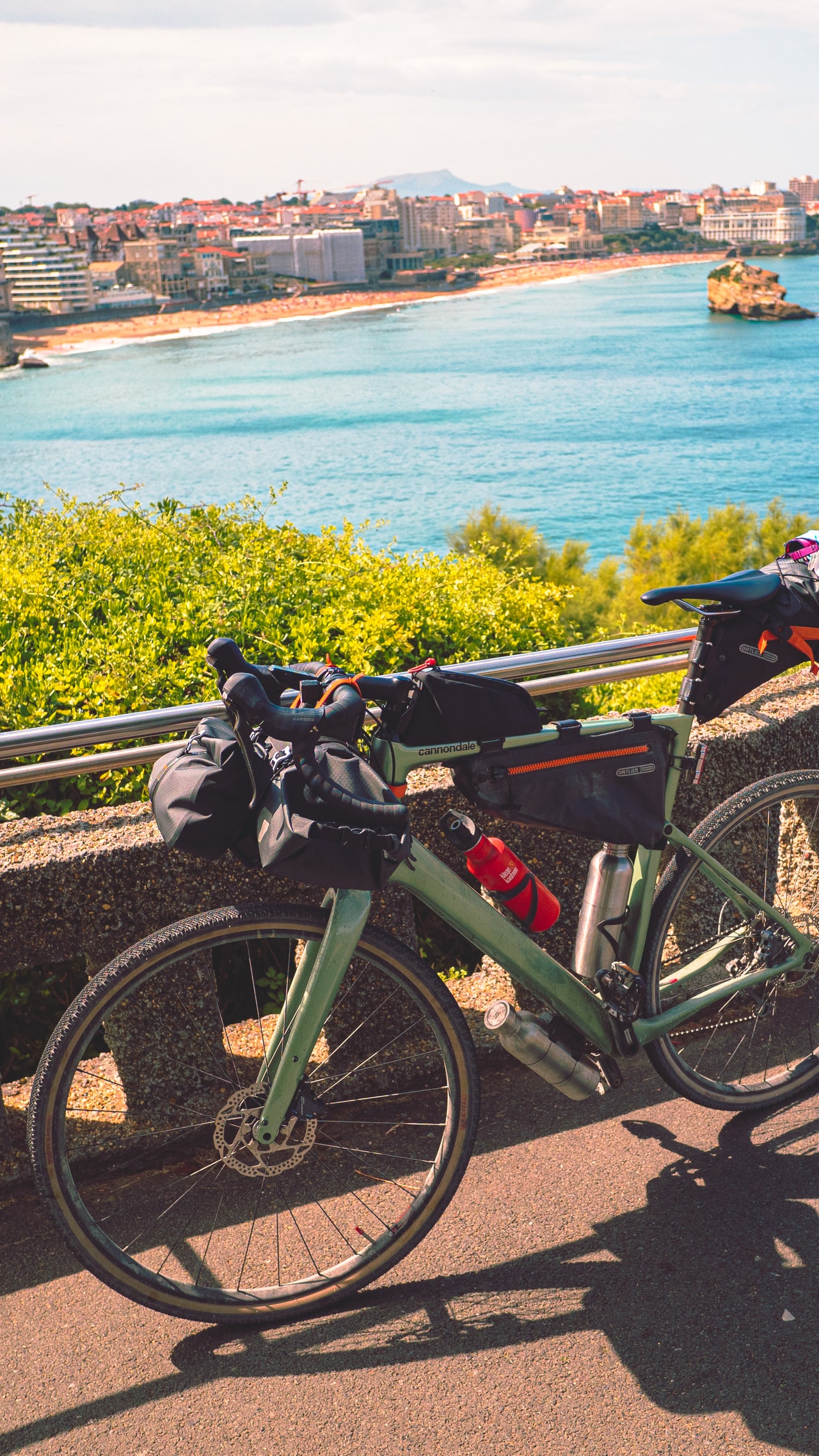
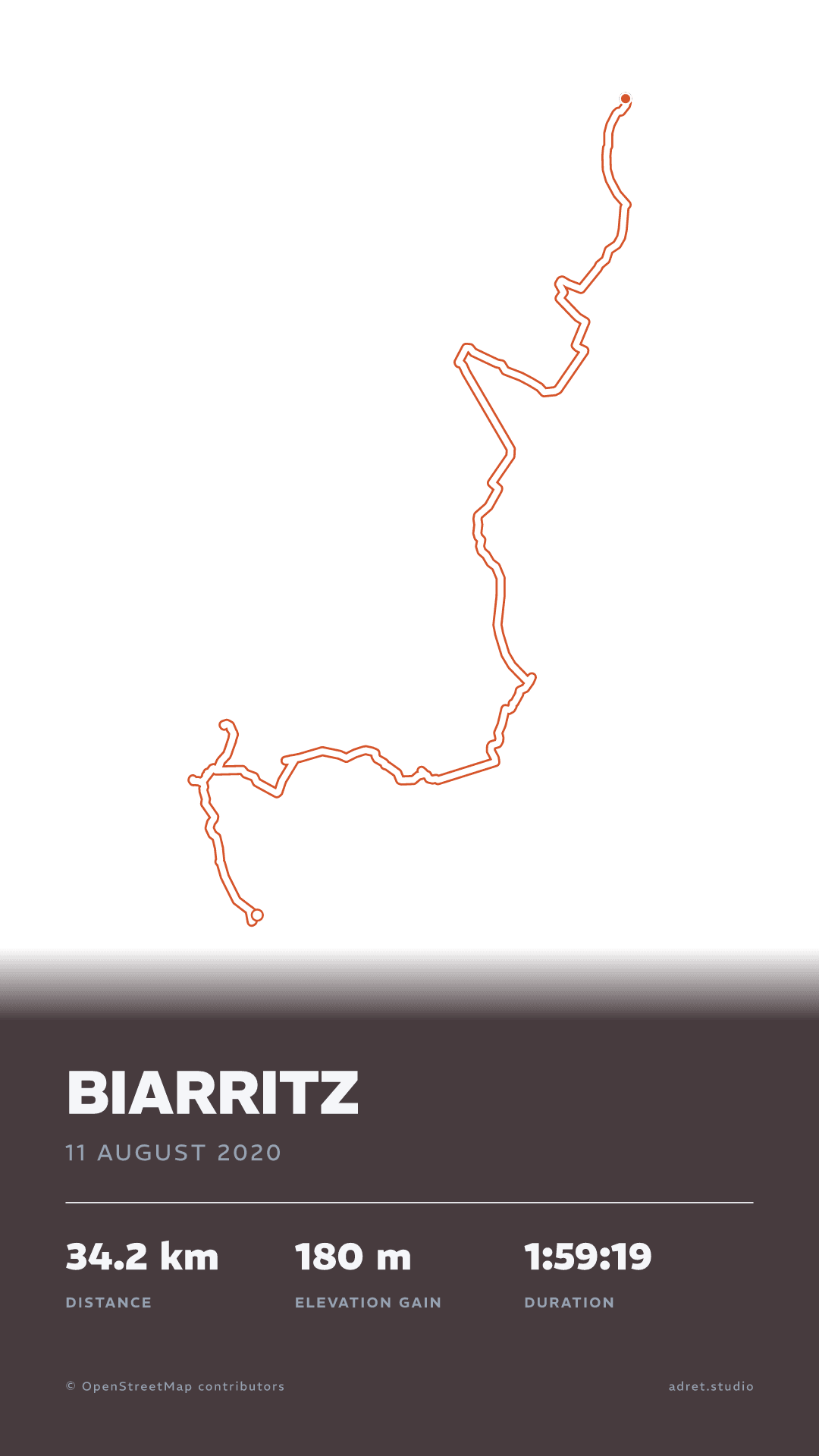
Three steps.
- 01
Get each day’s recording
Your head unit or your phone recorded one activity a day, and your route app or your sports app has them all. Adret reads the GPX, FIT or TCX file each of them exports, and on a phone it can take a day straight from Strava. The guide says where the file is, app by app.
- 02
Lay the day over its photo
Open a day in Adret, then under Page tap Background, then Photo, and choose the picture you took that day. Over a picture, less map reads better: switch the roads, the woods and the water off, down to your line, its title and its stats, and give the line the colours the photo asks for. A short day draws on your phone and is free; a long one covers more ground than a phone can draw, and Adret Pro draws it on the server. Adret Pro also has the Cover layout, as on the day to Biarritz at the top of this page: the line over the whole sheet, the title on a band.
- 03
Share your bikepacking posters
A story each evening while you ride, or the whole series once you are home: each one a PNG with no watermark. For the wall, Adret Pro draws the whole trip on one sheet and makes its print file, in A3 or 30×40 cm at 300 dpi.
A trip, day by day, then on one sheet.
Long daysPro
The long days, drawn all the same.
What counts is the ground a day covers, more than its distance: a day of 34 km can draw on your phone, and one of 37 km not. These three, 72 to 99 km each, are well past it: Adret Pro draws them on the server, and they come back like the others. Each stands over the photo taken that day: the Arcachon basin at Andernos-les-Bains at dusk, a lake in the Landes, and the pines at Labenne, where the line is white edged in orange to stand off the trunks.
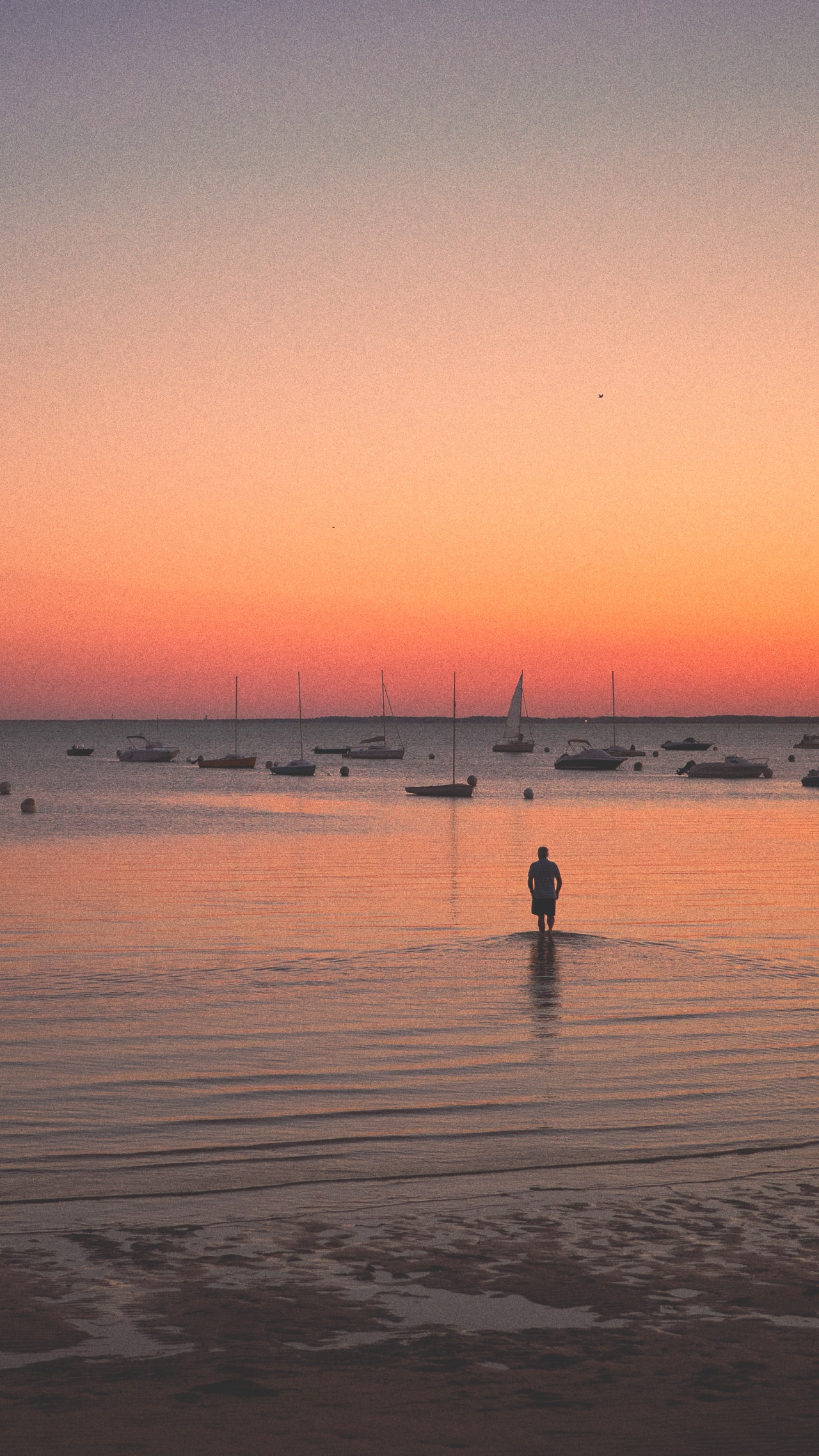
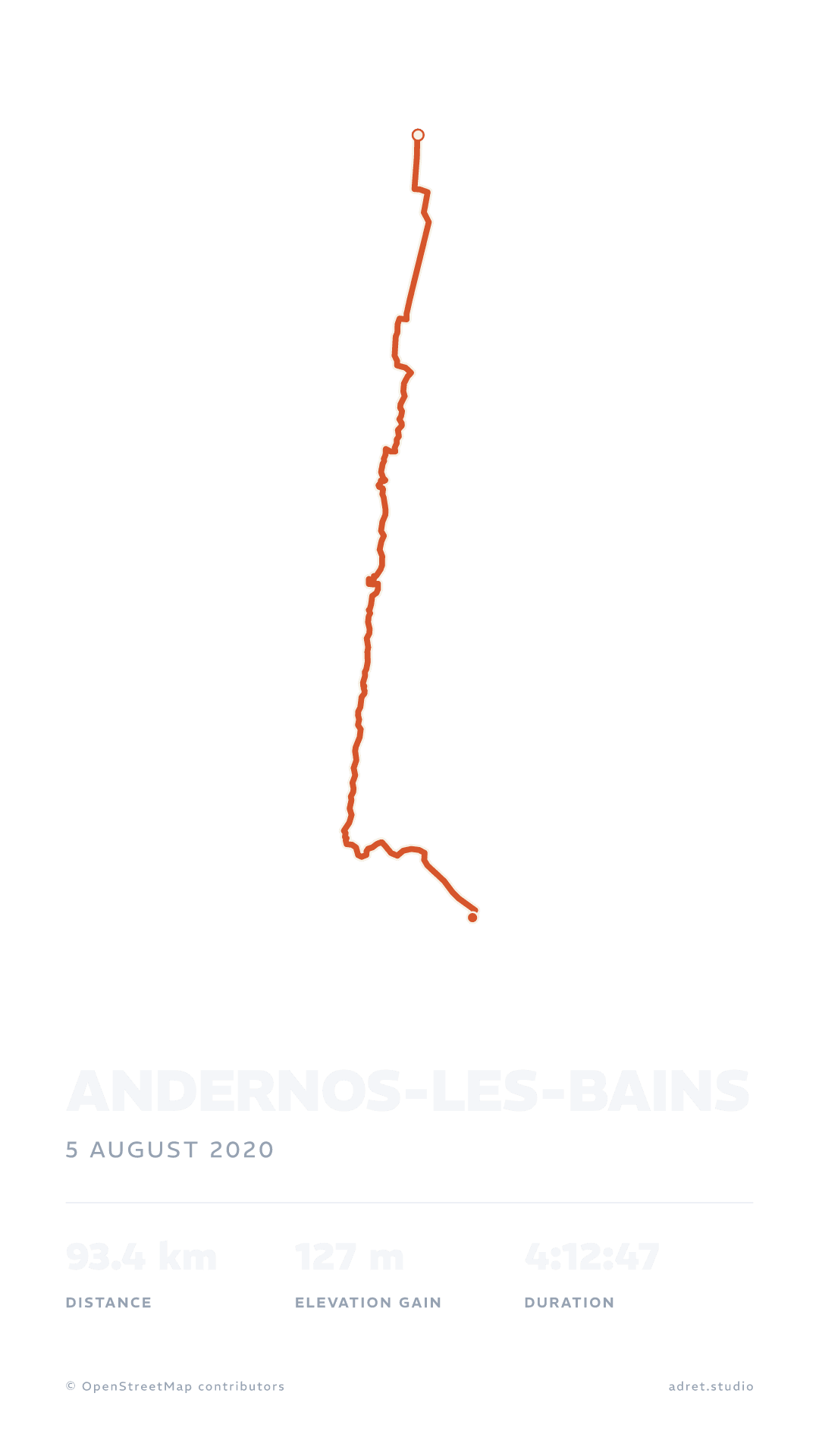 adret_studio
The whole tripPro
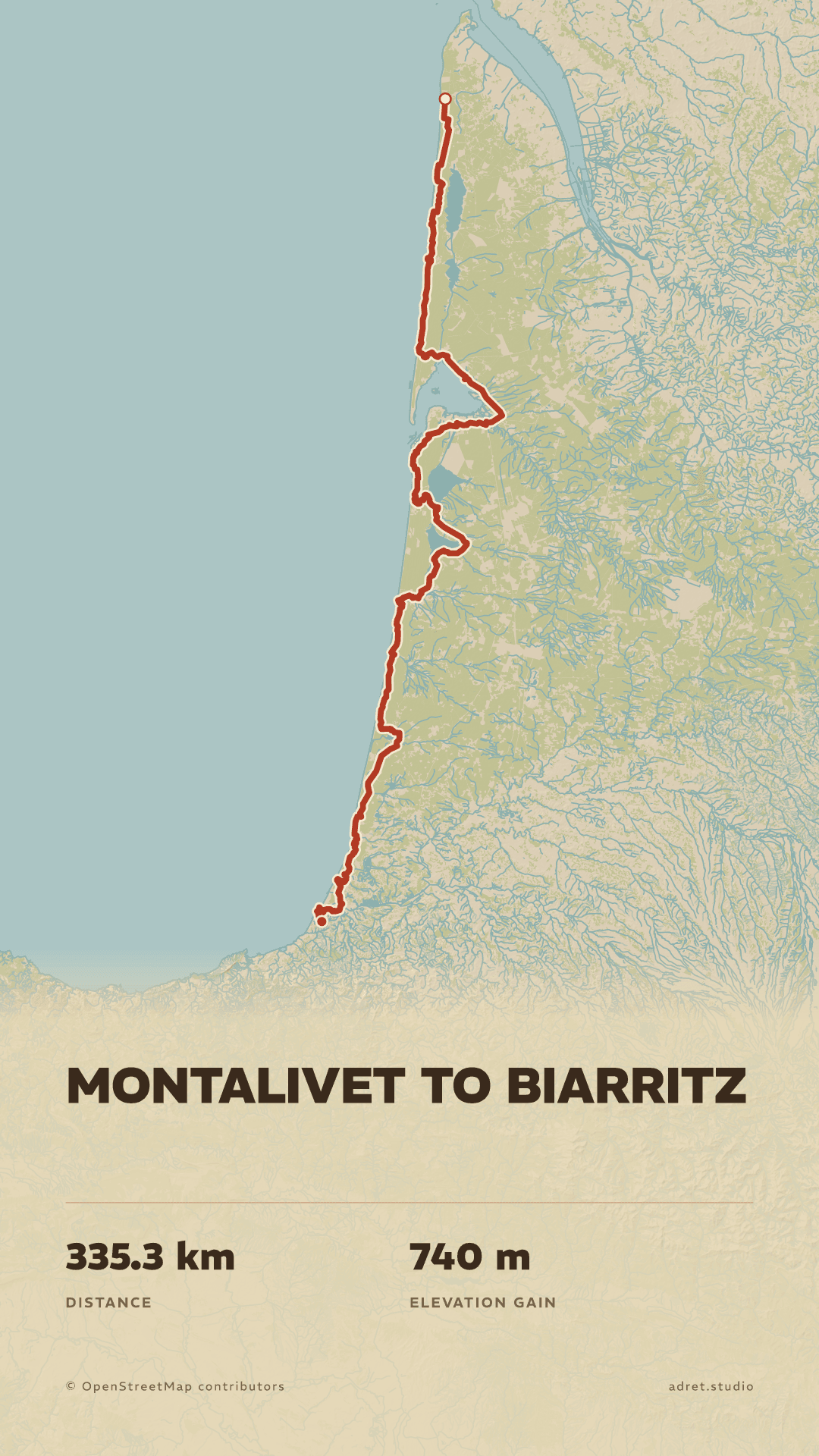
Five days and 335 km, on one sheet.
A poster holds one recording, and Adret does not join files: bring the trip as a single file, its days end to end, and Adret Pro draws it as one line. Here from Montalivet to Biarritz, in Vintage, the map over the whole sheet. At this scale the roads, the paths and the names are switched off, which leaves the coast, the lakes and the forest; those switches are free. A sheet only holds so much ground: these five days fit as a story and as a print, a trip three times as long would not, and Adret tells you so.
The printPro
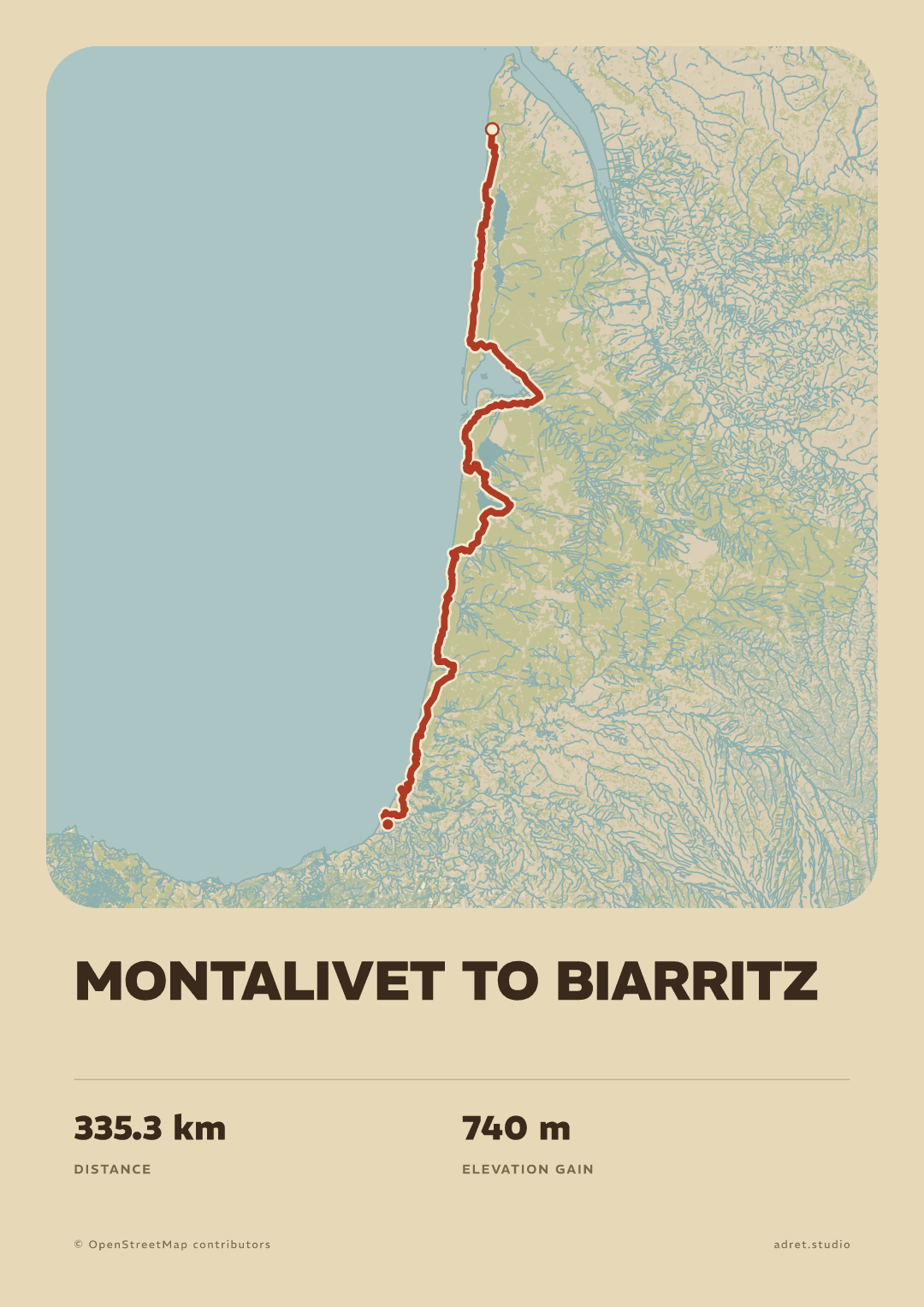
Then the trip goes on the wall.
Adret Pro draws the sheet again at paper size: a file at 300 dpi, in A3 or 30×40 cm, portrait or landscape. Here the same five days as an A3, the map in its panel above the title. Adret prints nothing itself: you take the file to a photo lab or an online printer, and the page about printing says what to ask for.
Fair questions.
- In Adret itself: under Page, tap Background, then Photo, and choose it. The poster you share is already laid over it.
- In Instagram, which also works over a video: give the poster a transparent background, export it, and add the PNG to your story as a sticker.
- A3 has the shape of every A size: it prints just as well at A4 or A2, and fits a 50×70 cm frame.
- 30×40 cm is 3:4, and prints at 60×80 cm as well.
You rode it day after day. Keep every one of them.
Adret is on iPhone, iPad and Android, in your browser, and in Claude or ChatGPT with Adret Pro. Free to try, no account, no watermark.