A marathon route poster, drawn from the race you ran.
Months of training, a few hours on the road, and a recording on your watch. Adret draws the poster from it: the streets you ran, along your own line rather than the official course, with your time and your pace under the title you write. You make it yourself, on your phone or in a browser, with no account and no watermark. A half marathon is free to draw. A marathon sits at the edge of what a phone can draw, and past it Adret Pro draws it, with a free trial on the yearly plan. Adret does not print or deliver anything itself: for the wall, Adret Pro makes the file to print, and any print shop does the rest.


Three steps.
- 01
Get the marathon’s recording
Your watch recorded the race, and your sports app has it too. Adret reads the GPX, FIT or TCX file either of them exports; on a phone it can take the activity straight from Strava, or the workout from Apple Health on an iPhone. The guide says where the file is, app by app.
- 02
Write the race’s name
Open the recording in Adret. A half marathon draws on your phone, in any of the four free styles; a marathon often covers more ground than a phone can draw, and Adret Pro then draws it on the server (the yearly plan starts with a free trial). Tap the title to write the race’s name, or your own words for the day, then tap the stats to keep the ones that count in a race: the distance, your time, your pace.
- 03
Share your marathon poster
As a story or a post, portrait or landscape, a PNG with no watermark, to announce it wherever you like. For the frame, Adret Pro makes the print file, in A3 or 30×40 cm at 300 dpi.
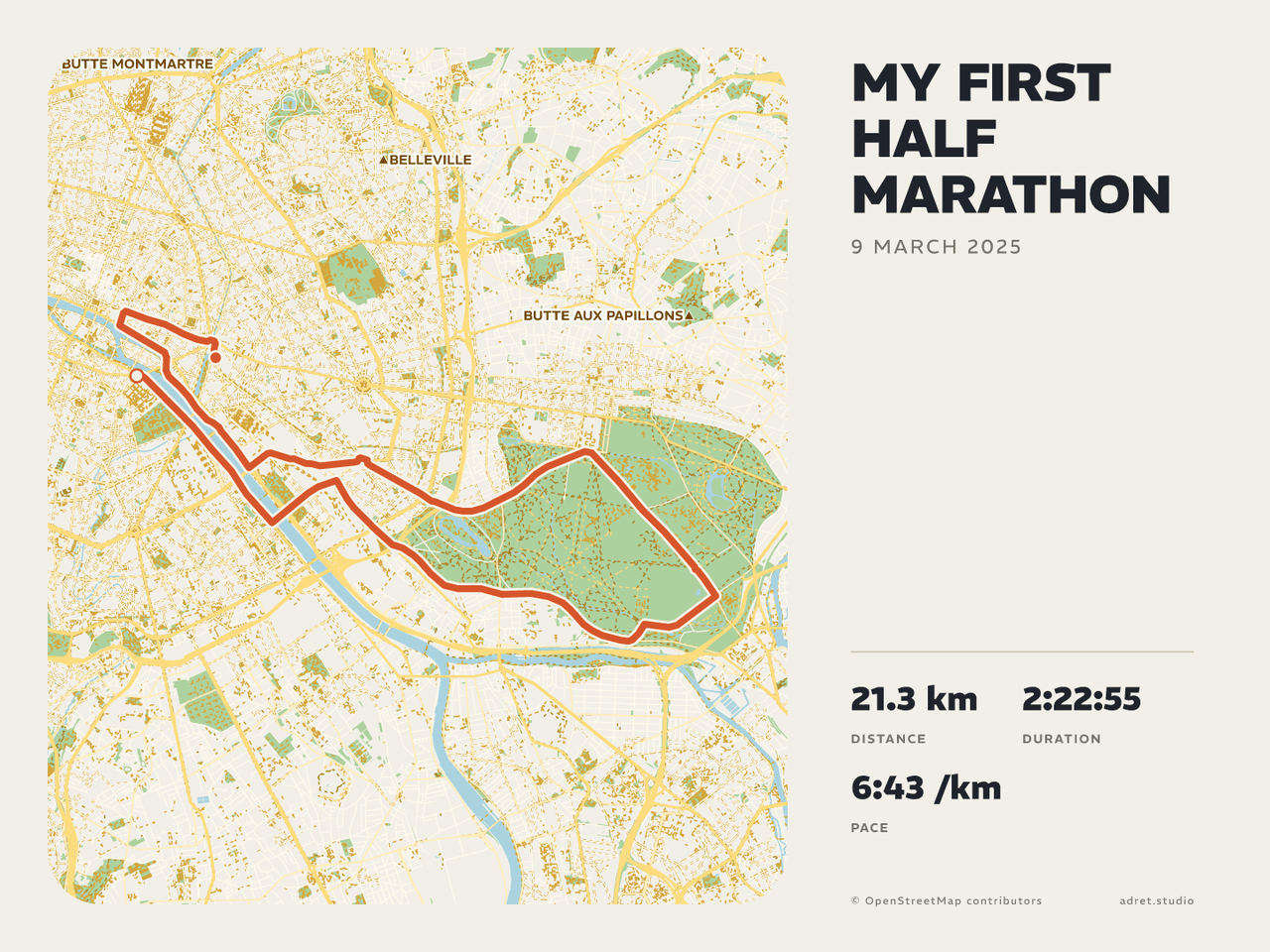
Your race, on a poster.
The story
A half marathon, as a story to share.
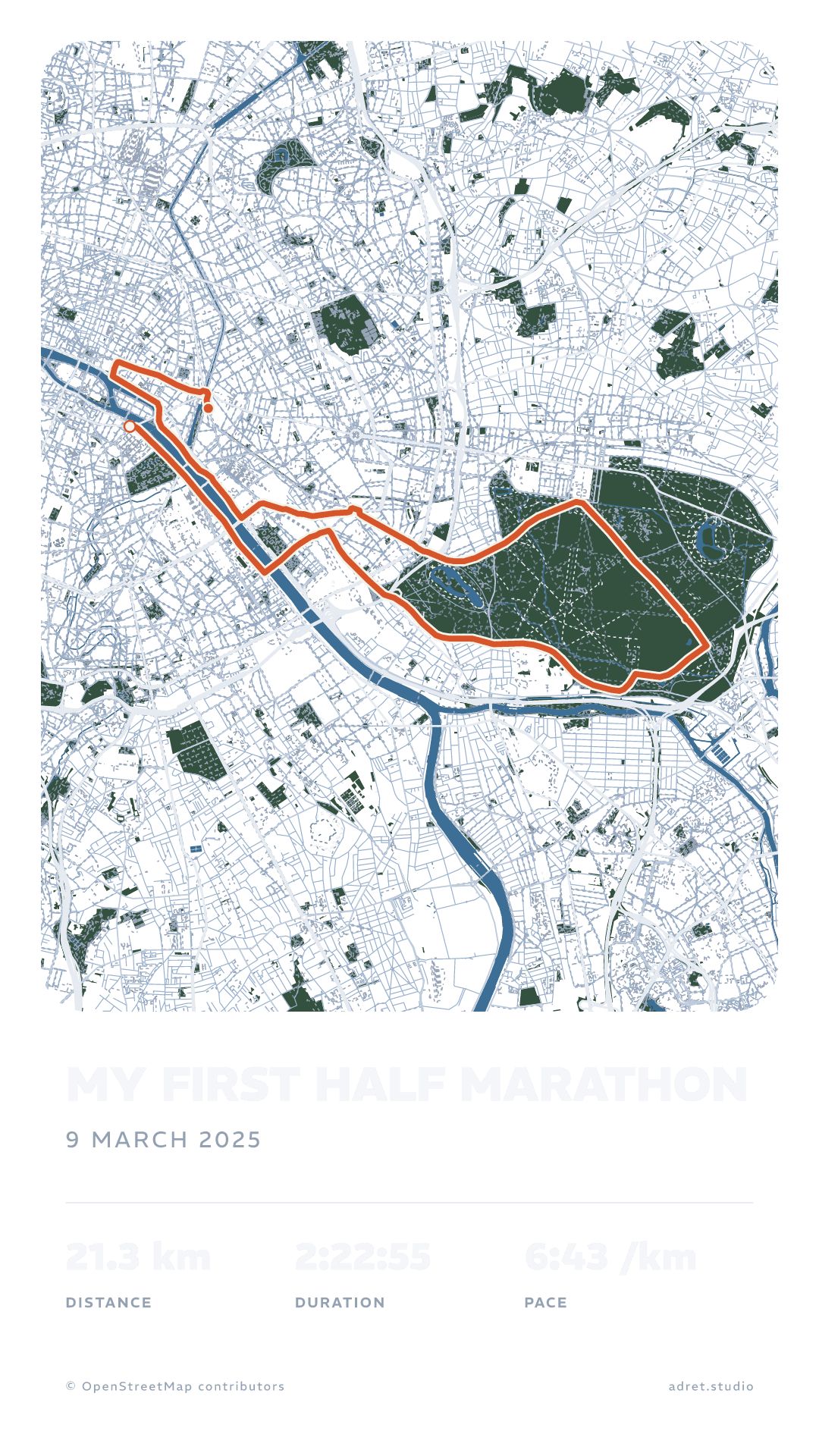
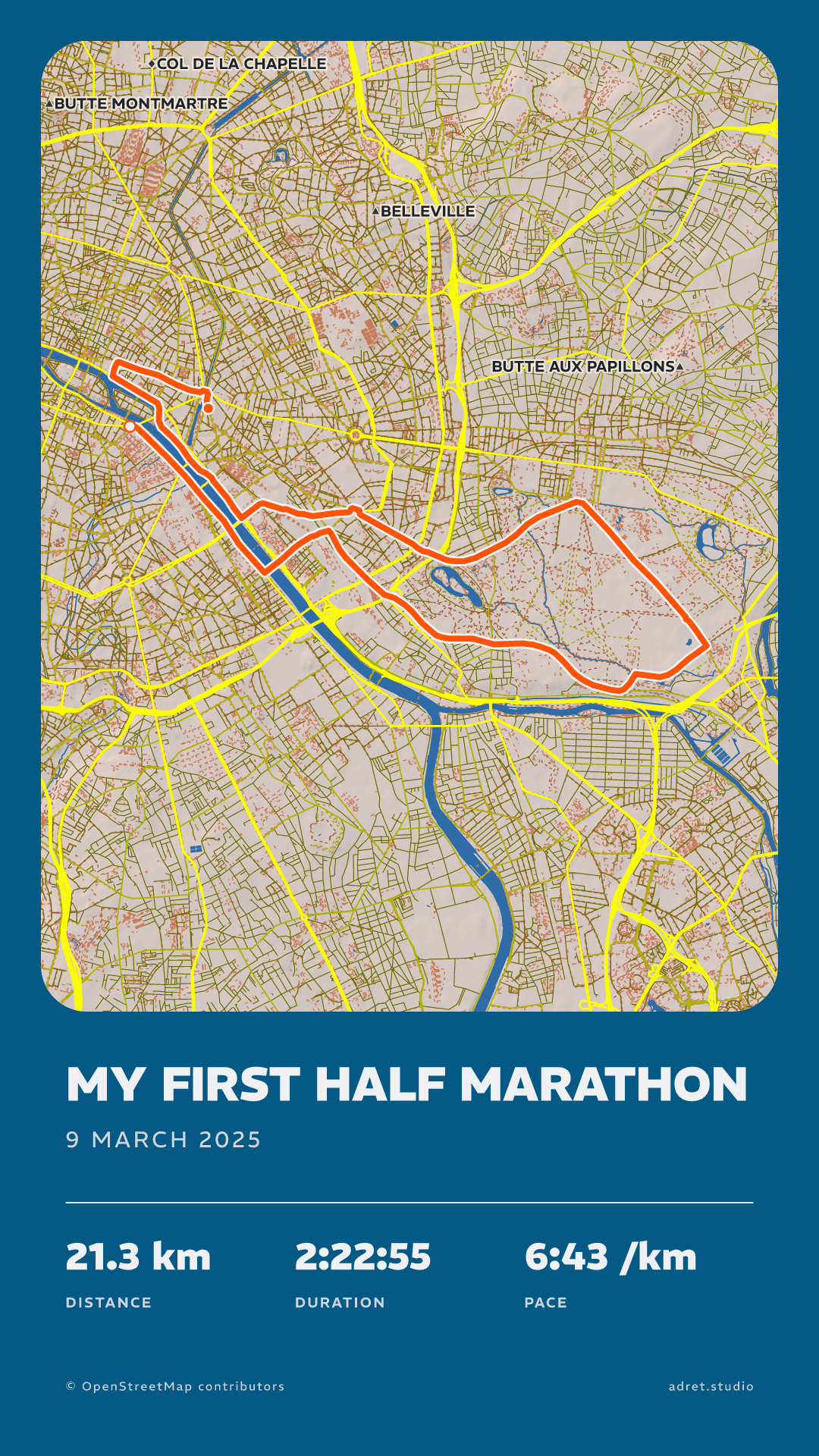
Here a half marathon at a story’s shape: with a transparent background, to lay over the photo from the finish line, and in the Adret style, the one a recording is first drawn in. Either way the map is drawn for your line, the river and the wood where you ran beside them, and the poster carries no watermark.
The marathonPro
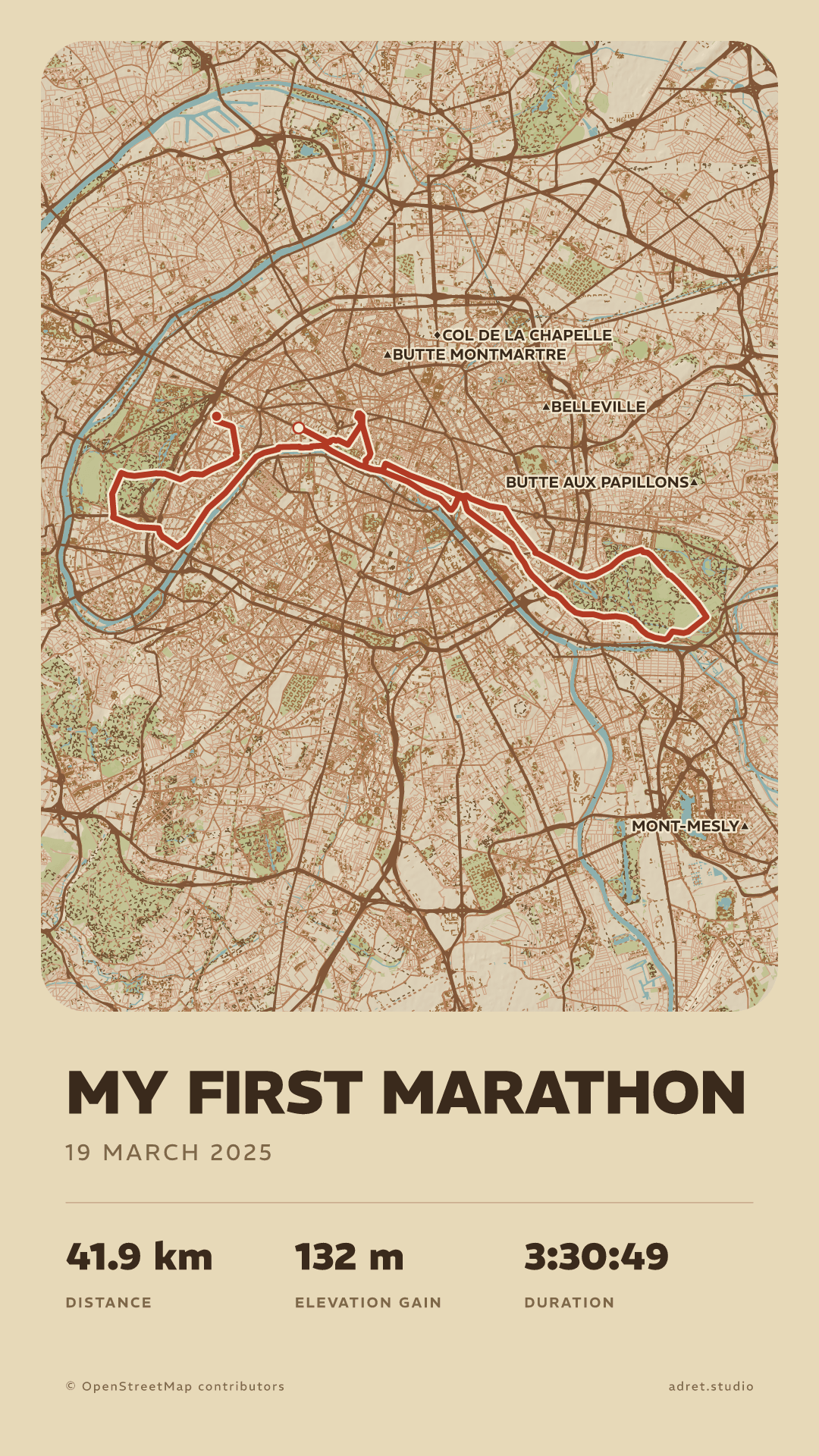
42 km, drawn by Adret Pro.
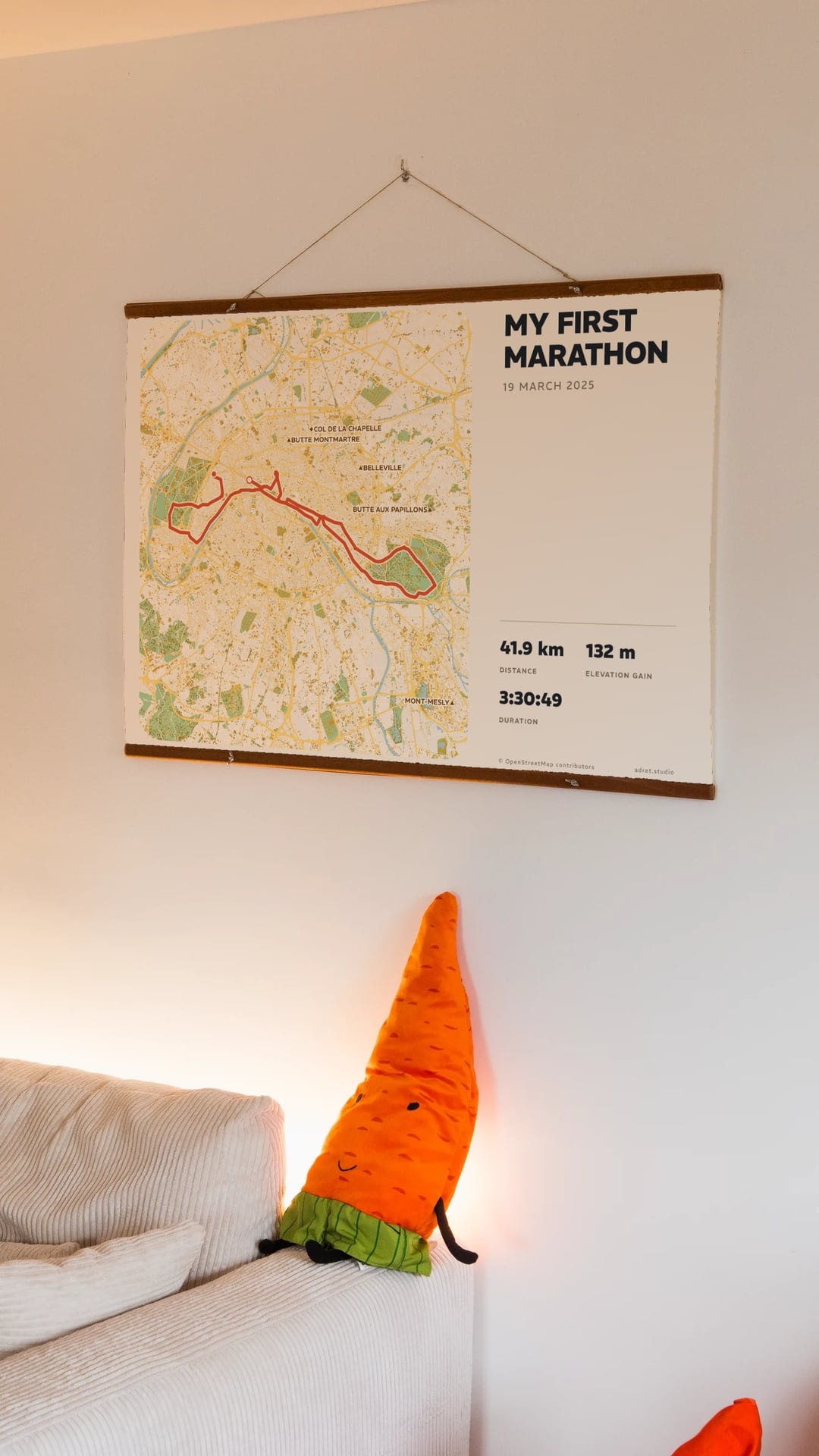
This is a marathon through Paris, in Vintage, its relief shaded. A course that long covers more ground than a phone can draw in a shaded style, so Adret Pro draws it on the server, in whichever style you like. Adret Pro also opens every typeface and every weight for the title, and makes the print file, below.
The printPro
Then it goes on the wall.
Adret Pro draws the poster again at paper size: a file at 300 dpi, in A3 or 30×40 cm, portrait or landscape. Adret prints nothing itself: you take the file to a photo lab or an online printer, and the page about printing says what to ask for.
Fair questions.
- The stats: under Page, then Details. There are six to choose from (distance, climb, moving time, total time, pace and average speed) and the poster carries up to four, plus the date under the title, each one on or off as you like; tapping the stats on the poster opens the same panel. The duration on the poster is the moving time: the stops are taken out, as Strava does, and the total time keeps them in for when you would rather show the whole day. Pace and average speed are both worked out over the moving time, one for a run and the other for a ride.
- The elevation profile, the route seen from the side under the map: under Terrain, and turning it on is part of Adret Pro.
- A3 has the shape of every A size: it prints just as well at A4 or A2, and fits a 50×70 cm frame.
- 30×40 cm is 3:4, and prints at 60×80 cm as well.
You ran it. Now keep it.
Adret is on iPhone, iPad and Android, in your browser, and in Claude or ChatGPT with Adret Pro. Free to try, no account, no watermark.