A hiking map poster, drawn from your own hike.
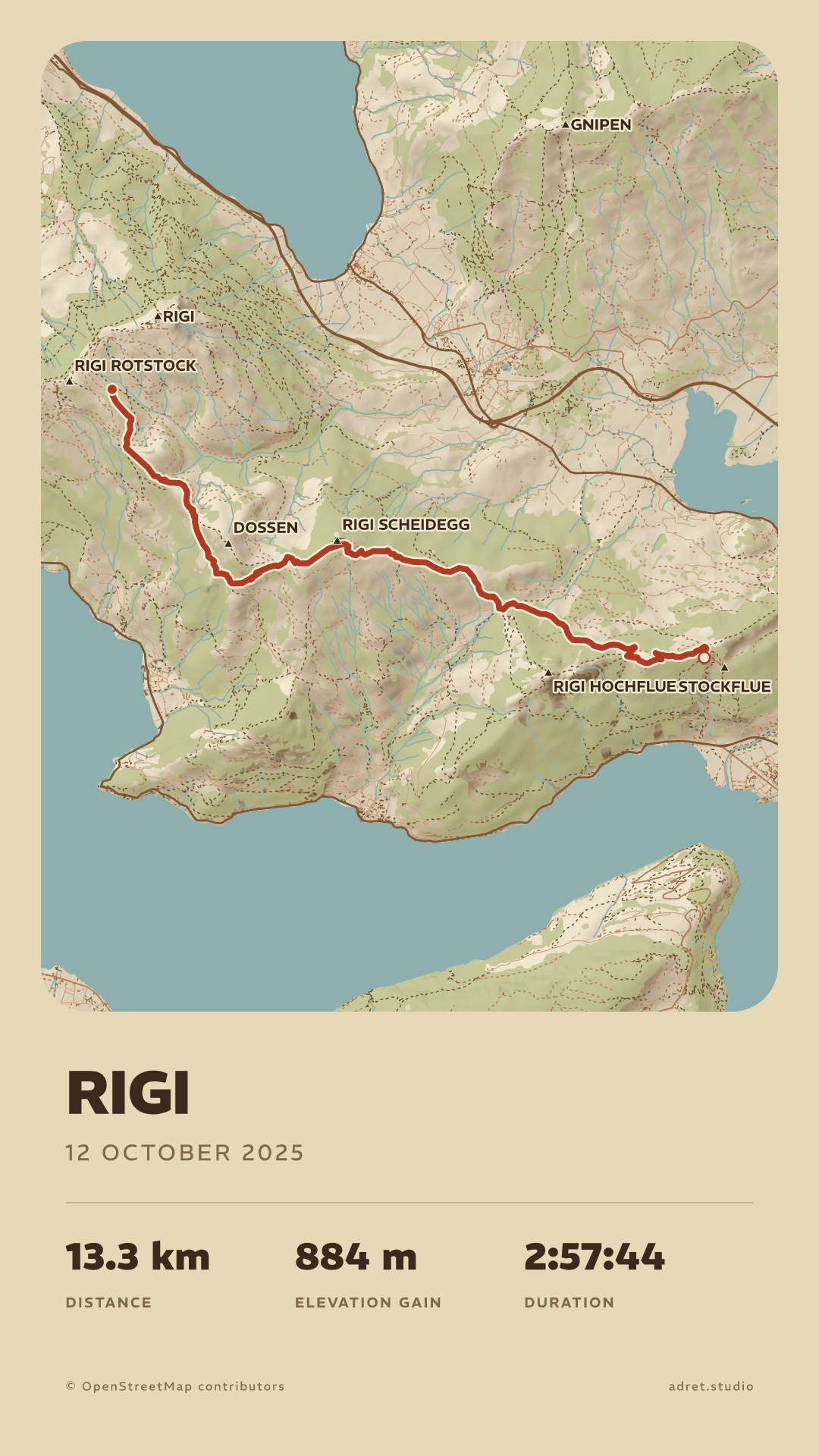
The walk you recorded, drawn like an old survey map: the relief shaded, the paths and the refuges where you passed them, the summits and the cols by name, and your own title underneath. Adret draws it from the recording your phone or your watch made that day. You make it yourself, on your phone or in a browser, and it is free to try, with no account and no watermark. Adret does not print or deliver anything itself: for a frame, Adret Pro makes the file to print.


Three steps.
- 01
Get the hike’s recording
Visorando, Komoot, a watch or the phone in your pocket: whatever recorded the walk can hand it over as a file, a GPX, a FIT or a TCX. The guide says where to find it, app by app. On an iPhone, Adret can also take the walk from Apple Health.
- 02
Open it in Adret
On a phone, tap + and choose “Import a GPX, FIT or TCX”. On a computer, “Open in your browser”, beside the download buttons, opens Adret where the file already is: drop it on the page, and the poster draws itself.
- 03
Share your hiking map
Choose a style (Vintage is the old survey map), write the name of the walk, then share the poster with the family or keep it with the photos: no watermark on it, upright or on its side.
The map of your hike.
The map
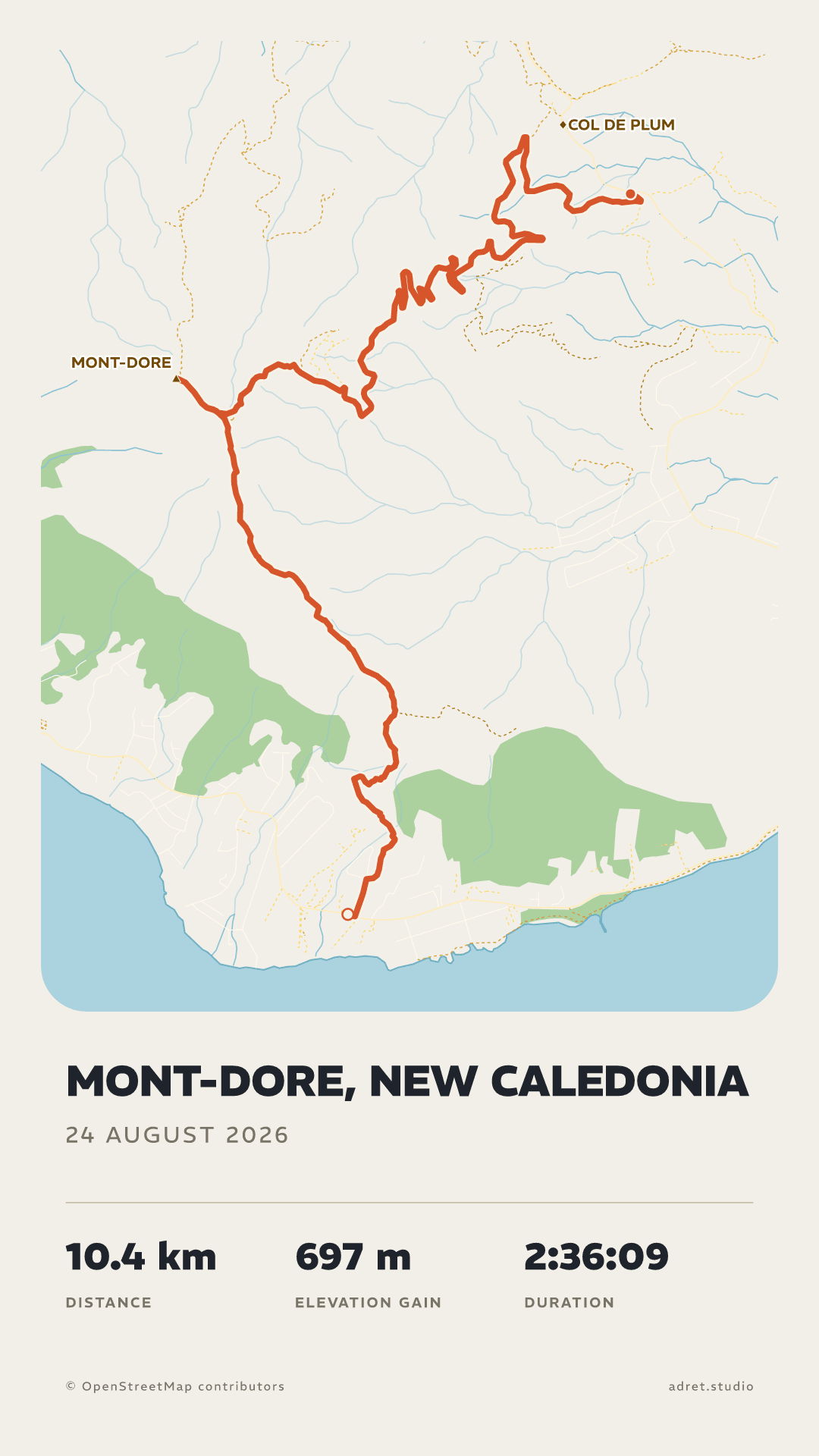
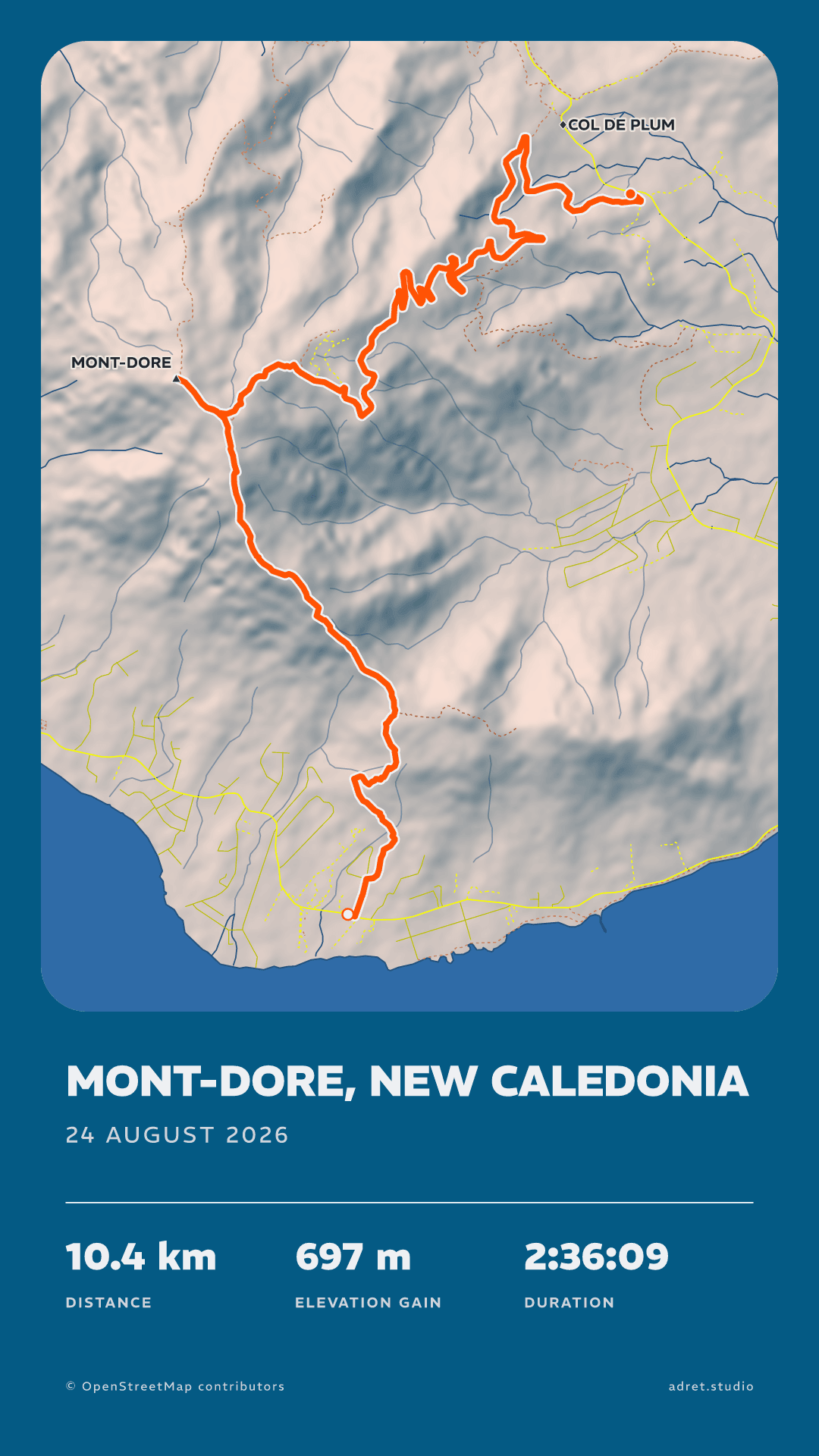
A plain map, or the mountain in relief.
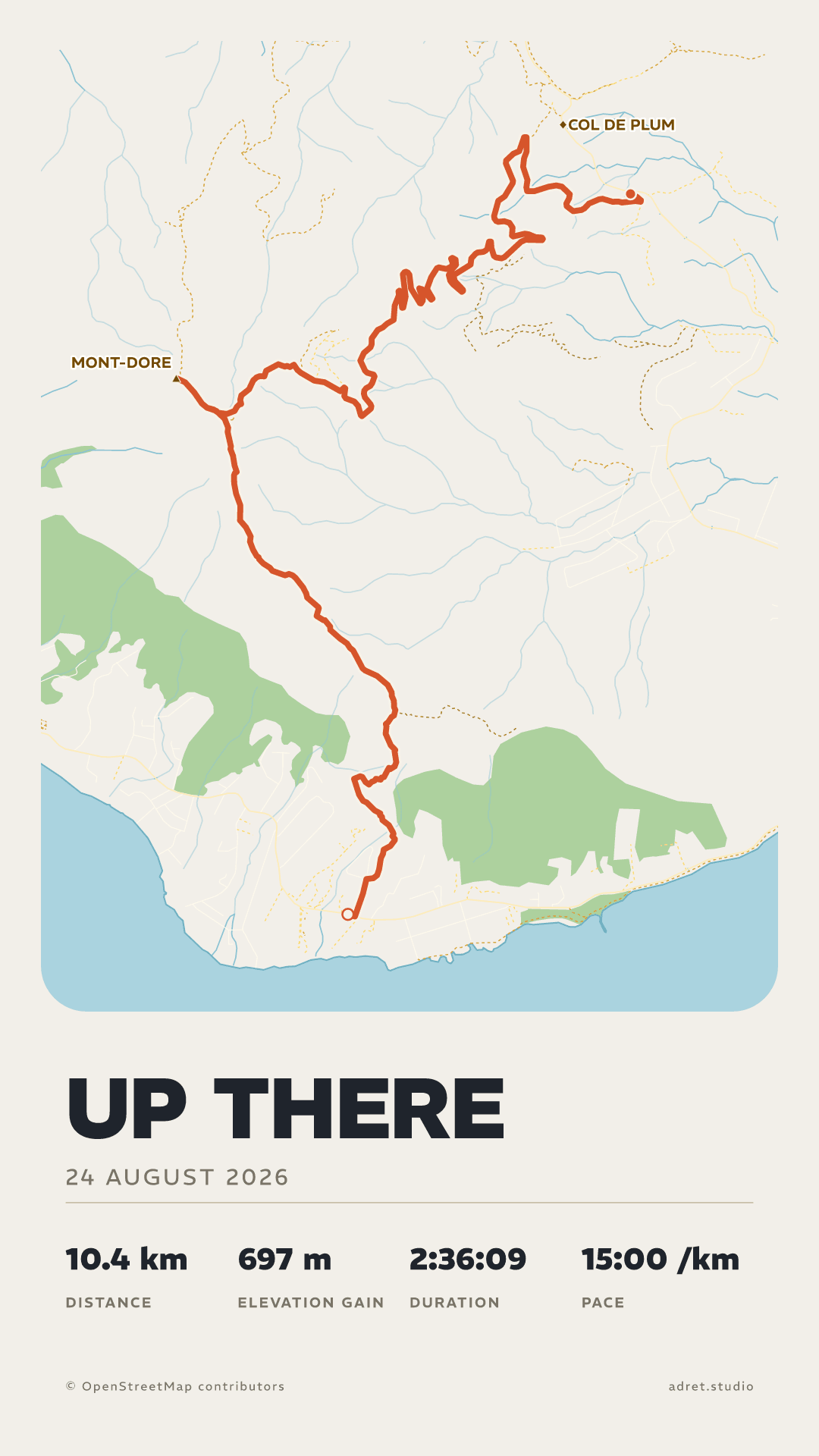
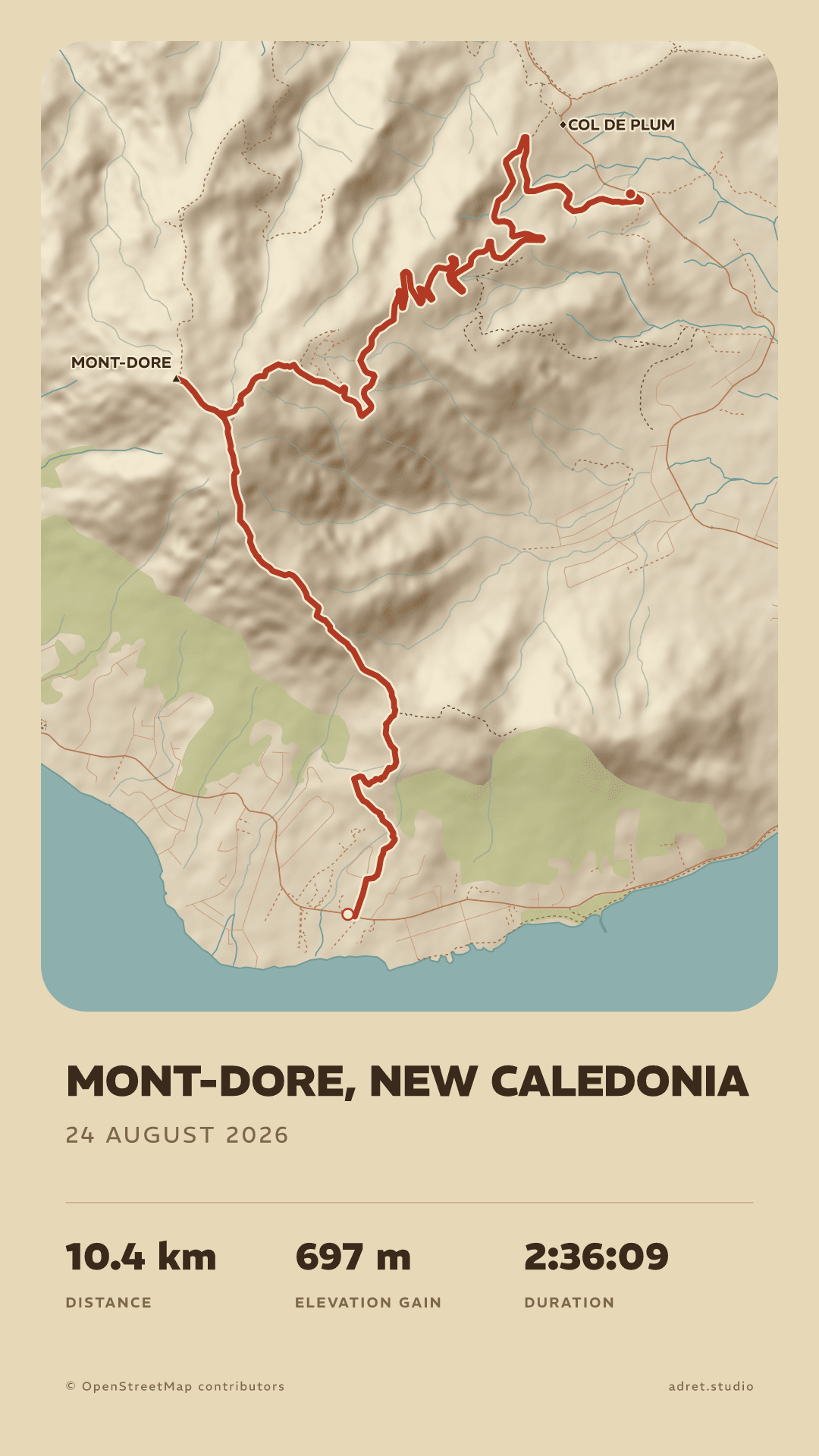
Adret draws the map for your route, from OpenStreetMap’s raw data and the terrain. The Classic style keeps it flat, the way a map reads before it is a poster. Adret and Vintage light the relief with a sun, so that a valley reads as a valley, with the paths dashed, the summits and the cols named and the refuges marked. See the five styles.
Your words
The name of the walk, and what you want to keep of it.
Write the title as you like, large or small. Under it, up to four stats of your choosing: the distance, the climb, the time on the move, or the whole day with its stops. Or none at all.
LayoutPro
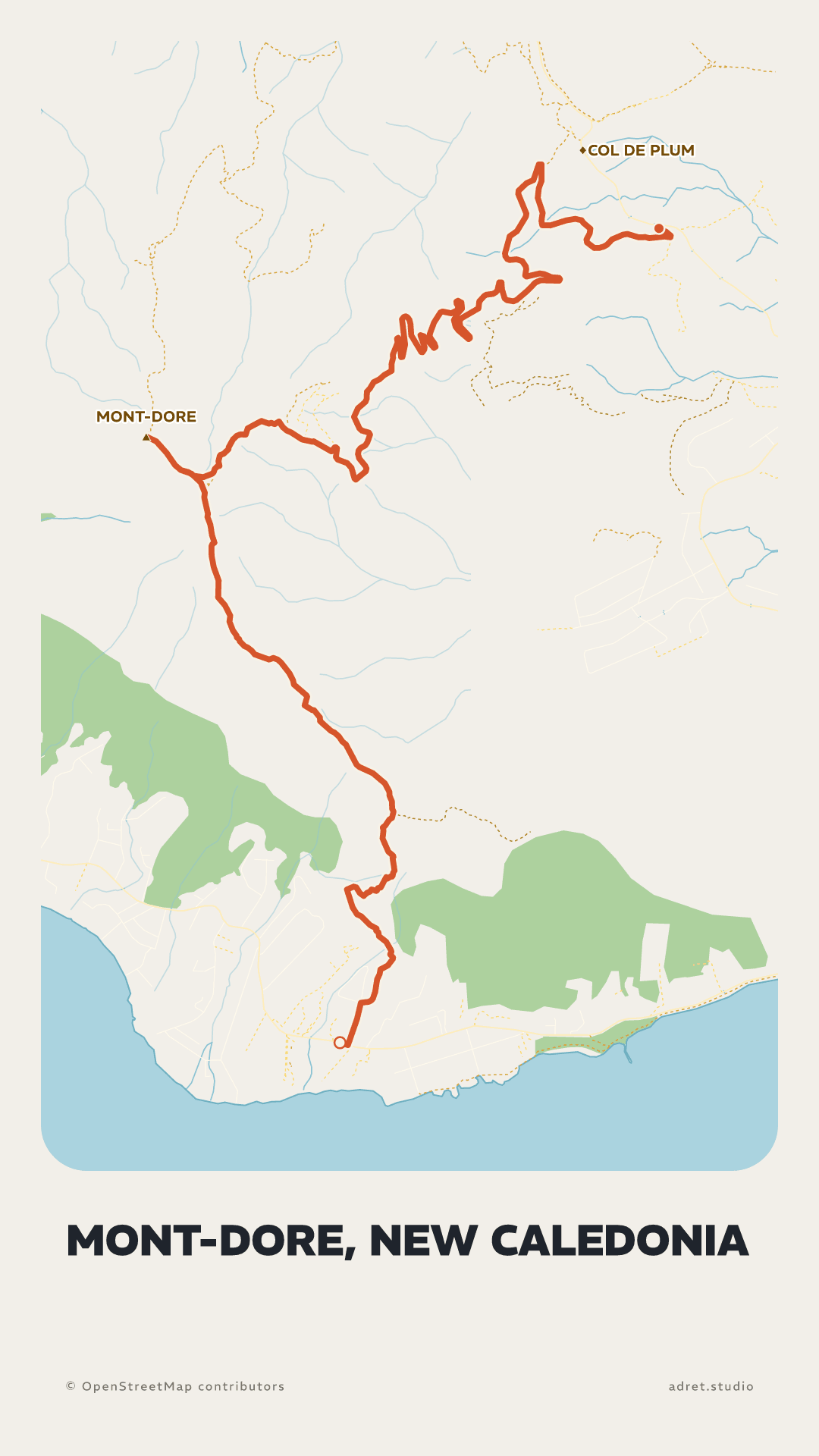
The map across the whole sheet.
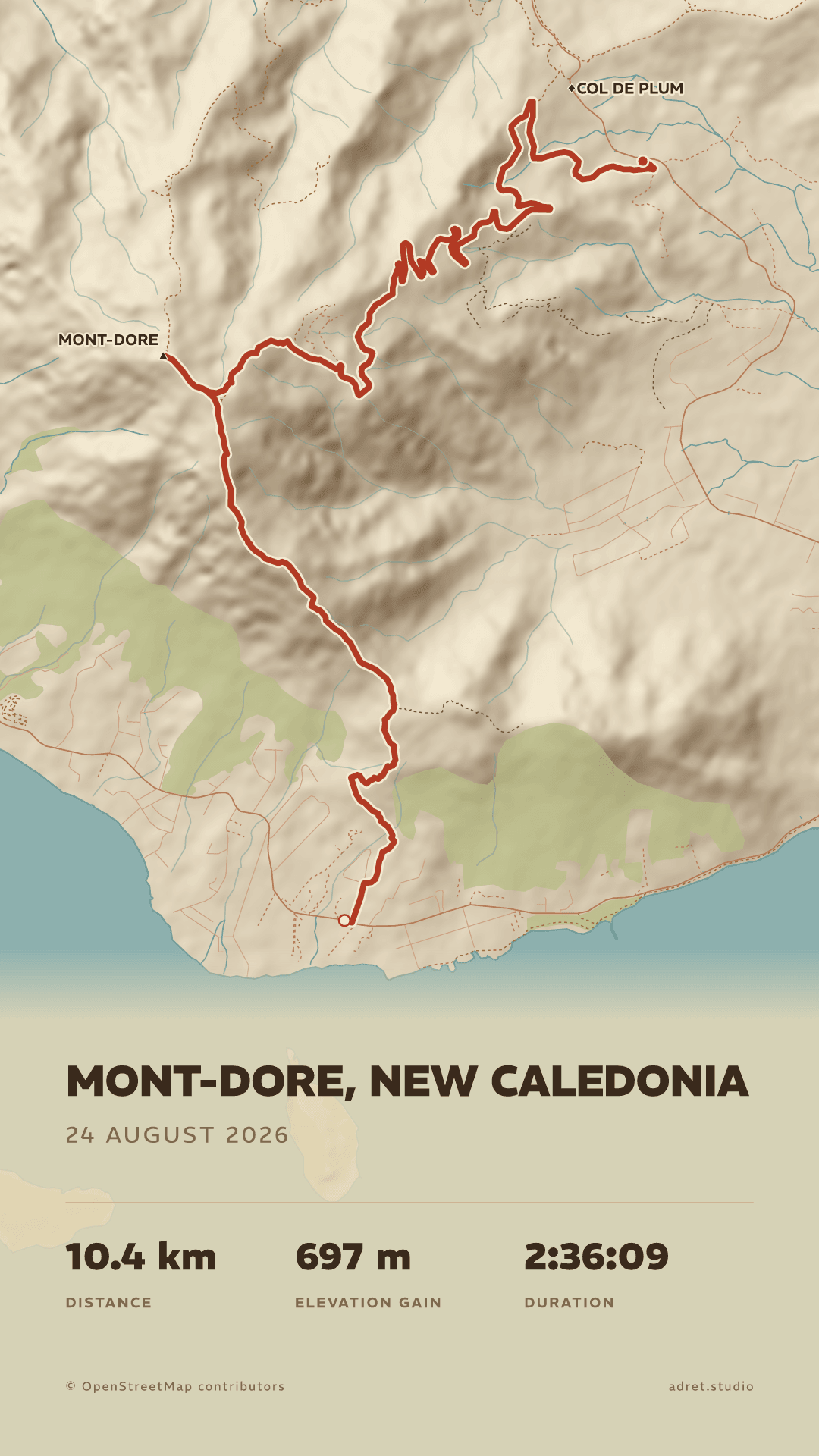
With Adret Pro, the Cover layout takes the map from edge to edge and sets the title on the drawing. Adret Pro also draws the long walks, a week on a long-distance path as a single file, and makes the file to print for the frame.
Fair questions.
- A3 has the shape of every A size: it prints just as well at A4 or A2, and fits a 50×70 cm frame.
- 30×40 cm is 3:4, and prints at 60×80 cm as well.
- A photo lab or a copy shop near you: bring the file on your phone, or email it to them first, and leave with the print.
- An online printer: upload the file, choose the paper, and the print comes by post. Some will frame it too.
- The size of the file, with no resizing: A3 (29.7×42 cm) or 30×40 cm. The file carries its own dimensions, so it opens at the right size. For another size, keep the shape: A4 or A2 from the A3 file, 60×80 cm from the 30×40.
- No white border added: the poster already has its margins.
- A matte or satin paper, heavy enough to hang flat, around 200 g/m². Gloss catches the light, and the dark styles suffer most.
Your walk, every summit where it belongs.
Adret is on iPhone, iPad and Android, in your browser, and in Claude or ChatGPT with Adret Pro. Free to try, no account, no watermark.